23
Setting EV (Exposure Value)
In some diffi cult lighting condition, the automatic exposure may be
misled into giving the wrong readings. Exposure compensation allows
you to adjust the exposure value and correctly expose your images.
1 In Capture mode, press button (EV value will be selected and light
red) .
2 Use / button to adjust the exposure value (from -2.0 ~ +2.0).
Press OK button to confi rm the setting.
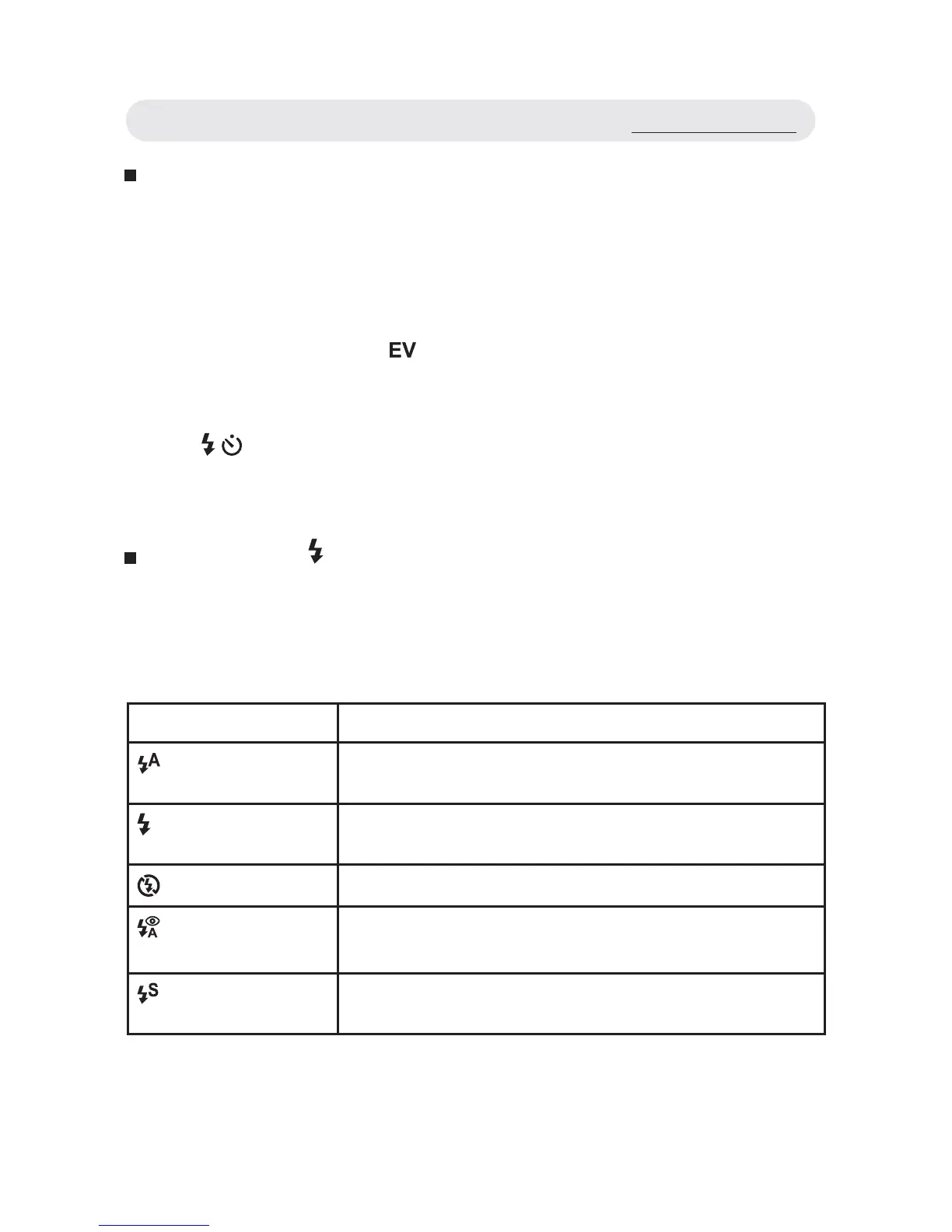
Setting Flash ( )
When taking pictures in diffi cult lighting conditions, you may need the
fl ash to get correct exposure. The camera provides you with built-in fl ash
modes.
Mode Function
Auto Flash
Flash fi res automatically when the lighting
condition is dark.
Fill in Flash
Flash fi res whenever you take a shot, regardless
of the lighting condition.
Flash Off
Flash is turned off.
Auto Flash with
Red-eye Reduction
Reduces the “red-eye” effect resulting from the
fl ash.
Slow Sync
Flash fi res with slow shutter speed to get
natural exposure.
Taking Pictures



 To Next Page