38
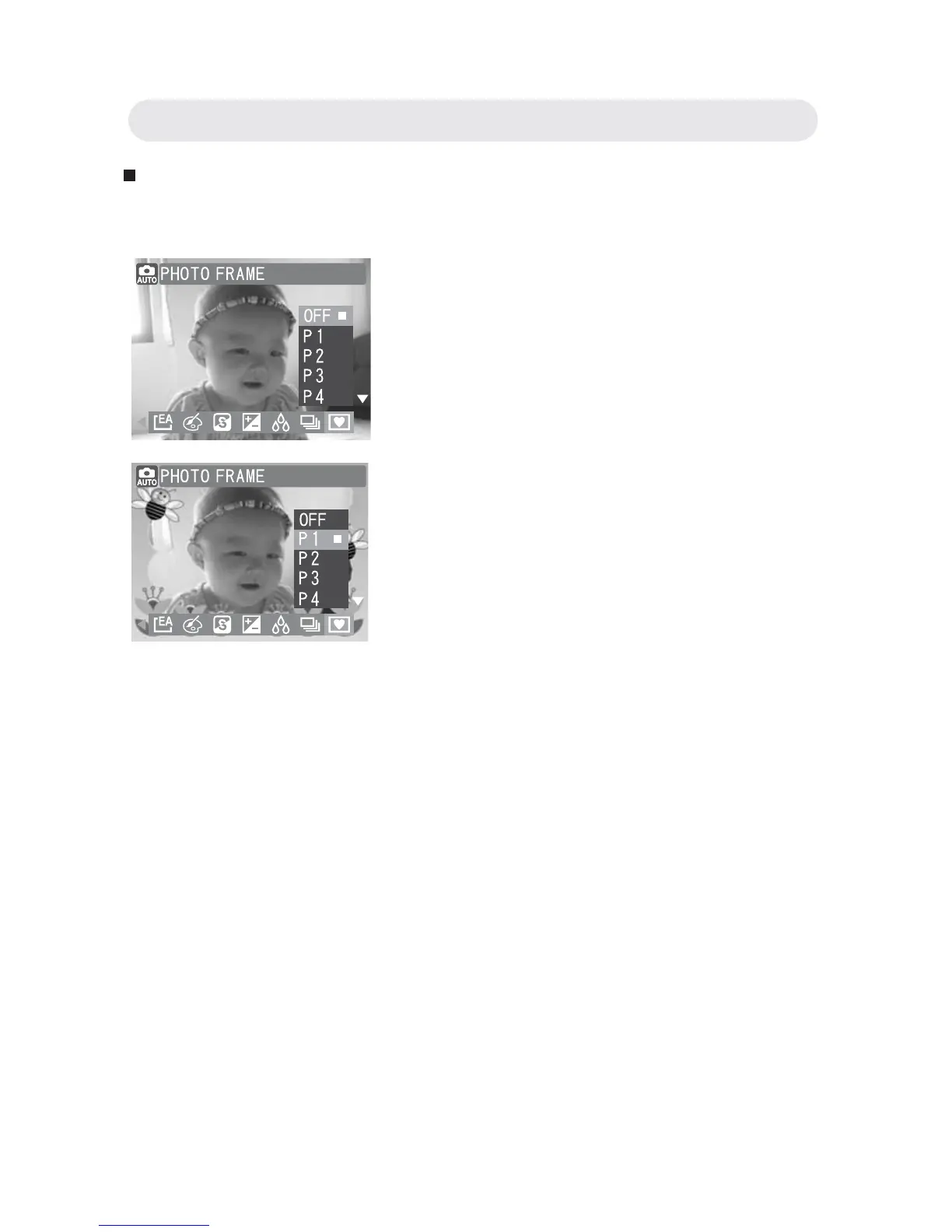
Setting Photo Frame
You can add frames to your photos by using Photo Frame.
1 In Capture menu, select “PHOTO
FRAME”.
2 Select “OFF”, “P1”, “P2”, “P3”, “P4”,
“P5”, “P6”, “P7”, “P8” or “P9”.
3 Press OK button to confi rm the setting
and take your picture with the Photo
Frame.
Note 1: The Digital zoom cannot be used
when using “Photo Frame”.
Note 2: When using “Photo Frame”,
Continuous and Burst cannot be
used.
Chapter2: Taking Images and Recording Video Clips



 To Next Page