18
Changing Mode
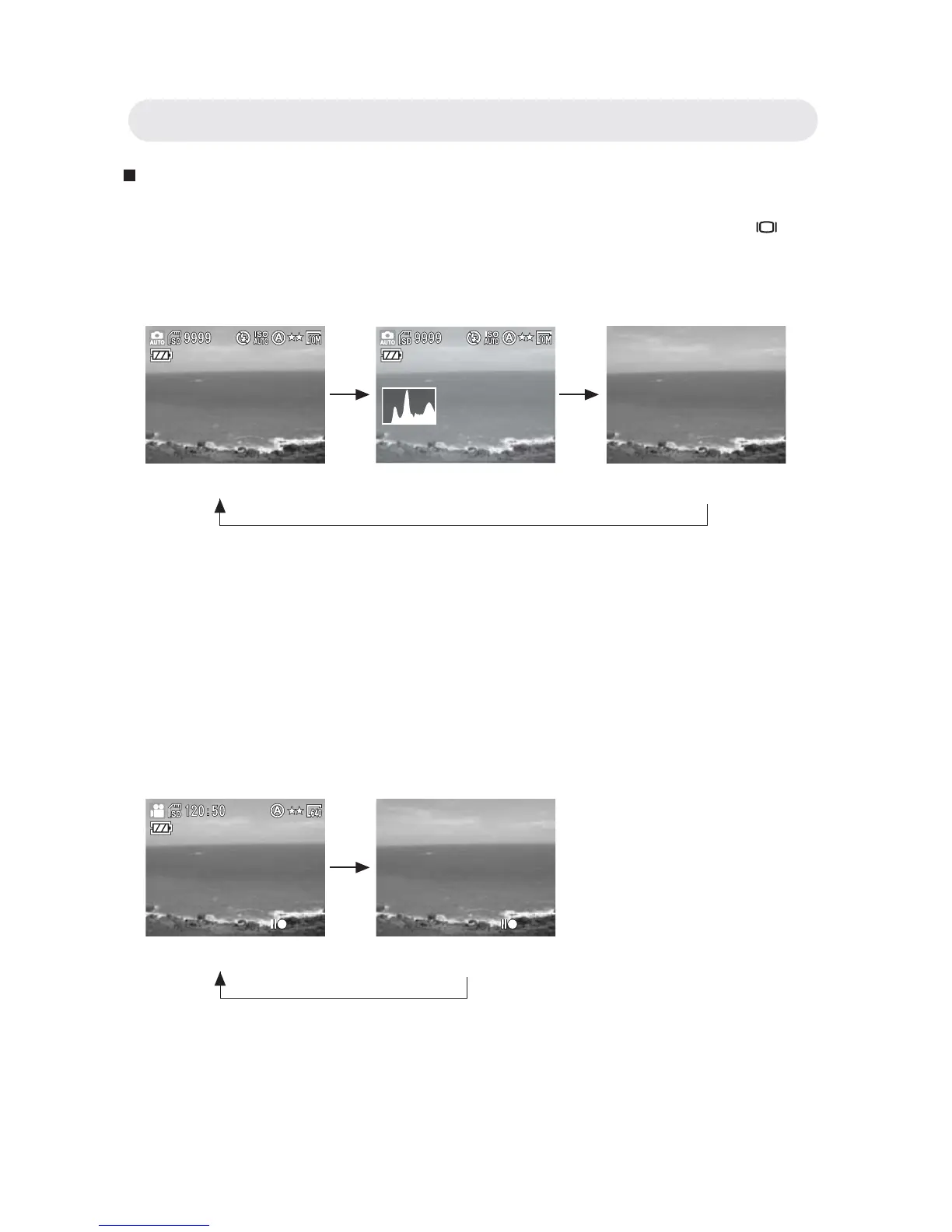
You can change the contents on the LCD monitor by pressing the
button to cycle through the available options.
• Capture Mode
* OSD stands for ‘on screen display’.
* Histogram: The histogram is a graph to judge the tonal range of the
image. The correct exposure of the image is the peak of the graph in the
middle. If the image is too dark, the peak slants to the left. If the image
is too bright, the peak slants to the right. You can adjust the exposure by
using EV(Exposure Compensation) .
• Video Mode
Note: If you do not use the camera over 1 minute, the LCD monitor will
turn off automatically. Press any button but power button to turn on
the LCD monitor.
OSD* On (Default) OSD On + Histogram* OSD Off
OSD On (Default) OSD Off
Chapter2: Taking Images and Recording Video Clips



 To Next Page