32
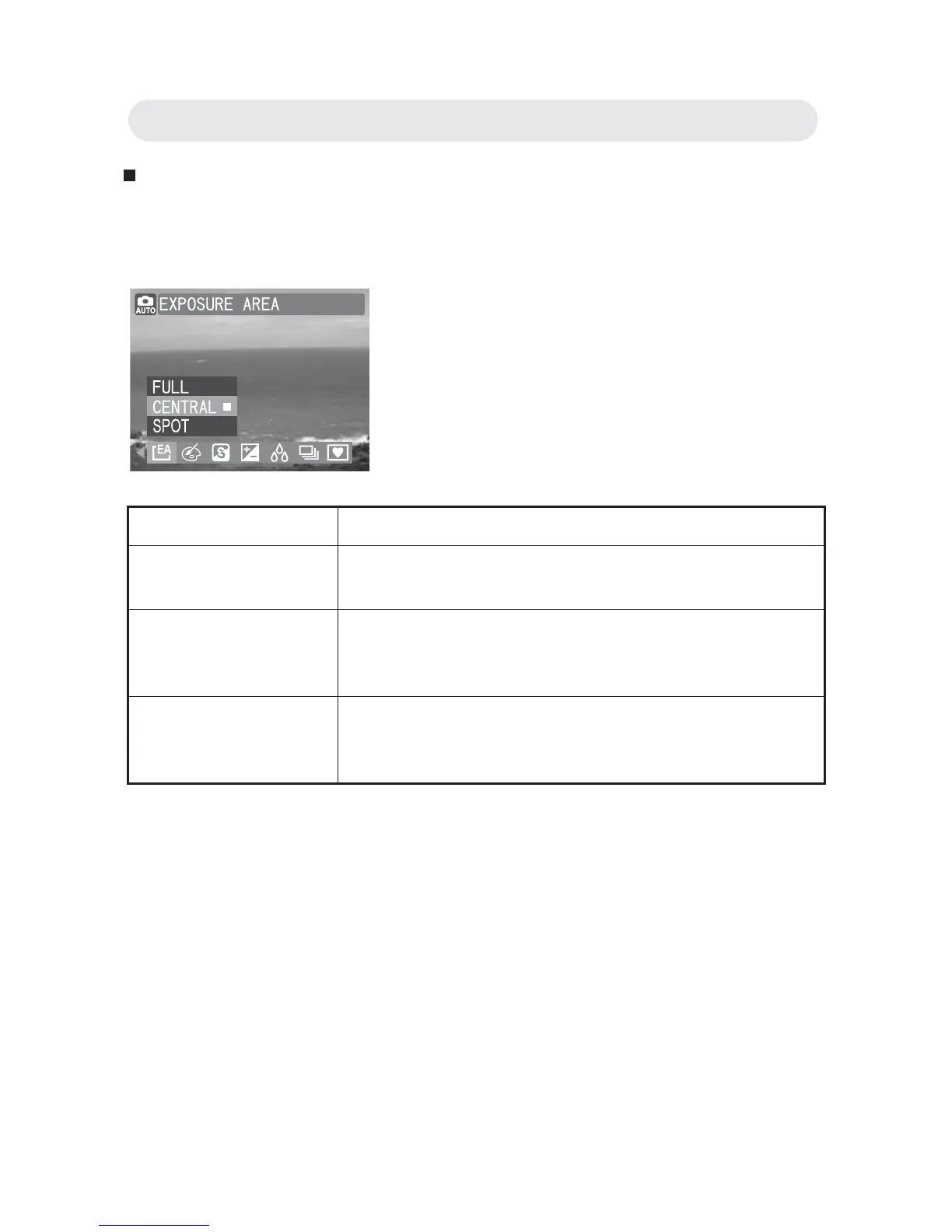
Setting Exposure Area
The camera will measure the brightness of the selected area in order to
determine the exposure level.
1 In Capture menu, select “EXPOSURE
AREA”.
2 Select “FULL” , “CENTRAL”or “SPOT”.
3 Press OK button to confi rm the setting.
Setting Function
FULL Measures brightness level from the entire
capture in order to determine exposure level.
CENTRAL Measures brightness level from the central area
of the capture in order to determine exposure
level.
SPOT Meters the exposure value from a very small
area in the center of screen only. Use this mode
to shoot pictures with a specifi c exposure area.
Chapter2: Taking Images and Recording Video Clips



 To Next Page