27
Setting Image Size (Resolution)
Changing the image size affects the number of images that can be stored
on your memory card. You can capture more detailed images with higher
resolutions. The higher the resolution, the more memory space will be
required.
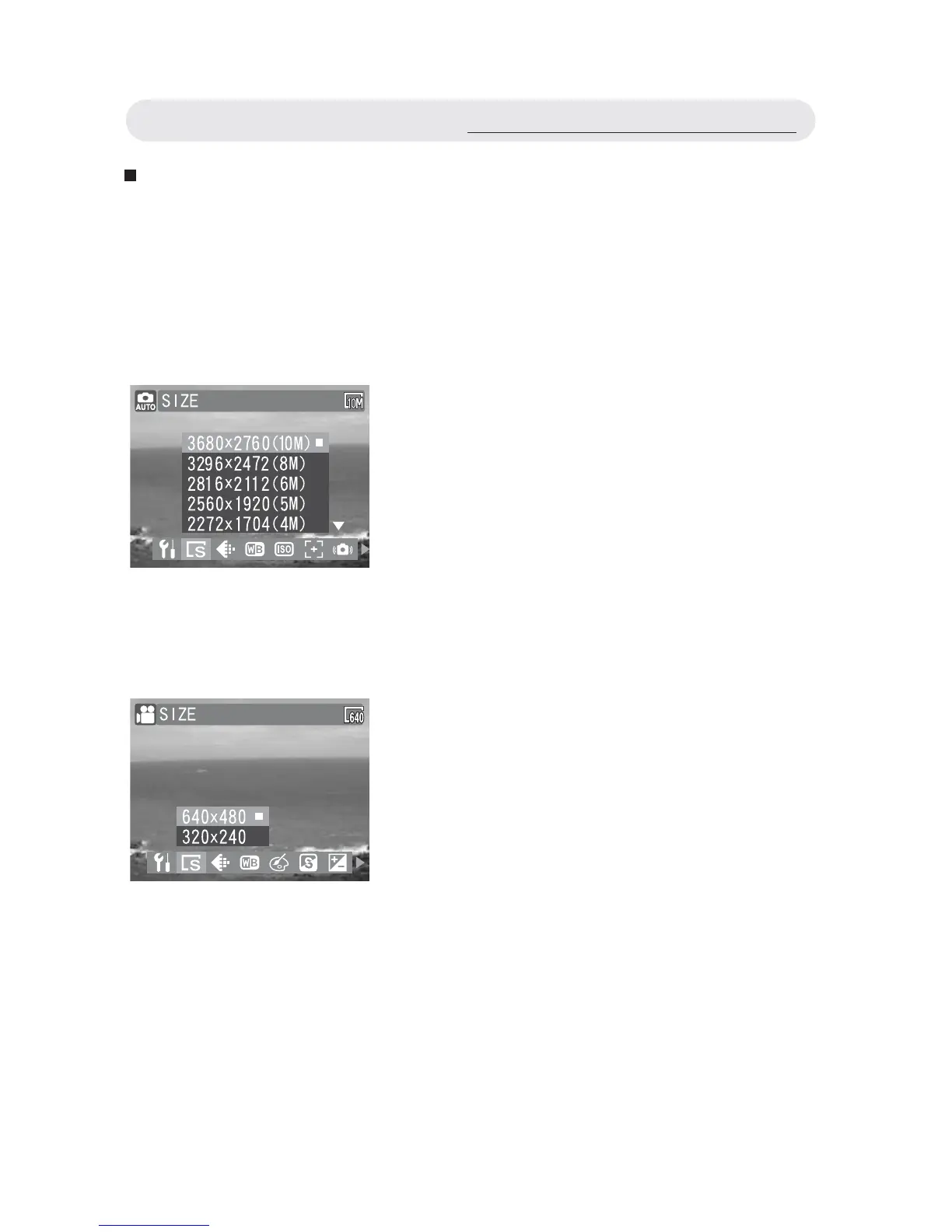
• Setting Size (for Still Images)
• Setting Size (for Video Clips)
1 In Capture menu, select “SIZE”.
2 Select “3680 x 2760(10M)”,
“3296 x 2472(8M)”, “2816x2112(6M)”,
“2560x1920(5M)”, “2272x1704(4M)”,
“2048x1536(3M)”, or “640x480(VGA)”.
3 Press OK button to confi rm the setting.
1 In Video menu, select “SIZE”
2 Select “640x480” or “320x240”.
3 Press OK button to confi rm the setting.
Using the Capture/Video Menu



 To Next Page