28
Setting Quality
The camera features three quality settings. Image quality determines the
compression applied to your photo or video. The higher the quality, the
less the compression applied, resulting in a more detailed image. These
more detailed images require more memory space. The lower the quality,
the lower the compression and detail, and the less memory will be space
required.
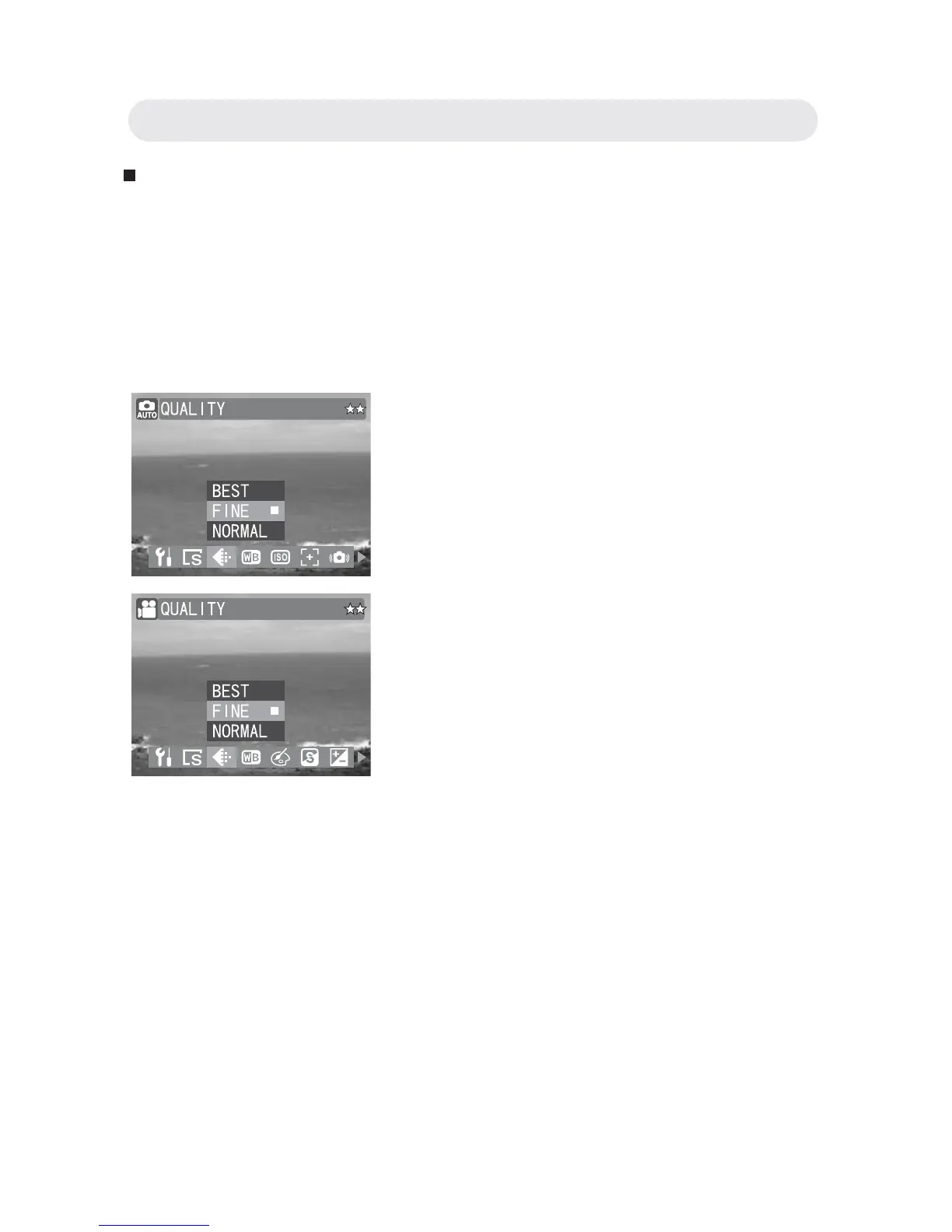
1 In Capture/Video menu, select
“QUALITY”.
2 Select “BEST”, “FINE” or “NORMAL”.
3 Press OK button to confi rm the setting.
Chapter2: Taking Images and Recording Video Clips



 To Next Page