10
Quick Start
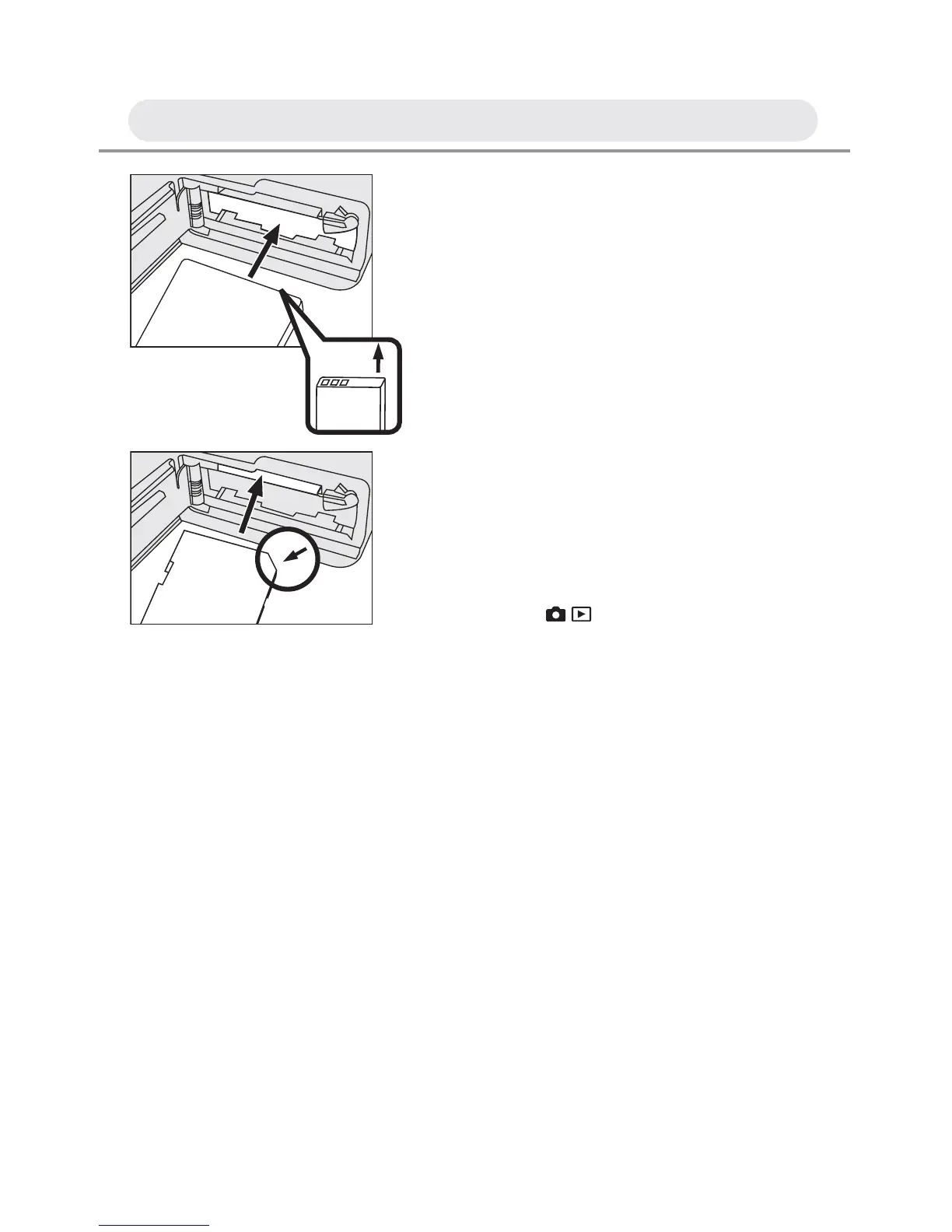
1 Insert a battery. See page 13.
2 Insert a memory card. See page 13.
3 Turn on the camera.
4 Press the / button to capture mode
and frame your subjects with the LCD
monitor.
5 Slightly press the shutter release
button half way down and hold it to set
the focus and exposure.
6 Press the shutter release button down
fully to take the picture.



 To Next Page