47
Adding Voice Memo to a Still Image
You can add a voice memo up to around 30 seconds in length for each
still image.
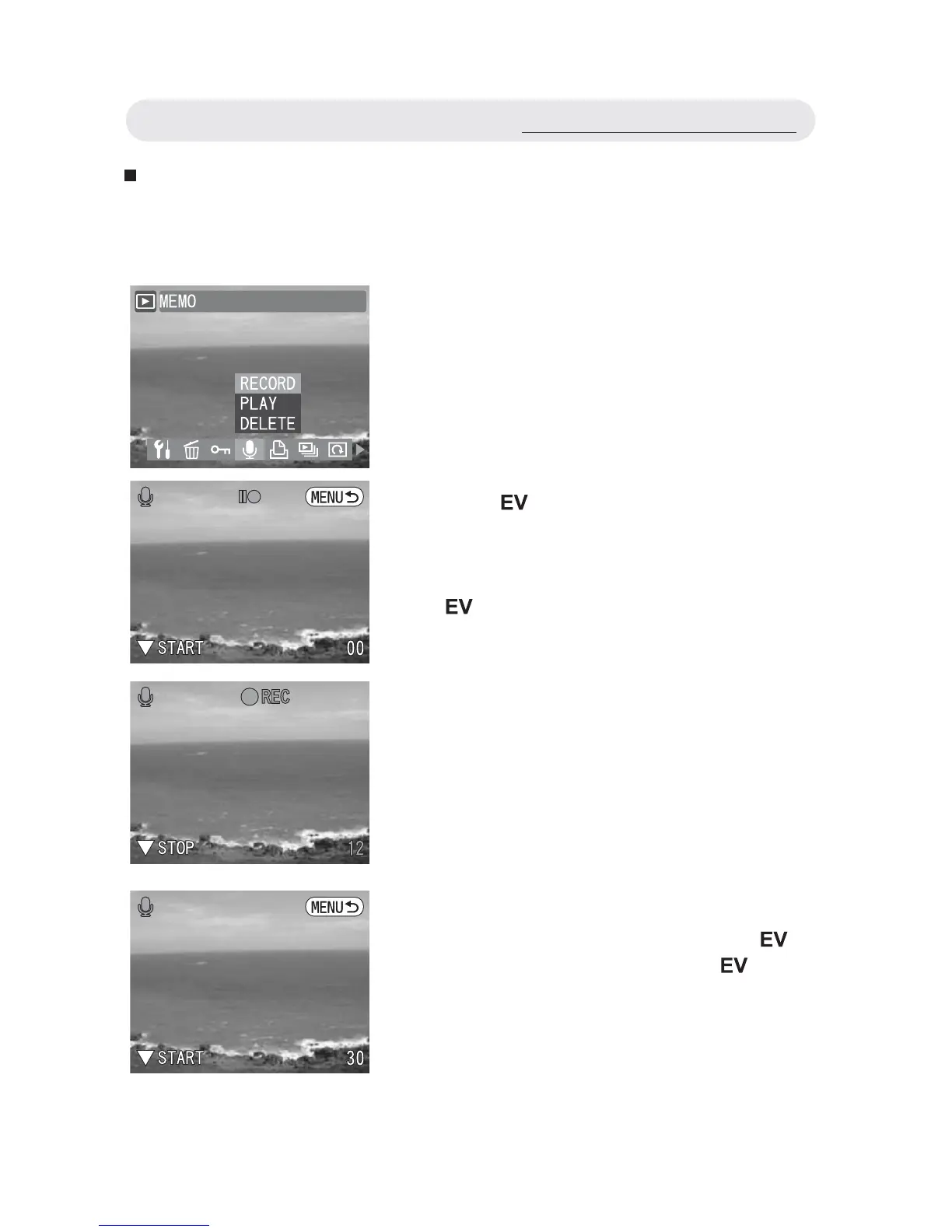
1 In Playback menu, select “MEMO”.
2 To record a voice memo, select
“RECORD” and then press OK button.
3 Press button to start recording.
When the voice memo recording starts,
the indicator icon on the LCD monitor
changes from (green) to (red). Press
button again to stop recording and
return to the previous menu.
4 To play a voice memo, select “PLAY”
and then press OK button. Press
button to start playing. Press button
again to stop playing and return to the
previous menu.
Using the Playback Menu



 To Next Page