60
Chapter 6: Adjusting the Camera Settings
Using the Setup Menu
1 In Capture, Video or Playback menu, use / button to select
“Setup” and press OK button to enter the menu.
2 Scroll through the menu by using / button and use / button to
highlight the option you want to select.
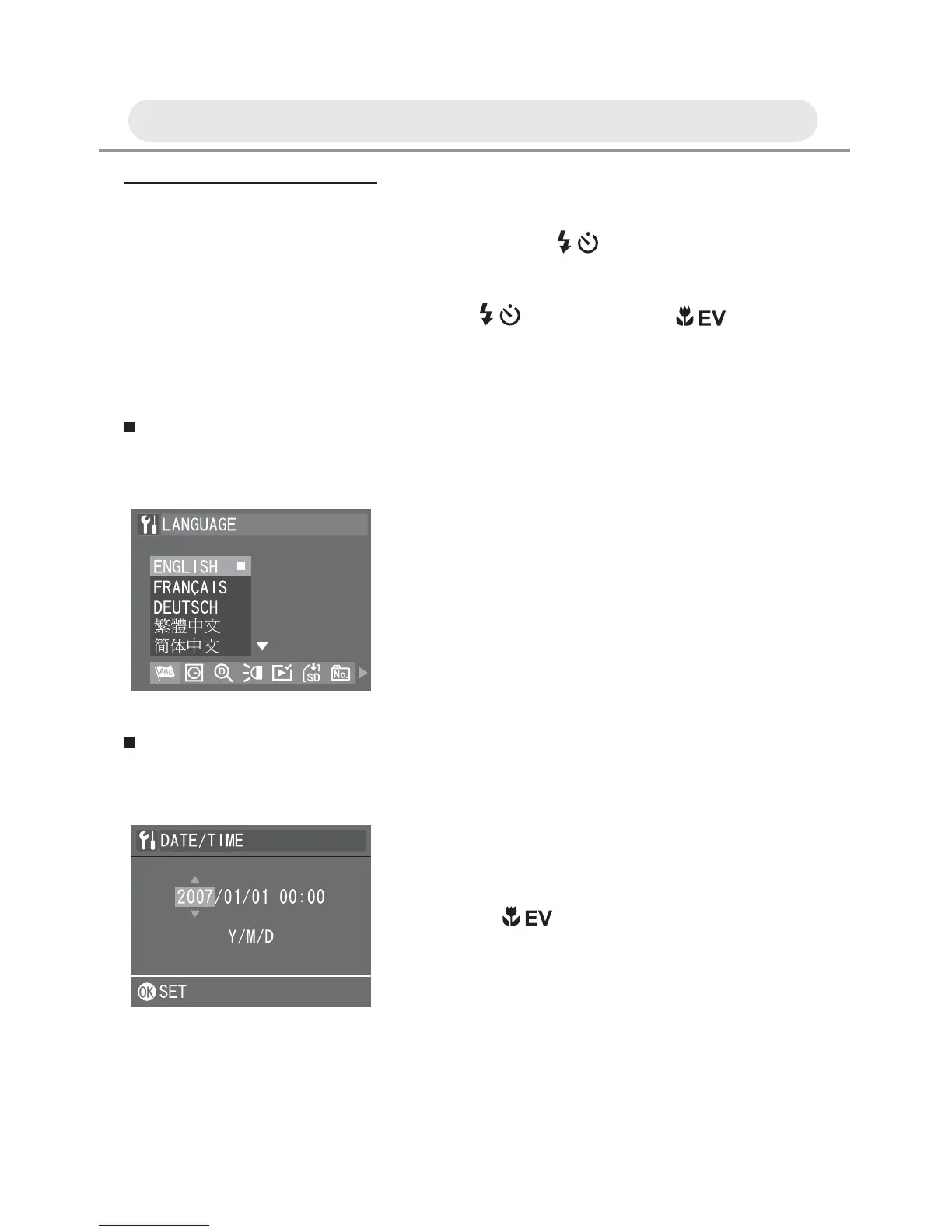
Setting Language
This function allows you to change the language.
Setting Date/Time
This function allows you to change the date and time.
1 In Setup menu, select “LANGUAGE”.
2 Select the language you want from the
list and press OK button to confi rm the
setting.
1 In Setup menu, select “DATE/TIME”.
2 Press / button to make
adjustments to each fi eld. Press the OK
button to confi rm all settings.



 To Next Page