70
Resetting Your Camera
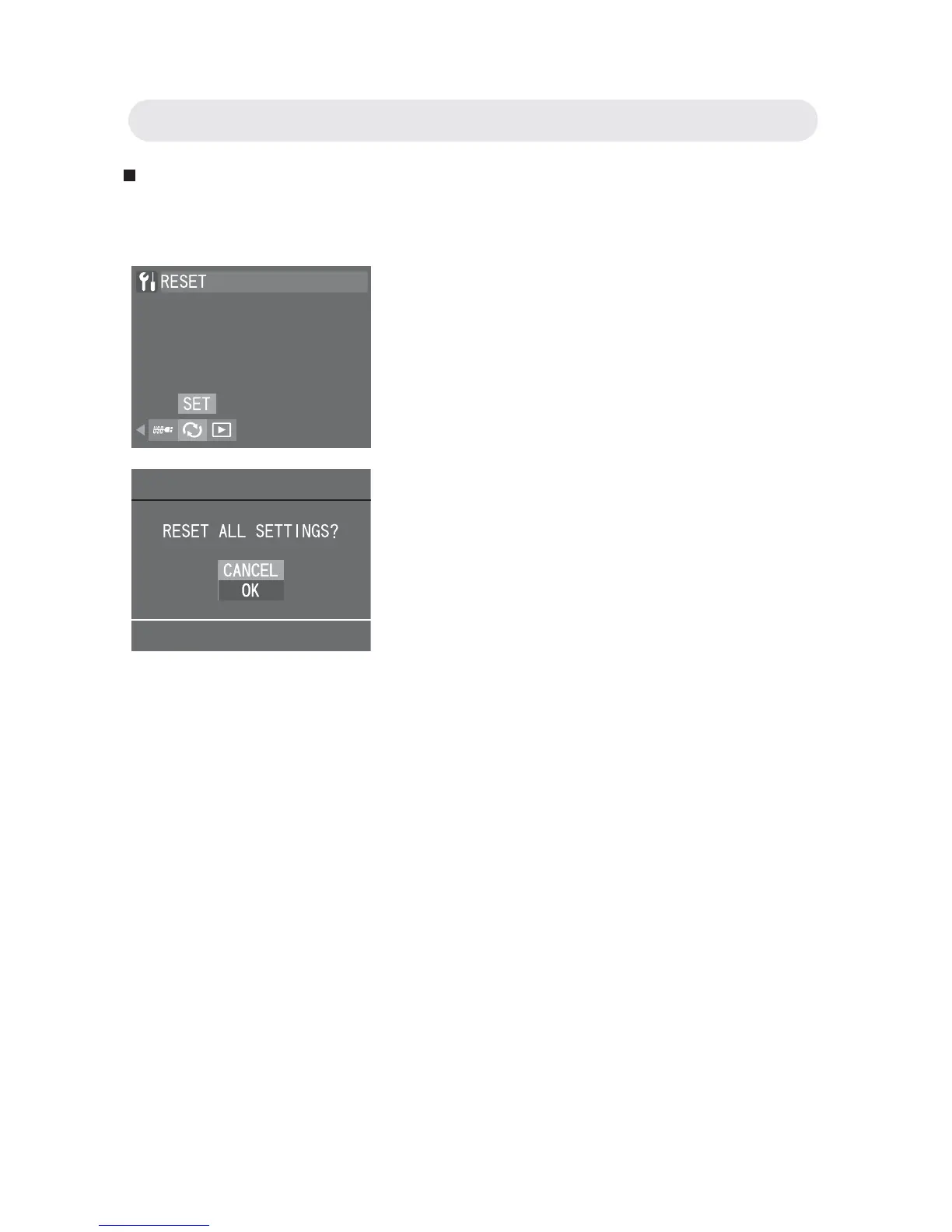
This function allows you to reset all camera settings to default.
1 In Setup menu, select “RESET” and
press the OK button.
2 A confi rmation dialogue appears.
Select OK to reset your camera. Press
the OK button to reset all settings.
Chapter 6: Adjusting the Camera Settings



 To Next Page