52
Rotating the Still Images
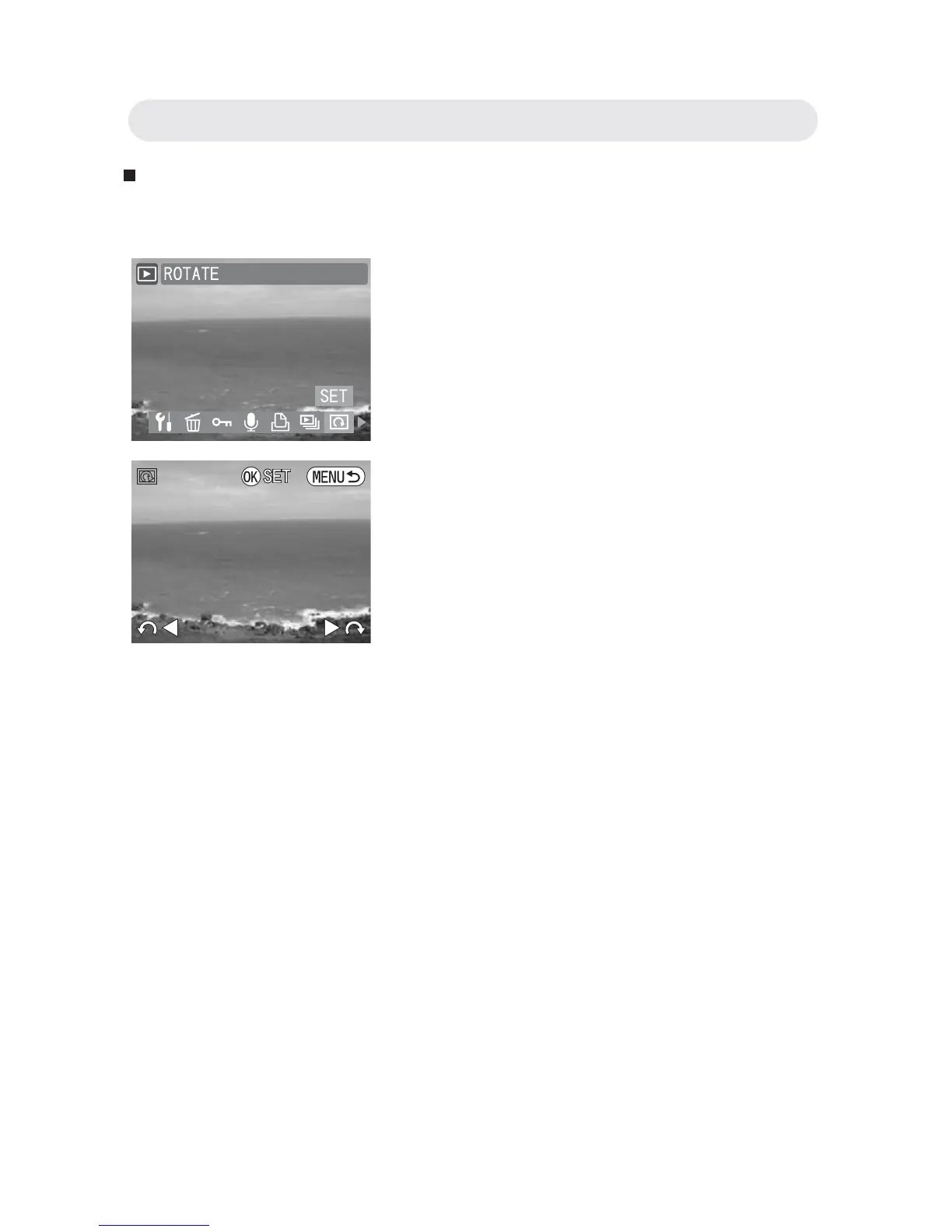
This function allows you to rotate still images.
1 In Playback menu, select “ROTATE”.
2 Press Left or Right button to rotate 90°
clockwise or counterclockwise. Press
OK button and return to the previous
menu.
Chapter3: Reviewing Images and Video Clips



 To Next Page