57
After you take images, you can upload images to a computer from your
camera, print them with a printer, and display them on a TV.
Uploading to a Computer
Note 1: When the camera is connected to a computer, the LCD monitor
is turned off.
Note 2: If you use Windows 98SE, you have to install the USB driver
from the software CD-ROM.
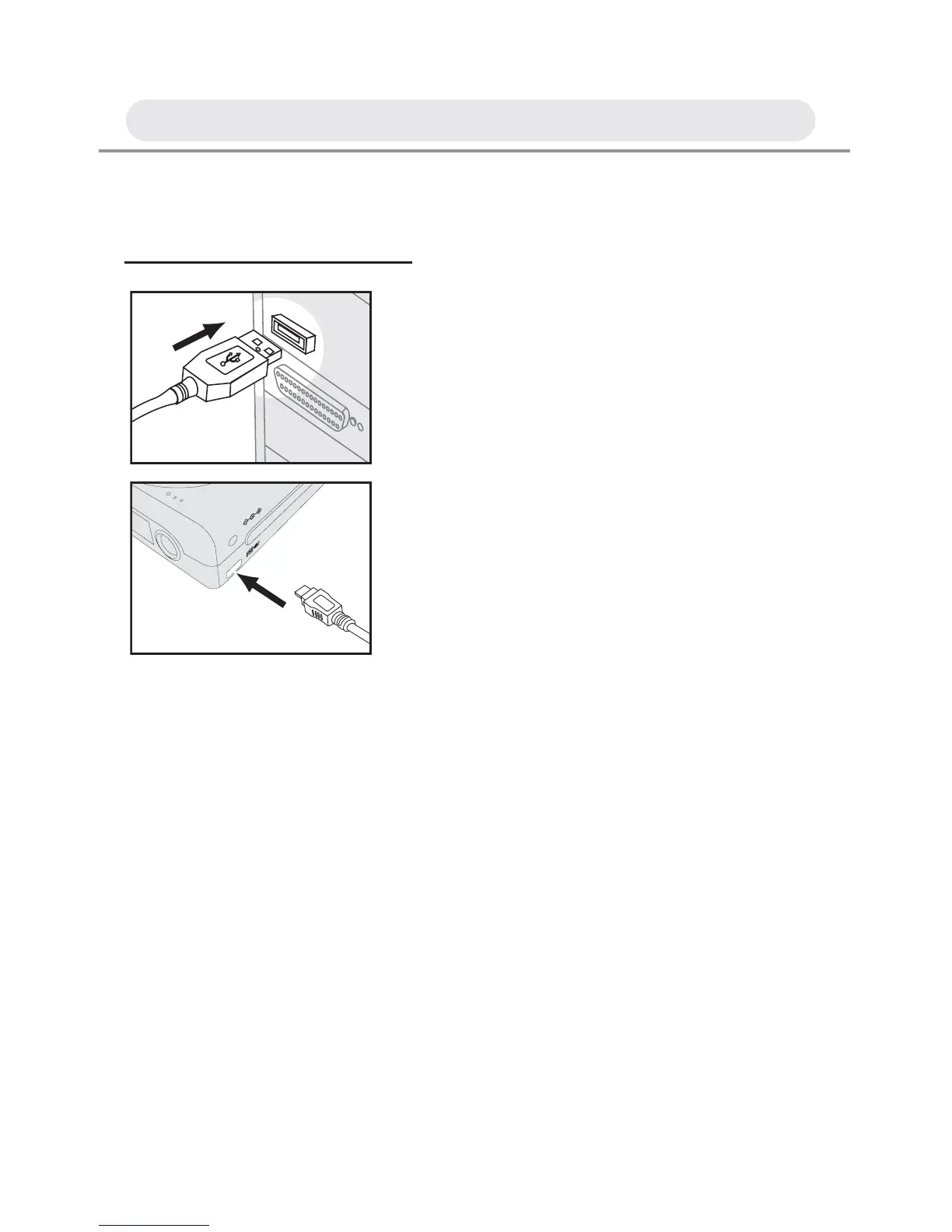
1 Connect the larger end of the USB
cable to the USB slot on your
computer. And connect the smaller end
of the USB cable to the USB connector
on the camera.
2 The computer automatically detects the
camera as a mass storage device so
you can copy image fi les from your
camera to your computer’s hard drive.
A/V OUT
DC IN 5V
Chapter 5: Uploading, Printing & Displaying Images



 To Next Page