53
The software CD supplied with the camera includes the driver and the
application (PhotoImpression, and VideoImpression). The application
allows you to upload the images from the camera, view them, print them,
and e-mail them. You must install the software before you connect the
camera to computer.
Windows System Requirements
• Windows 98SE, ME, 2000, XP, and Vista
• Pentium II processor or more
• Minimum 64MB RAM
• 200MB of available hard disk space
• 1024x768 pixels, 16-bit color monitor
Installing the Software
Installing the Driver
If you use Windows 98 SE as the OS in your computer, be sure to install
the driver fi rst before connecting the camera to the PC.
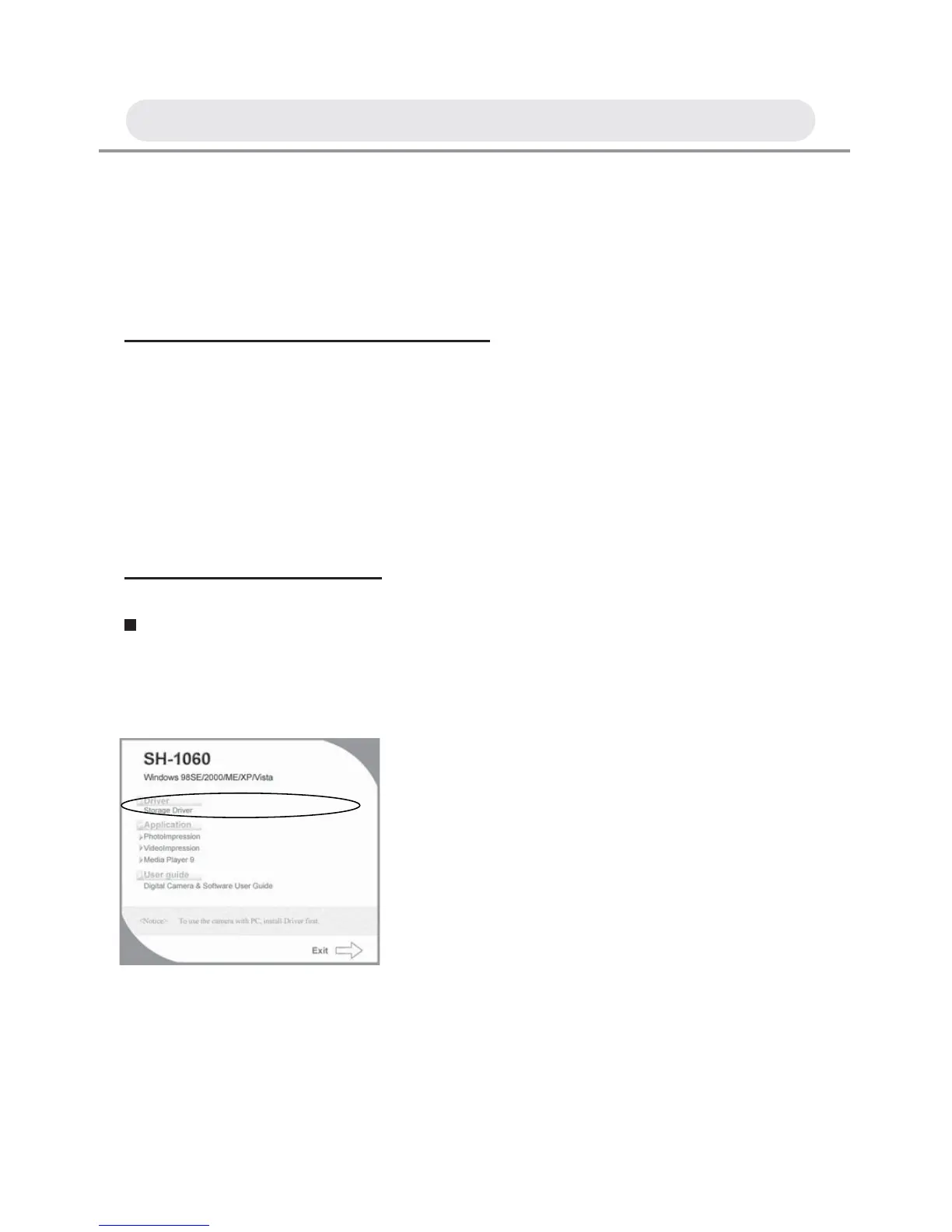
After you insert the CD into the CD-ROM
drive, the pop-up image will appear.
If the image does not appear, click “Start”
and then “Run”. Type “E:\Technika.exe”
Note: Windows ME, 2000, XP and Vista
don’t need the driver installed.
Chapter 4: Installing the Software



 To Next Page