19
Using Zoom
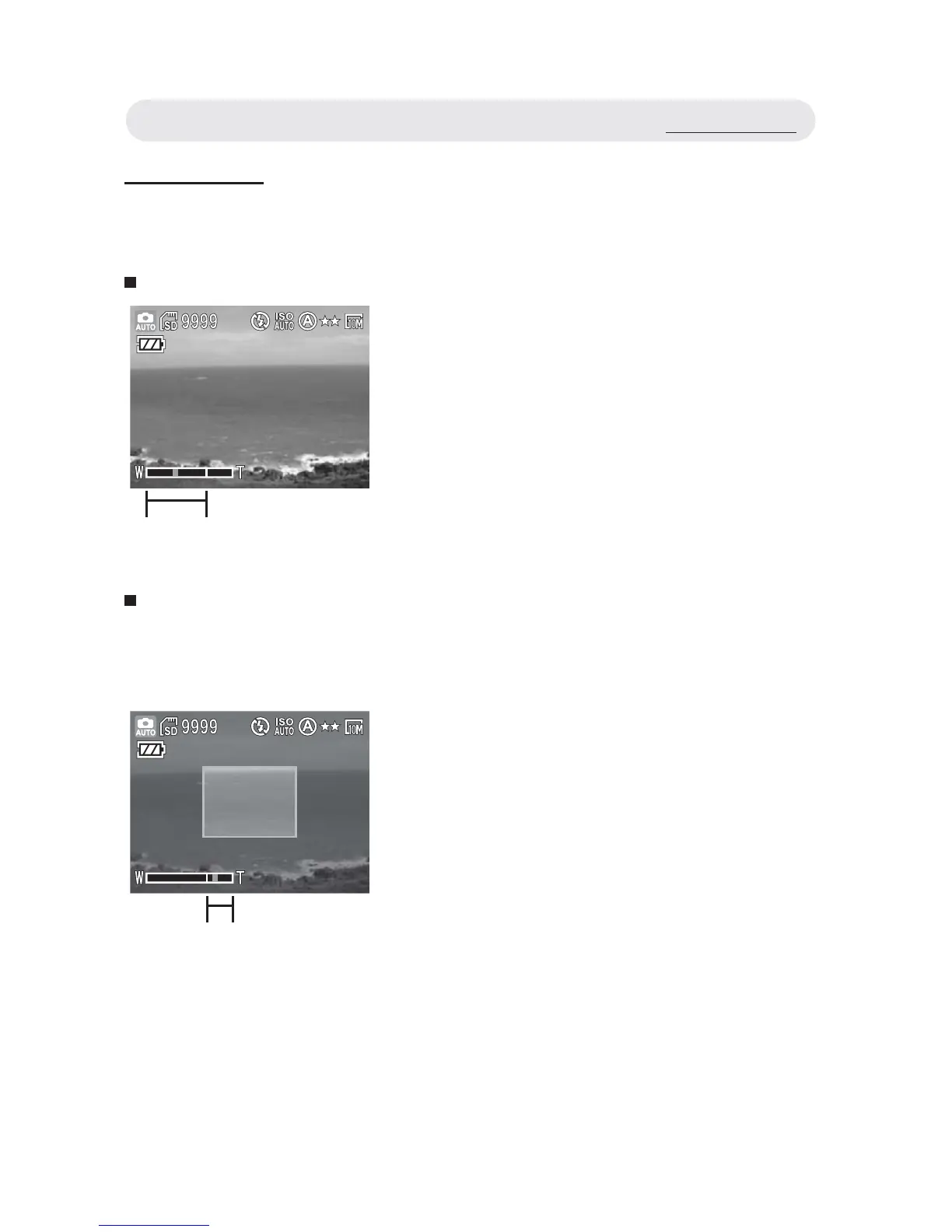
This camera features 3x optical zoom and 8x digital zoom.
Optical Zoom
Digital Zoom
To use the digital zoom, you must activate it through the settings menu.
See page 61 for instructions on how to do this.
1 Press the W/T button to zoom in and
out of an image.
2 The zoom indicator appears on the
LCD monitor.
Optical Zoom
1 Press the T button to optically zoom in
to the maximum magnifi cation.
Release the button and press it again
to activate the digital zoom function.
2 A frame surrounds the area of the
image to be captured. The rest of the
LCD monitor is dulled out.
Note: When recording video clips, you
can only change the optical zoom
setting. The digital zoom setting
cannot be adjusted during video
recording.
Digital Zoom
Using Zoom



 To Next Page