55
Using the Application
PhotoImpression
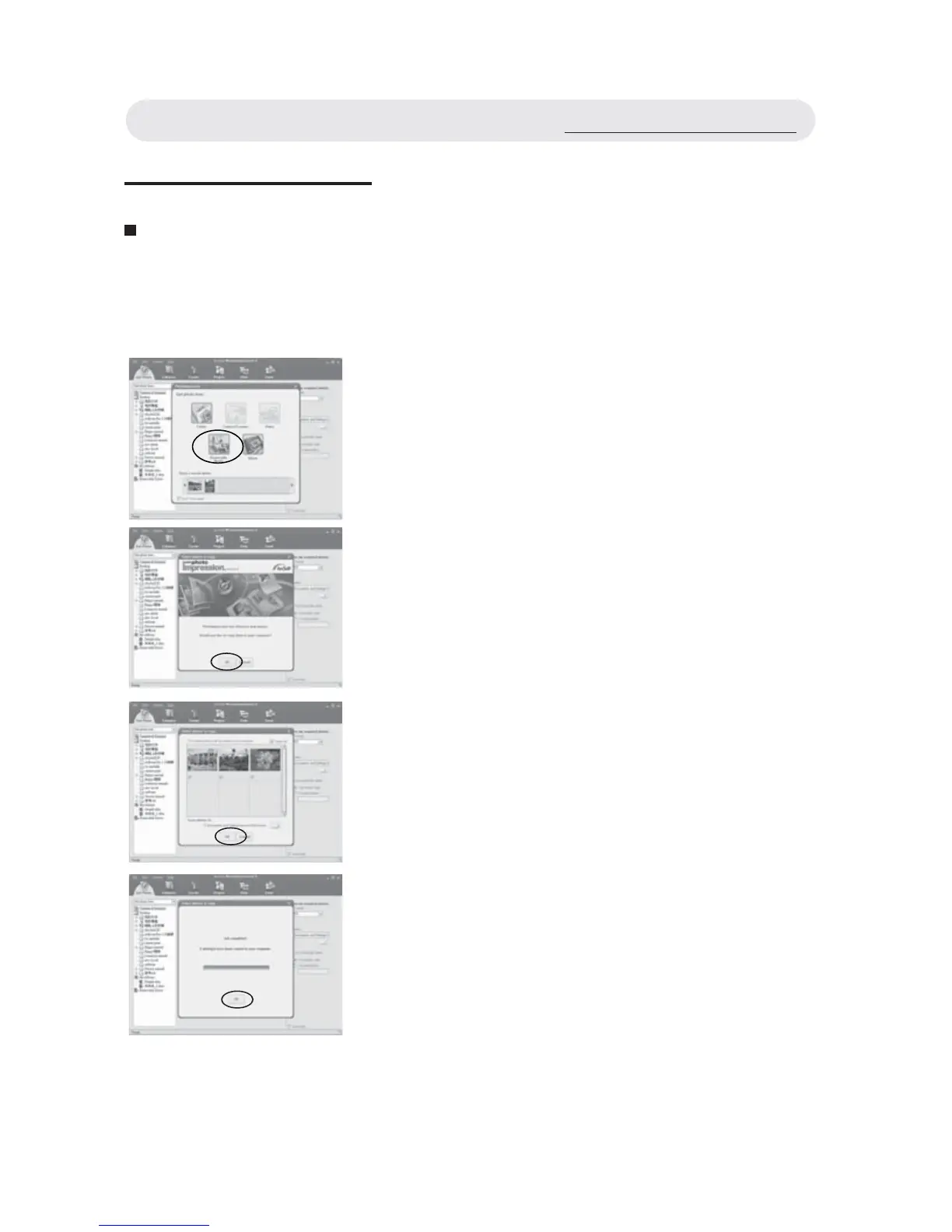
1 Connect the camera to the computer.
See page 57. Launch PhotoImpression.
2 To download the images from the
camera, select “Removable Media” .
3 Press “OK” and PhotoImpression will
detect new photos to your computer.
4 Press “OK” and the selected photos will
be copied to your computer.
5 Job completed and press “OK”.
Using the Application



 To Next Page