56
VideoImpression
We recommend you to install Windows Media Player 9 or later when you
play back the video clip on the computer. If you use Windows XP, you
also have to upgrade to Windows XP Service Pack 2(SP2).
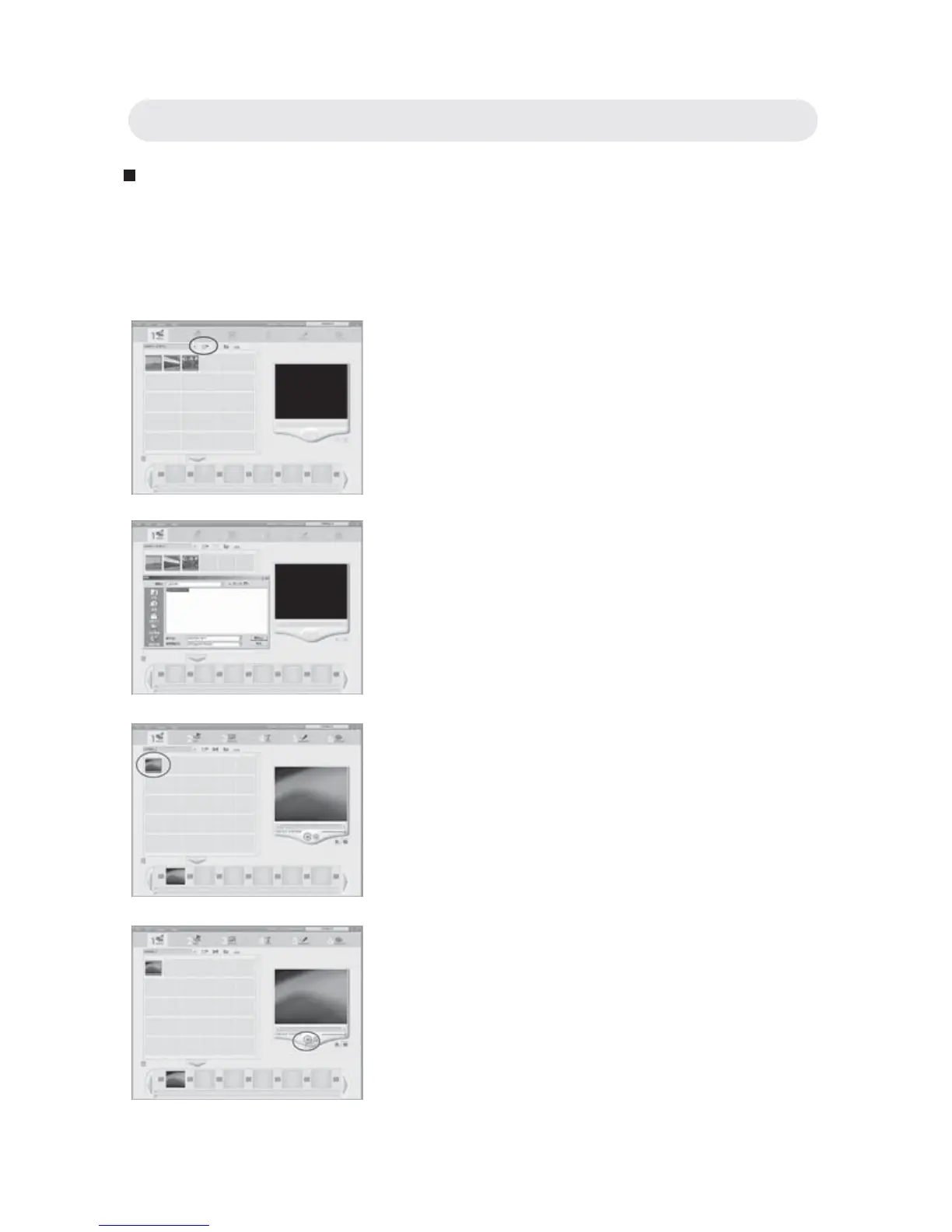
1 Launch VideoImpression and then
select “add”.
2 Select “DCIM” to download the video
clips from the camera.
3 Double-click to select the video clips.
4 Click “Play” to play the video clips.
Chapter 4: Installing the Software



 To Next Page