35
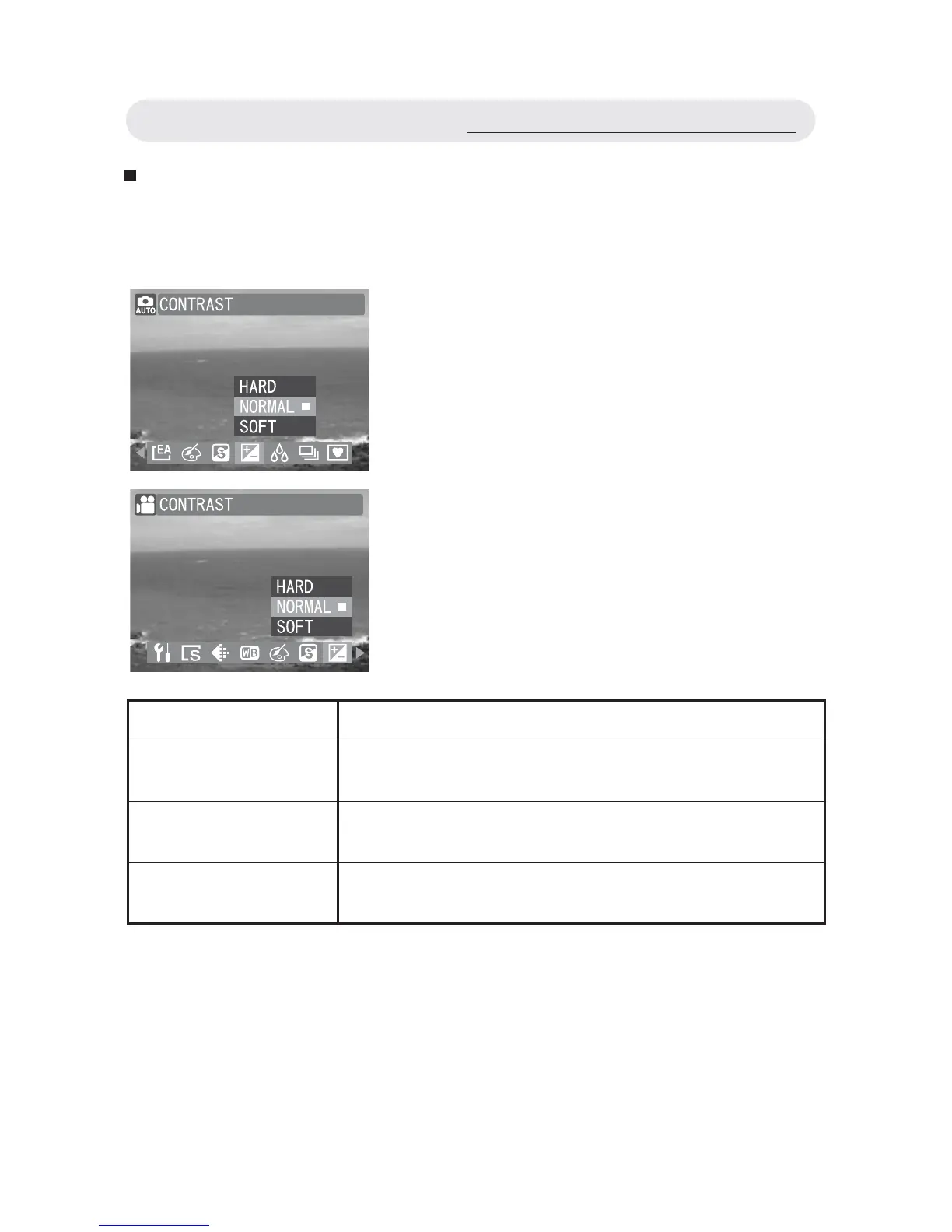
Setting Contrast
Adjust the Contrast setting to alter the distinction between light and dark
in the image; the result is a harder or softer appearance of the fi nal image.
1 In Capture/Video menu, select
“CONTRAST”.
2 Select “HARD”, “NORMAL” or “SOFT”.
3 Press OK button to confi rm the setting.
Setting Function
HARD The image is hardened, by defi ning light and
dark areas more clearly.
NORMAL The image is captured without any adjustments
to contrast levels.
SOFT The image is softened, by defi ning light and dark
areas less clearly.
Using the Capture/Video Menu



 To Next Page