50
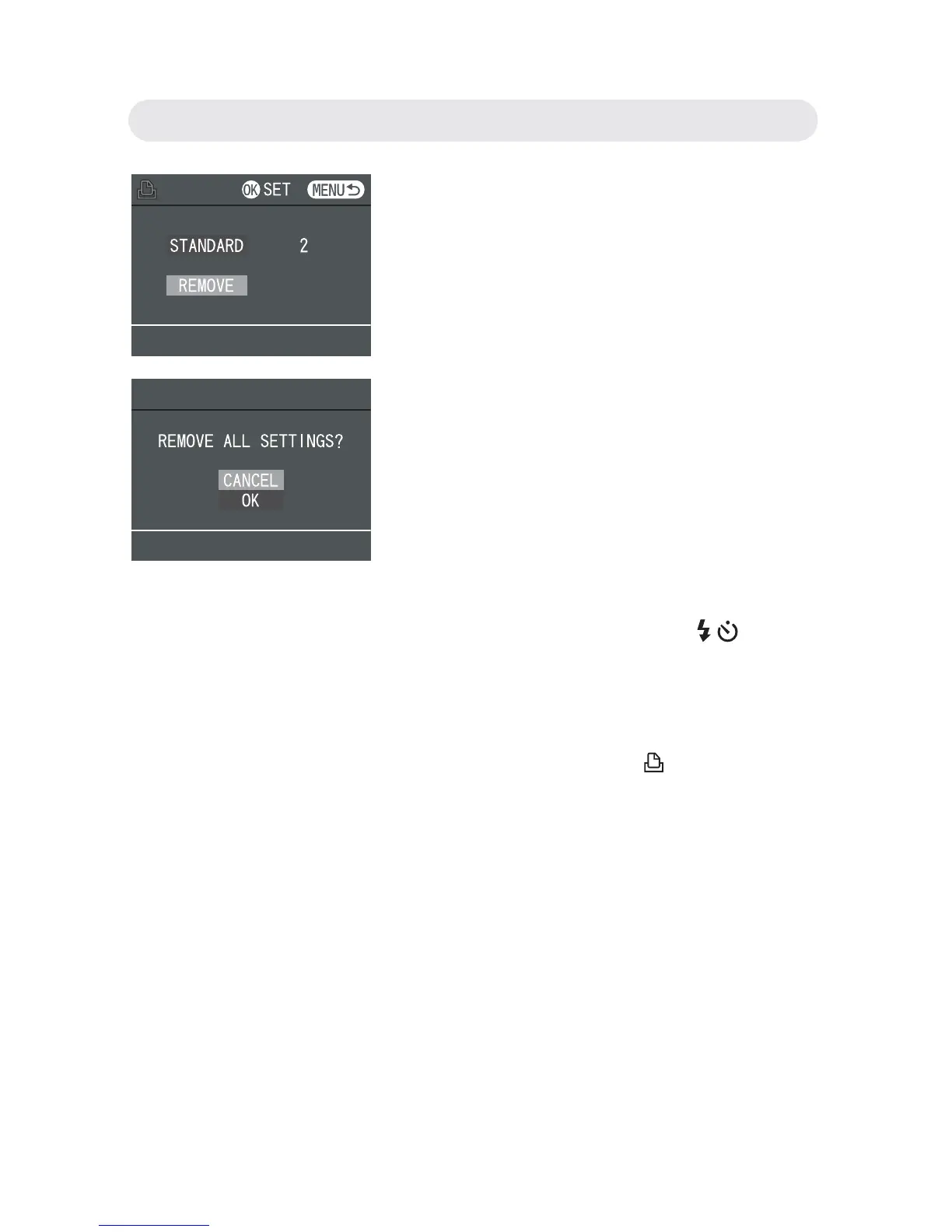
4 To cancel the setting of “STANDARD”,
select “REMOVE” and a confi rmation
dialogue will appear. Select “OK” and
then press OK button to remove print
settings.
5 To print index of images, select “INDEX”
and press OK button. Use
/ button
to select “ADD” or “REMOVE”. Press
OK button to complete DPOF setting.
Note: A still image that has DPOF settings
is indicated by the mark.
Chapter3: Reviewing Images and Video Clips



 To Next Page