Model 400E Ozone Analyzer
Instruction Manual
Operating Instructions
P/N 04316 Rev: B 89
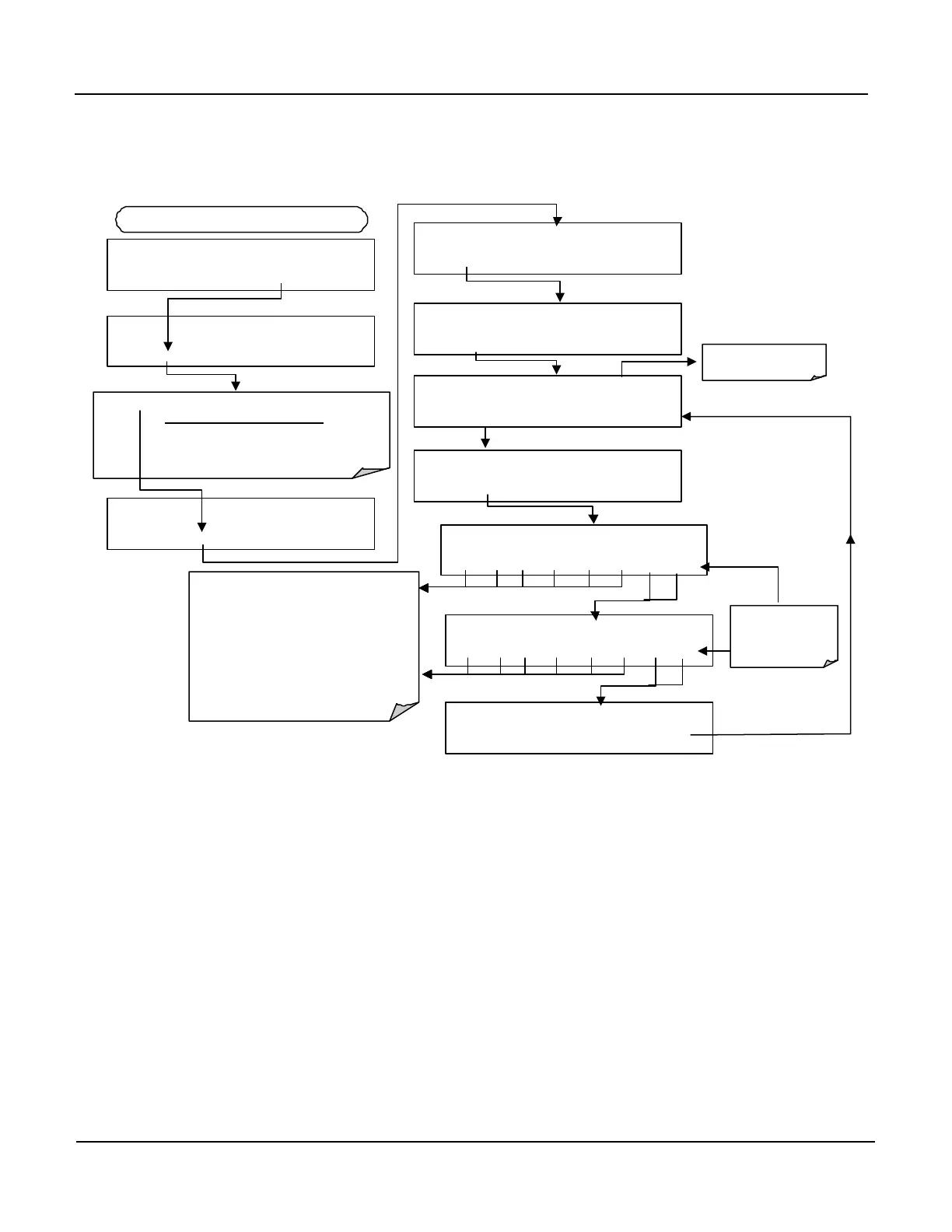
To make these adjustments, the AOUT auto-calibration feature must be turned off
(Section 2.2.1.2). Activate the ANALOG I/O CONFIGURATION MENU, then
press:
Press SET> to select the analog output channel to be configured:
DISPLAYED AS = CHANNEL
CONC_OUT_1 = A1
CONC_OUT_2 = A2
TEST OUTPUT = A4
DIAG ANALOG I / O CONFIGURATION
PREV
NEXT
ENTR
EXIT
DIAG AIO AOUTS CALIBRATED:
NO
< SET SET> CAL EXIT
FROM ANALOG I/O CONFIGURATION MENU
DIAG AIO CONC_OUT_1 :5V, NO CAL
< SET SET>
EDIT
EXIT
DIAG AIO CONC_OUT_1 CALIBRATED: YES
< SET CAL EXIT
DIAG AIO CONC_OUT_1 RANGE: 5V
SET>
EDIT
EXIT
DIAG AIO
CONC_OUT_2 CALIBRATED: NO
< SET CAL EXIT
DIAG AIO CONC_OUT_1 VOLT–Z : 0 mV
U100 UP10 UP DOWN DN10 D100 ENTR EXIT
These keys increase / decrease the analog
output by 100, 10 or 1 counts.
Continue adjustments until the voltage measured
at the output of the analyzer and/or the input of
the recording device matches the value in the
upper right hand corner of the display to the
tolerance listed in Table 6-10.
The concentration display will not change. Only
the voltage reading of your voltmeter will change.
DIAG AIO CONC_OUT_1 VOLT–S : 4500 mV
U100 UP10 UP DOWN DN10 D100
ENTR EXIT
DIAG AIO CONC_OUT_1 REC OFS: 0 mV
< SET SET> EDIT EXIT
If AutoCal is ON
Section 6.7.3
EXIT ignores the
new setting.
ENTR accepts the
new setting.
DIAG AIO CONC_OUT_1 AUTO CAL: OFF
< SET
SET>
EDIT
EXIT



 To Next Page