Operating Instructions Model 400E Ozone Analyzer
Instruction Manual
90 P/N 04316 Rev: B
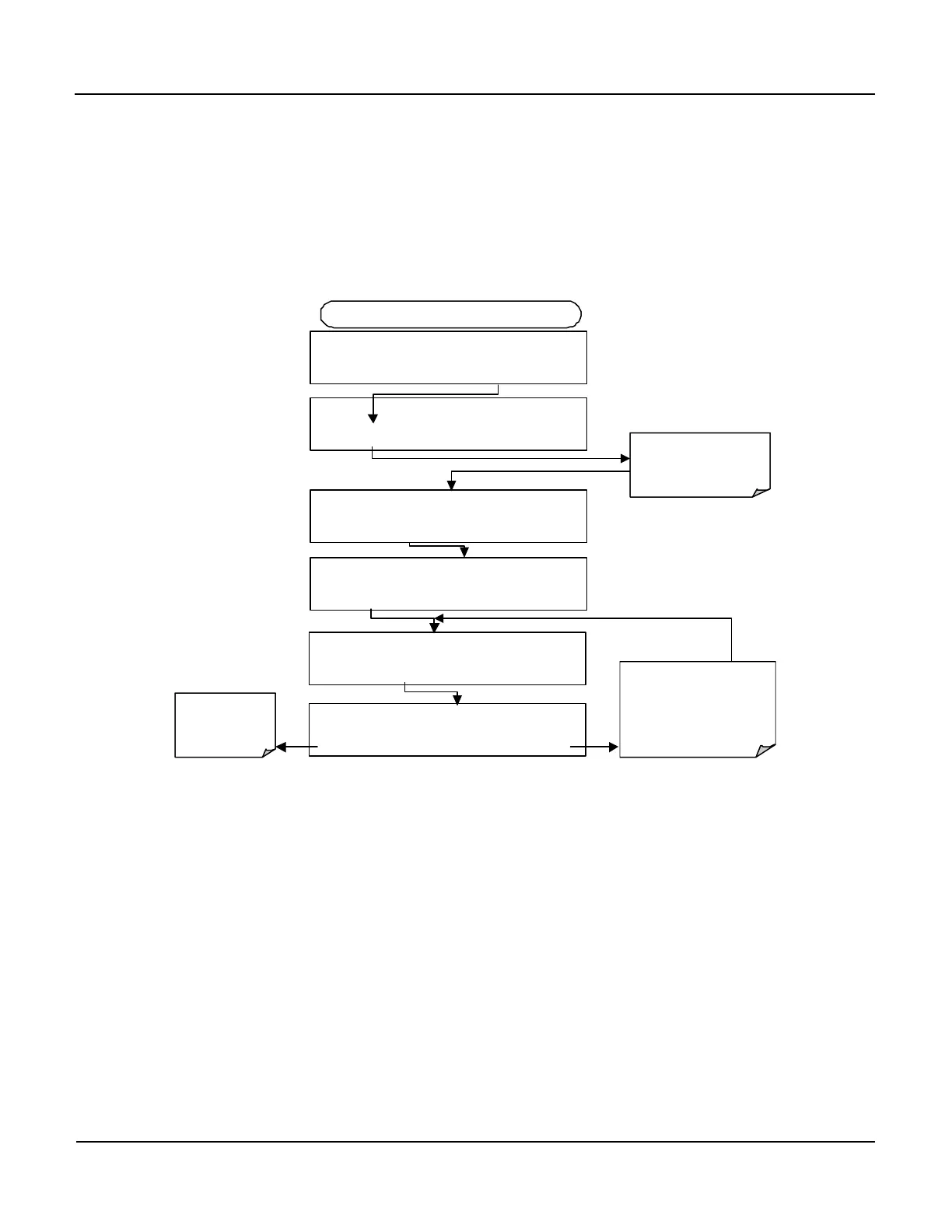
6.6.2.3. Analog Output Offset Adjustment
Some analog signal recorders require that the zero signal is significantly different
from the baseline of the recorder in order to record slightly negative readings from
noise around the zero point. This can be achieved in the M400E by defining a zero
offset, a small voltage (e.g., 10% of span), which can be added to the signal of
individual output channels by activating the ANALOG I/O
CONFIGURATION MENU, then pressing:
DIAG AIO RECORD OFFSET: 0 MV
+ 0 0 0 0 ENTR EXIT
DIAG
ANALOG I / O CONFIGURATION
ENTR
DIAG AIO AOUTS CALIBRATED: NO
SET>
FROM ANALOG I/O CONFIGURATION MENU
DIAG AIO CONC_OUT_2 RANGE: 5V
SET>
Set the recorder
offset (in mV) of
the selected
channel
DIAG AIO CONC_OUT_2:5V, CAL
EDIT
DIAG AIO CONC_OUT_2 REC OFS: 0 mV
< SET SET> EDIT EXIT
Pressing ENTR accepts the
new setting and returns to the
previous menu.
Pressing
EXIT
setting and returns to the
previous menu.
Press SET> to select the
analog output channel to
be configured. Then press
EDIT to continue
6.6.2.4. Current Loop Output Adjustment
A current loop option is available and can be installed as a retrofit for each of the
analog outputs of the analyzer. This option converts the DC voltage analog output
to a current signal with 0-20 mA output current. The outputs can be scaled to any
set of limits within that 0-20 mA range. However, most current loop applications
call for either 2-20 mA or 4-20 mA range. All current loop outputs have a +5%
over-range. Ranges with the lower limit set to more than 1 mA (e.g., 2-20 or 4-20
mA) also have a -5% under-range.
To switch an analog output from voltage to current loop after installing the current
output printed circuit assembly, follow the instructions in Section 6.9.4.1 and select
CURR from the list of options on the “Output Range” menu.



 To Next Page