ECOTEL INSTALLATION
CHAPTER 4
29
ECOTEL 3G 16.1. Revised: 1 March 2011.
4.8.1 INSTALLING QUICKSTART
Make sure the GATE Manager is not run-
ning on your computer. To install Quick-
start on your computer, insert the CD and
select Quickstart from the menu.
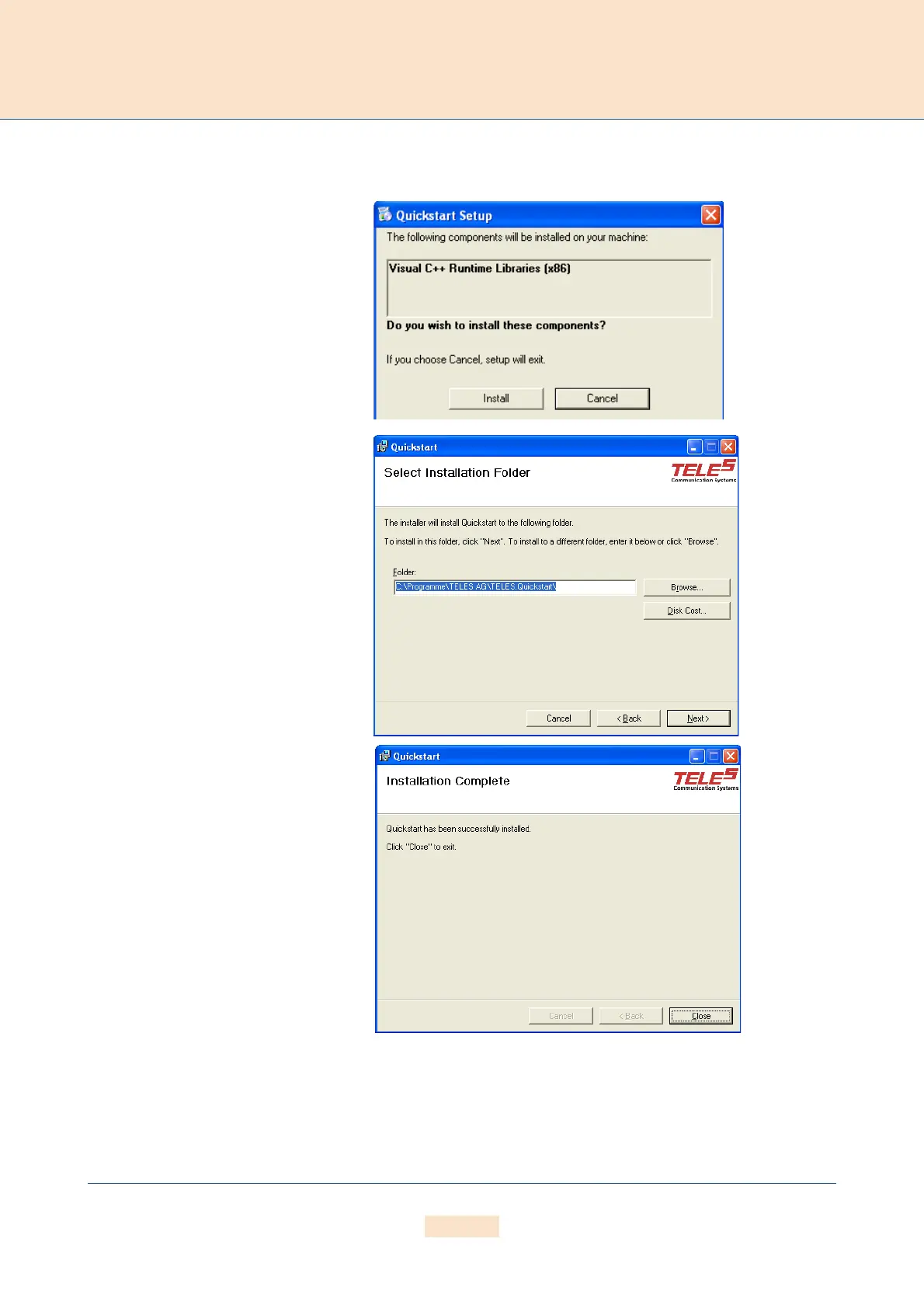
When asked if you want to install compo-
nents on your machine, click Install.
Click Next in the introduction window to
begin installation of the Quickstart.
Once installation begins, click Next to in-
stall Quickstart in the predefined folder.
To install it in another location, click
Browse and select a folder from the
browser that appears. Then click Next.
Click Close to exit when installation is
complete.
Figure 4.4 Quickstart Installation



 To Next Page