ECOTEL INSTALLATION
CHAPTER 4
30
ECOTEL 3G 16.1. Revised: 1 March 2011.
4.8.2 CONFIGURATION WITH QUICKSTART
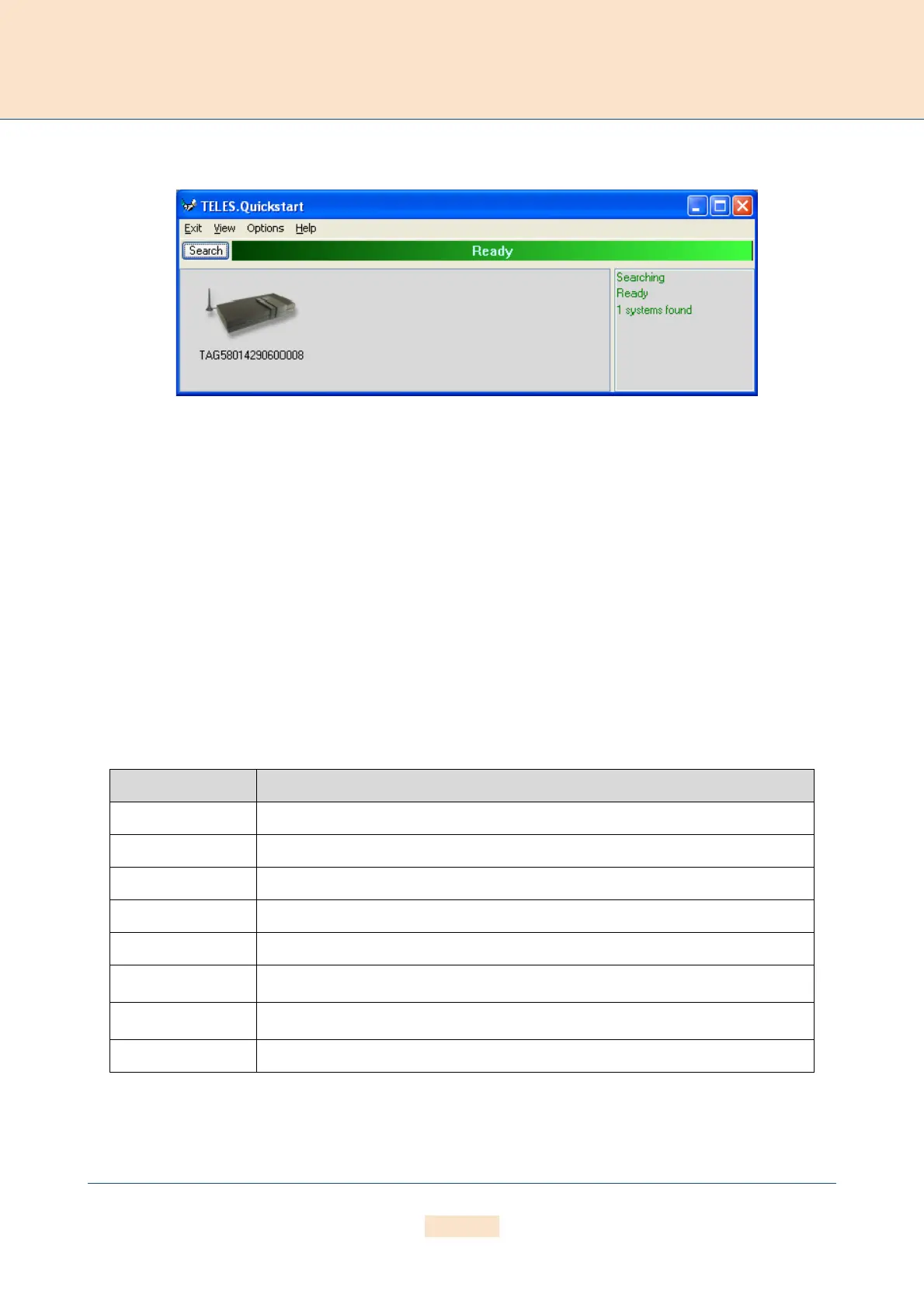
Figure 4.5 Quickstart
Now you can use Quickstart to set up your ECOTEL. Open Quickstart.exe. The program will automatically search
for your ECOTEL in the local network. For Quickstart, the source UDP port is 57445. It might be necessary to change
the firewall rules on your system.
Click the Search button to restart the search. When the program has found your ECOTEL, it will appear in the main
window. As soon as it appears, you can end the search by clicking Stop. The window on the right provides a run-
ning tally of the system’s status.
The system’s icon will appear in gray if it is unconfigured. Once it has been configured, it will appear in green. The
serial number appears as the system’s name.
To change the appearance of the window, select Large Icons, Small Icons or Details from the View menu. In
the following description, we will use the Details View, which contains the following columns:
In the Options menu, you can suppress or activate ICMP ping to test the Internet connection.
Table 4.2 Quickstart Details View Columns
Heading Definition
Identifier This column lists the system’s serial number.
IP Address This column lists the system’s IP address.
Configured An X means the system contains the configuration files.
# of VoIP Ctrls This column lists the number of VoIP Modules installed in the system. It will always be 1.
VoIP Channels This column shows the number of VoIP channels per VoIP Module.
Type
Lists the type of system
.
Box
An X means the system is a TELES box-based system
.
CF Mounted This column is not relevant for TELES box-based systems.



 To Next Page