ECOTEL INSTALLATION
CHAPTER 4
32
ECOTEL 3G 16.1. Revised: 1 March 2011.
4.8.3 STARTUP VIA GUI
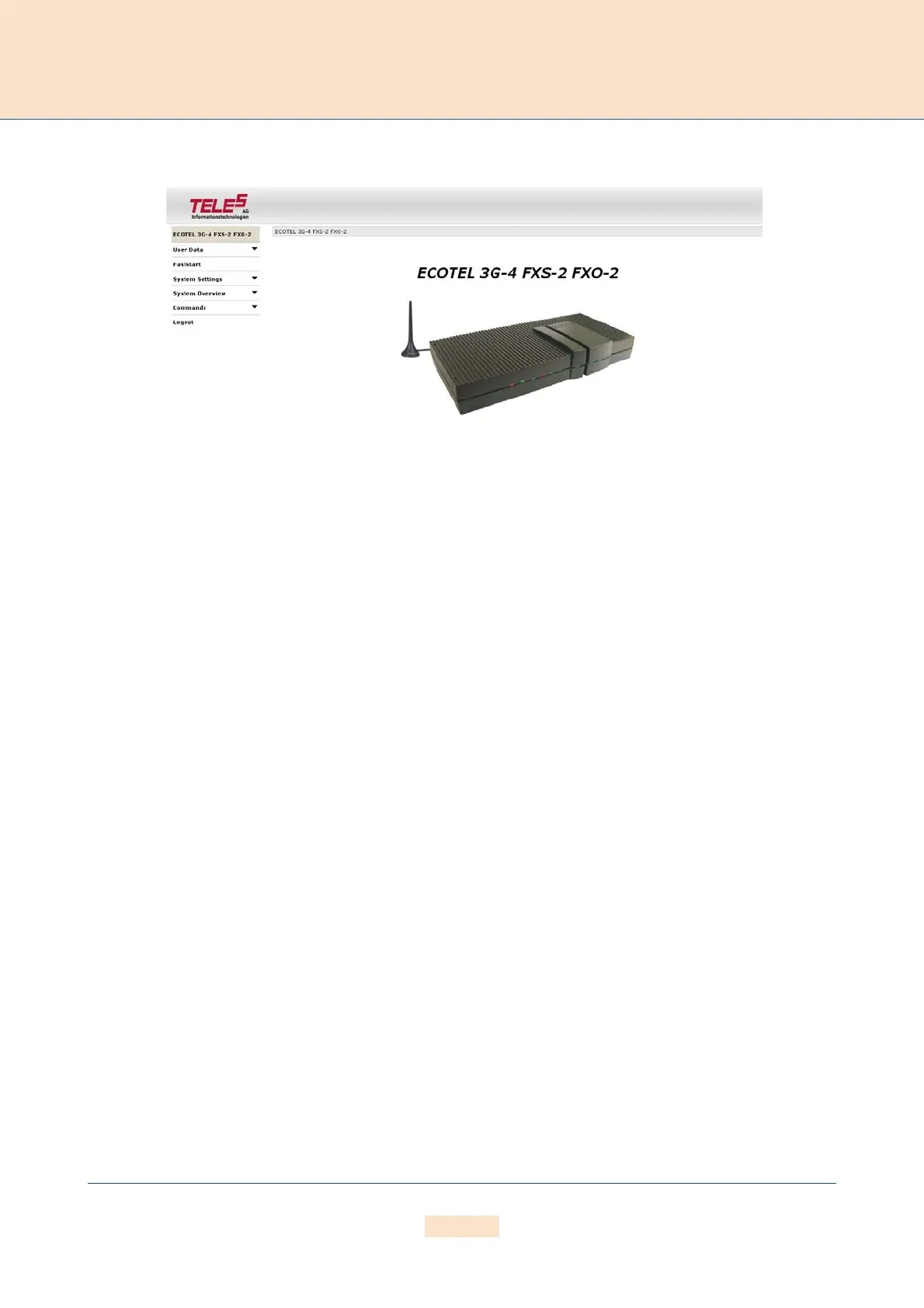
Figure 4.7 GUI
System configuration can occur via the GUI. We recommend you use Internet Explorer 6/7. Simply open a browser,
enter the system’s IP address in the address bar, and click Login in the navigation menu on the left. Enter the
username teles-carrier and the password tcs-carrier to access the system.
Using the navigation menu on the left, click Faststart to configure the system. Follow the steps as they appear.
4.9 STARTUP VIA FTP
If you are using a computer that does not use a Windows operating system, you can preconfigure the system via
FTP. The system’s default IP address is 192.168.1.2. To configure the system using FTP, you must assign your com-
puter an IP address from network range 192.168.1.0 Class C and then access the system via FTP.
The default user is
teles and the default password is tcs-ag. To configure the system, use the default config-
uration file example on the CD for your device in the
Configfiles directory and the following subdirectories:
ip.cfg
This subdirectory contains the file (ip.cfg) responsible for configuration of the Ethernet interface.
pabx.cfg
This subdirectory contains the file (pabx.cfg) responsible for the port configuration.
route.cfg
This subdirectory contains the file (route.cfg) responsible for the routing configuration.
To edit the default configuration, follow the directions in Chapter 5.2.1.4 . Upload the configuration files into
the
/boot directory.



 To Next Page