ECOTEL INSTALLATION
CHAPTER 4
35
ECOTEL 3G 16.1. Revised: 1 March 2011.
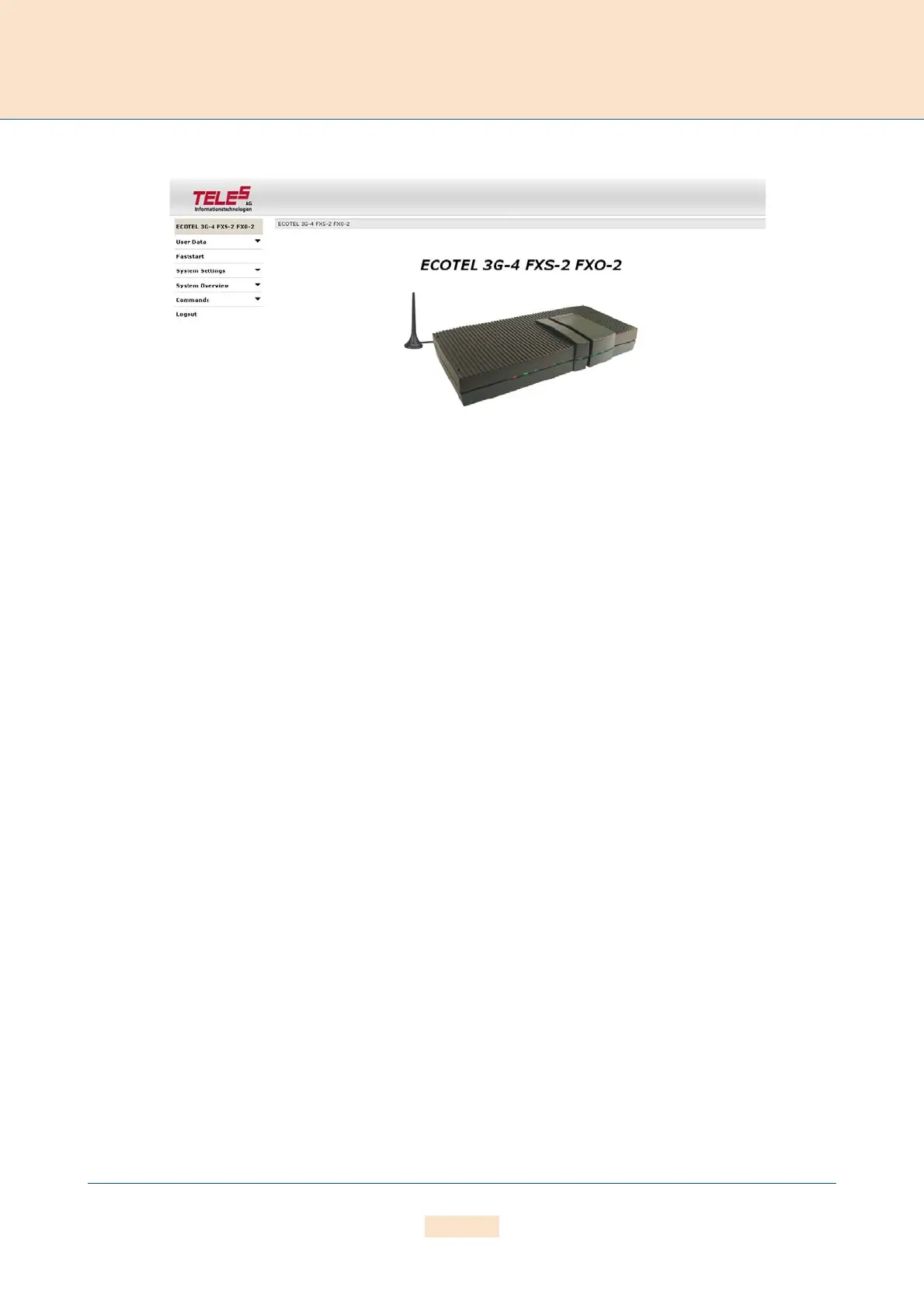
4.11.2 GRAPHICAL USER INTERFACE
Figure 4.9 GUI
Remote access can occur via the GUI. Even users with little experience can easily configure standard system settings
with this interface. Simply open a browser and enter the system’s IP address in the address bar. We recommend
that you use Internet Explorer 6/7 or later.
The following administrative levels apply:
Carrier Mode (Full Access)
User:
teles-carrier
Password: tcs-carrier
All configuration pages can be accessed in this mode.
Administrator Mode
User:
teles-admin
Password: tcs-admin
This access level is for the user network’s administrator. All IP and routing entries, with the exception of VoIP carrier
entries, can be set here.
Read-Only Mode
User:
teles-user
Password: tcs-user
No configuration changes can be made at this level. Only status and statistics can be retrieved.



 To Next Page