320 Chapter 18: Text Editor
18TXTED.DOC TI-89/TI-92 Plus: Text Editor (English) Susan Gullord Revised: 02/23/01 1:15 PM Printed: 02/23/01 2:18 PM Page 320 of 18
On the
TI
-
89
, while either type of alpha-lock is on:
¦
To type a period, comma, or other character that is the primary
function of a key, you must turn alpha-lock off.
¦
To type a second function character such as
2
[
, you do not
need to turn alpha-lock off. After you type the character, alpha-
lock remains on.
To delete: Press:
The character to the left of the cursor
0
or
ƒ
7
The character to the right of the cursor
¥
8
(same as
¥
0
)
ll characters to the right of the cursor
through the end of the paragraph
M
ll characters in the paragraph (regardless
of the cursor’s position in that paragraph)
MM
To: Do this:
Highlight text 1. Move the cursor to the beginning or end of
the text.
2. Hold
¤
and press:
¦
A
or
B
to highlight characters to the left
or right of the cursor, respectively.
¦
D
or
C
to highlight all characters up to
the cursor position on the next or
previous line, respectively.
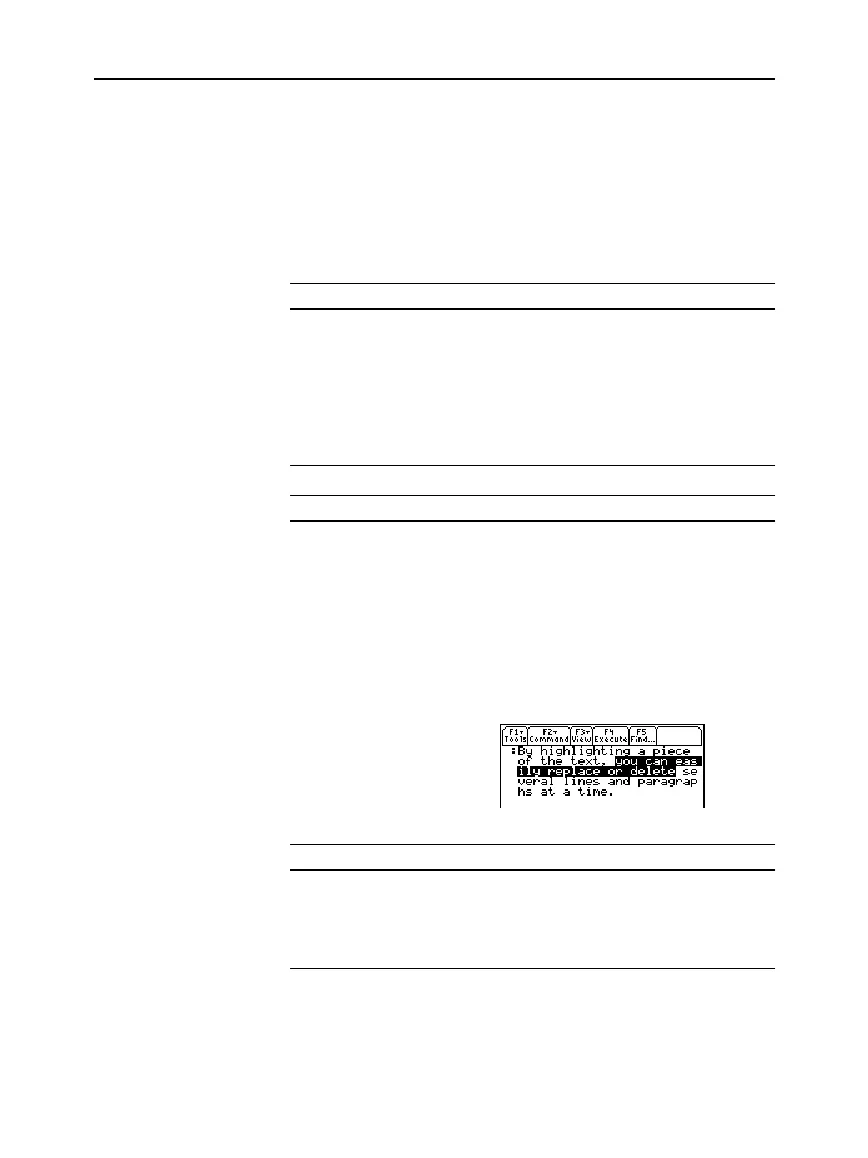
To: Do this:
Replace
highlighted text
Type the new text.
Delete
highlighted text
Press
0
.
Typing Alphabetic
Characters
(continued)
Deleting Characters
Note: If there are no
characters to the right of the
cursor,
M
erases the
entire paragraph.
Highlighting Text
Tip: To remove highlighting
without replacing or
deleting, move the cursor.
Replacing or
Deleting Highlighted
Text



 To Next Page
 Loading...













