E6582062
4. [Basic operation] Operation methods of motor 4-12
4
9
3 When you press the [F4] key ("F(Next)") repeat-
edly, the changed parameters are displayed one by
one.
4 When you press the [F3] key ("R(Back)"), the
changed parameters are displayed one by one
from the one with the biggest communication
number.
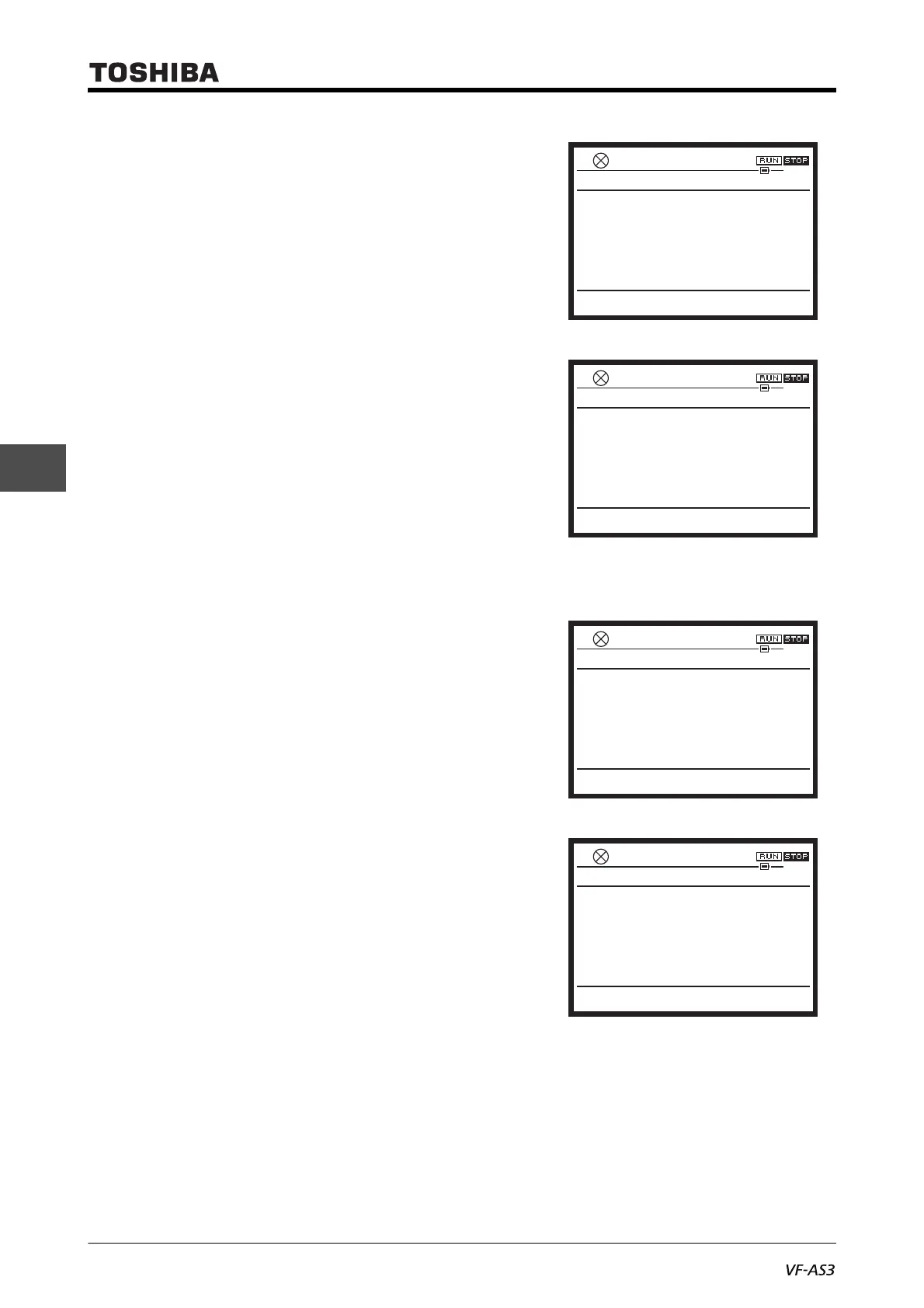
During search, "U--r Reverse searching..." is
displayed.
When the parameters have been searched to the
last (first) one, "FIN search finish" is displayed.
5 Press the [OK] key on the screen of the parameter
you want to change.
In the example on the right, <F618: Overtorque
detection time> is selected.
0.0HzSTOP
14:43
Changed parameters search & edit
F618
Overtoque detection time
1.0s
0
Top Return R(Back)
F(Next)
0.0HzSTOP
14:40
Changed parameters search & edit
U–r
Reverse searching...
0
Top Return R(Back)
F(Next)
0.0HzSTOP
14:39
Changed parameters search & edit
FIN
search finish
0
Top Return R(Back)
F(Next)
0.0HzSTOP
14:43
Changed parameters search & edit
F618
Overtoque detection time
1.0s
0
Top Return R(Back)
F(Next)



 To Next Page
 Loading...











