E6582062
6-121 6. [Advanced] How to use parameters
3
4
6
9
6. 30. 3 Retaining trip types
<F602: Trip record retention>
■ Function
Trip can be reset by turning power off, but you can set to retain details about trip occurrence even
when power is turned off.
After power off, the saved trip type will be displayed after turning power on again. If trip factor is
remaining, however, the trip will occur again.
■ Parameter setting
■ Selecting a setting value
0: Clear at power off
Reset the trip at power off. Trip type will not be retained after turning power on again.
1: Retain at power off
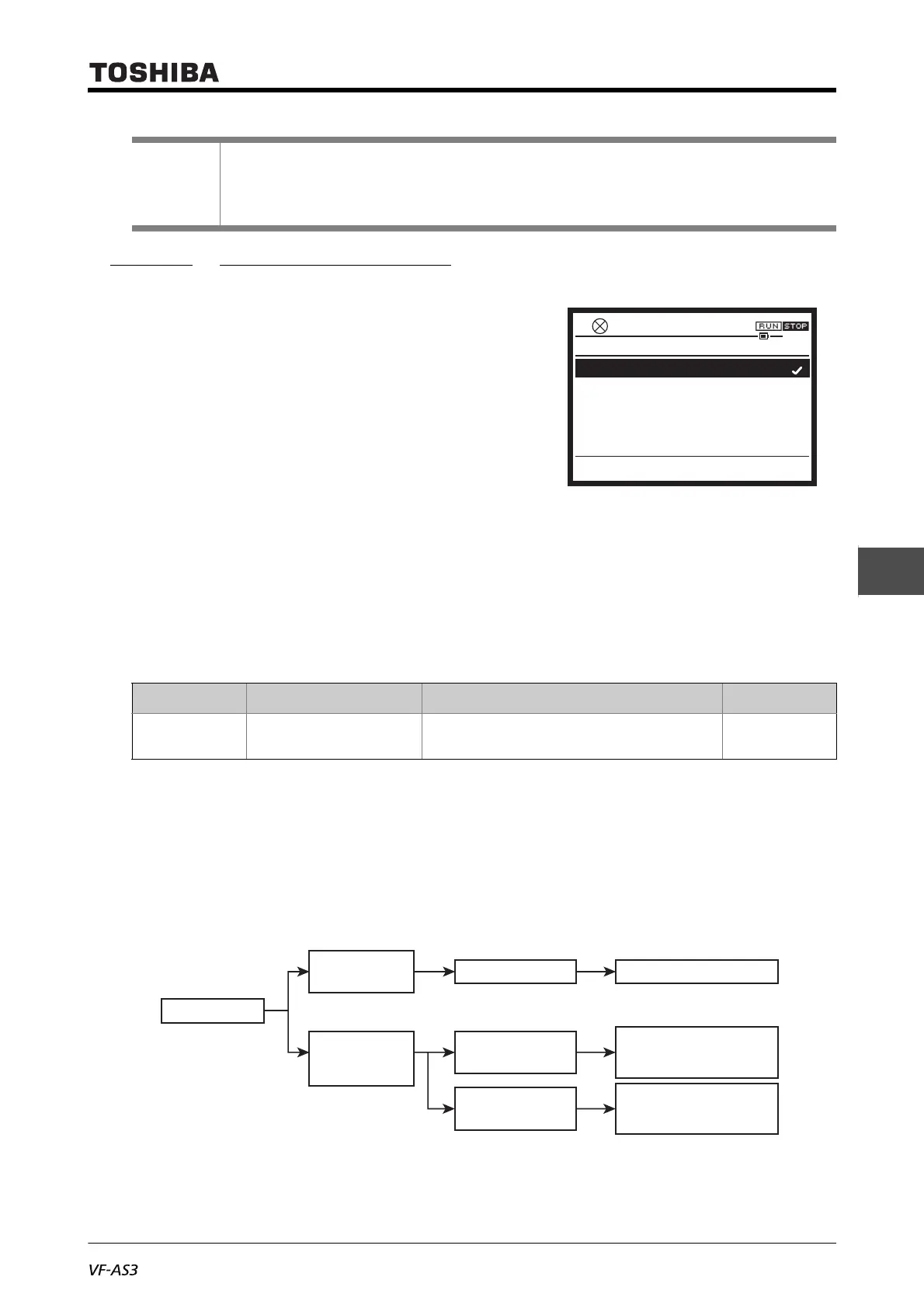
The following shows how the inverter operates after power off.
Reference
• How to operate the operation panel -> Refer to [3. 1. 1].
• How to switch display mode on the operation panel -> Refer to [3. 1. 2].
• Procedure to change parameter setting -> Refer to [4. 2. 3]
Title Parameter name Adjustment range Default setting
F602 Trip record retention 0: Clear at power off
1: Retain at power off
0
0.0HzSTOP
13:53
F602 : Trip record retention
0: Clear at power off
1: Retain at power off
Trip has occurred
Completion of reset
Reset at panel
or terminal
Reset by turning
power off, then
turning it back on
If trip factor is
remaining
If trip factor is
cleared
Normal operation
Trip again
- Display of the cause
- Failure signal FL enabled
Retain trip state
- Display of the cause
- Failure signal FL disabled



 To Next Page
 Loading...











