E6581158
F-13
6
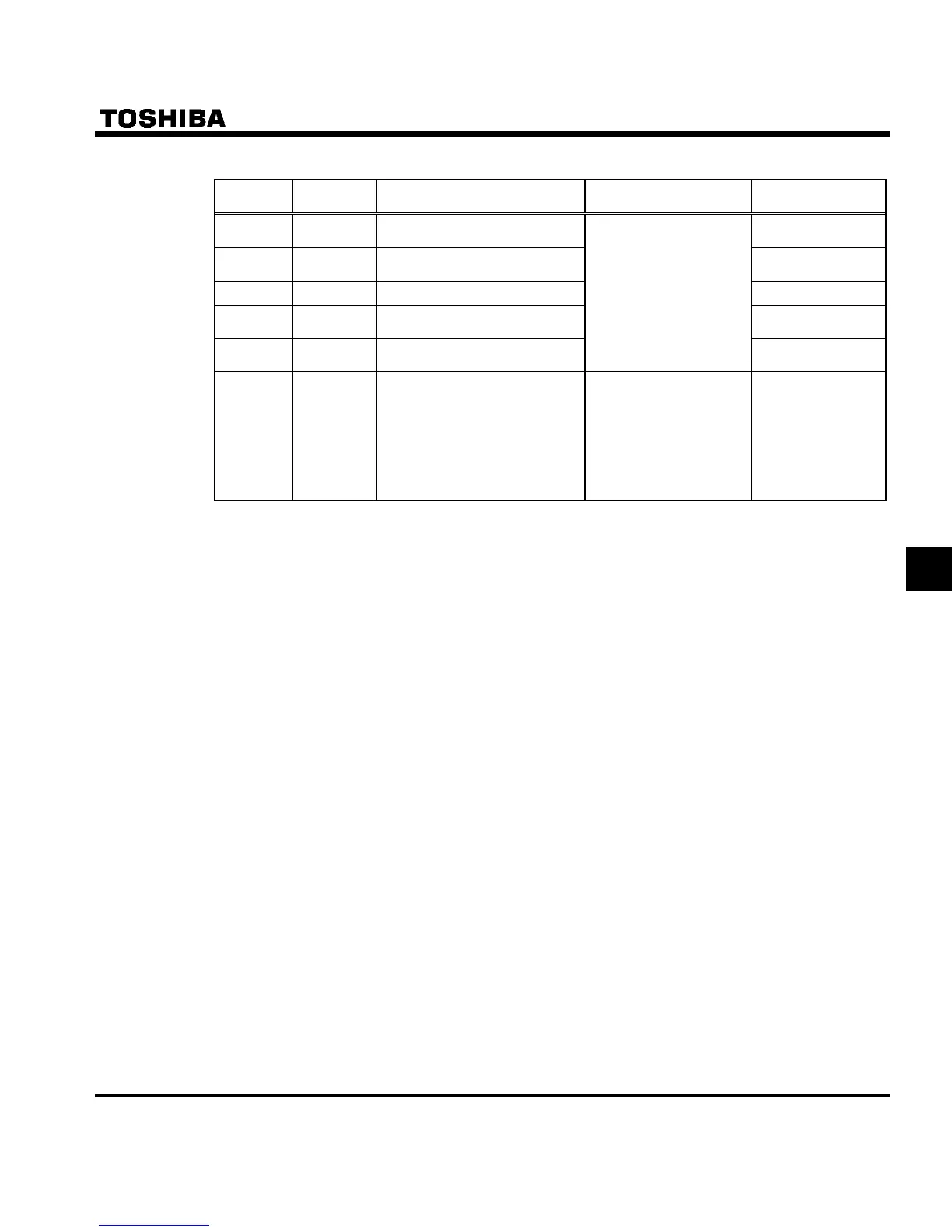
Q Setting of output terminal function
Terminal
symbol
Title Function Adjustment range Default setting
RY-RC
H
Output terminal selection 1A
4 (Low-speed
detection signal)
OUT-NO
H
Output terminal selection 2A
6 (Designated
frequency reach)
FL (A,B,C)
H
Output terminal selection 3 10 (Failure FL)
RY-RC
H
Output terminal selection 1B
255 (Always
active)
OUT-NO
H
Output terminal selection 2B
0-255
(See Section 11)
255 (Always
active)
RY-RC/
OUT-NO
H Output terminal logic selection
0 : H and H
H and H
1 : H or H
H and H
2 : H and H
H or H
3 : H or H
H or H
0
Two different functions can be assigned to the output terminals (RY-RC and OUT-NO), and two logics with
different functions can be selected using H.
The logical product (AND) or logical sum (OR) of the two functions assigned is put out as a signal, depending
on the setting of parameter H.
If H = , the logical sum (AND) of H and H will be output to RY-RC.
The logical product (OR) of H and H will be output to OUT-NO.
If H = , the logical product (OR) of H and H will be output to RY-RC.
The logical sum (AND) of H and H will be output to OUT-NO.
If H = , the logical sum (AND) of H and H will be output to RY-RC.
The logical product (OR) of H and H will be output to OUT-NO.
If H = , the logical product (OR) of H and H will be output to RY-RC.
The logical product (OR) of H and H will be output to OUT-NO.
, To assign only one function to output terminals, assign the function to H and Hwhile leaving
H to H as they are set by default.



 To Next Page
 Loading...











