TSAT 3000 - Telemetry and data transfer via SATellite
TSAT 3000 Configuration Parameter Description, January 2013 Page 89 of 124
Configure Hardware – “hw.conf”
The Slave-HUBs should be configured to not
apply Power and 10 MHz reference to BUC and
LNB. Disable (i.e. parameter value “no”) the following parameters in “hw.conf” configuration
file:
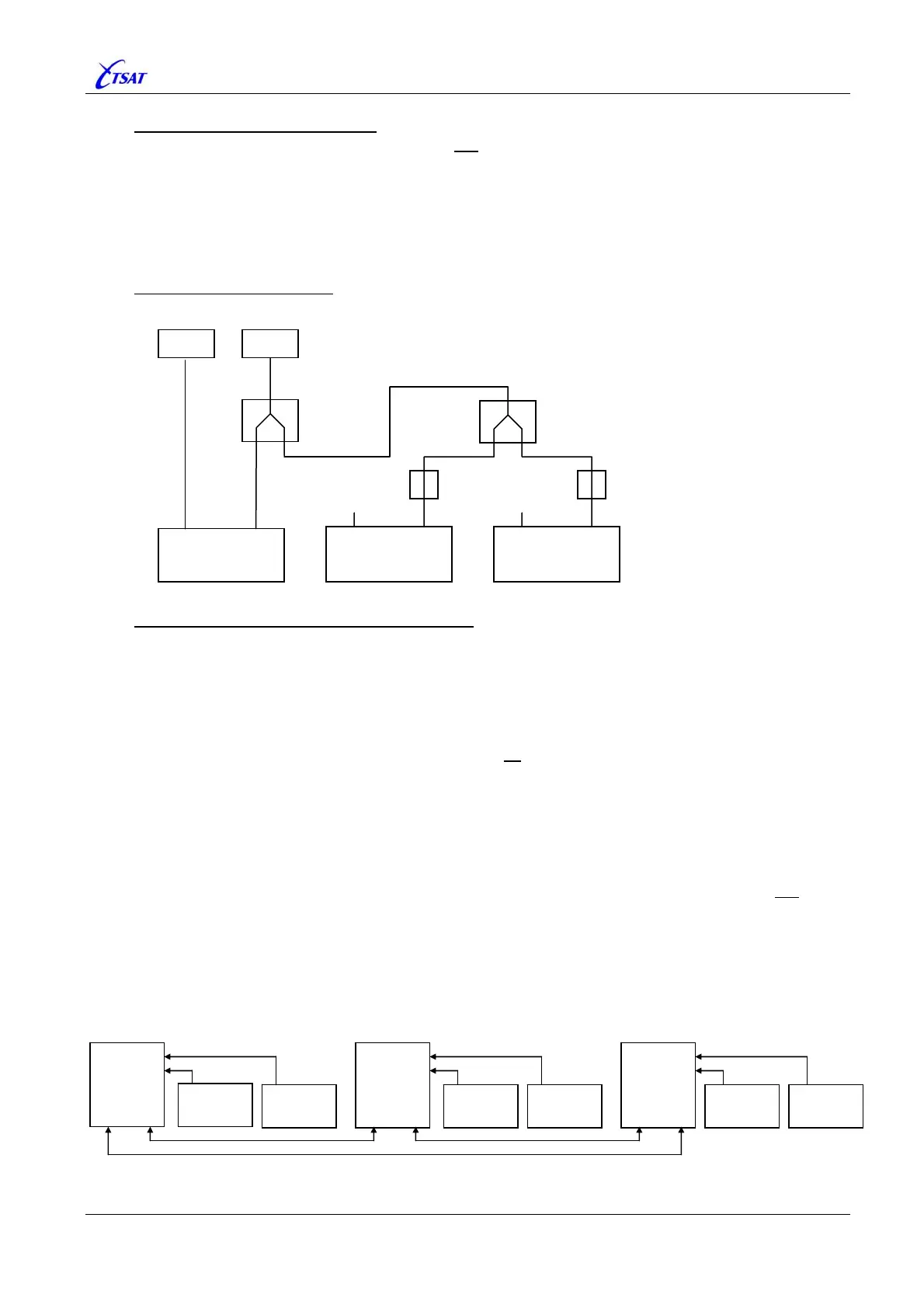
Connecting BUC and LNB
Signal from LNB is split into maximum 8 (?) Slave-HUBs
Redundant Multi Inbound Link (MIL) Network
Configure Redundant MIL network:
• RTs: Define all Backup frequencies:
PHL_TX_HUB_FREQUENCY_BKUP
PHL_TX_RT_FREQUENCY_BKUP
PHL_TX_RT_FREQUENCY_2_BKUP
PHL_{OUTBOUND | INBOUND}_IDENTITY_BKUP
PHL_INBOUND_IDENTITY_2_BKUP
• HUBs: Define communication links between all Master-HUBs (as described above – and
shown below).
Note 1: All Outbound- and Inbound-Identities should be different (as they normally are). RTs
are using these Identities to distinguish between HUBs.
Note 2: When RT is connected to Backup-HUB, it will normally switch back to Main-HUB after
a certain time (defined by
PHL_SWITCH_BACK_TO_MAIN_HUB) when Main-HUB is
reported UP (Searching-for-RTs or In-Lock-RTs). In Redundant MIL mode, it will not
switch
back to Main-HUB unless the Main-Slave-HUB also is reported UP or the Backup-Slave-
HUB is DOWN.
Note 3: The RT may also switch between Main- and Backup-HUBs when it detects that the
(current) Slave-HUB is DOWN.
This option is controlled by
PHL_SWITCH_SLAVE_HUB_TIMEOUT.
• TestRXSwitch
• TestRXVoltageAtStart
• TestRXCurrentAtStart
• TestRXPower
• UseBUCPower
• UseBUCRefSignal
• UseLNBPower
• UseLNBRefSignal
• TestTXSwitch
• TestTXSynth
• TestTXPowerAtStart
• TestTXPower
HUB 1
Master A
Hub 3
Slave A2
HUB 4
Master B
Hub 5
Slave B1
Hub 6
Slave B2
HUB 7
Master C
Hub 8
Slave C1
Hub 9
Slave C2
Hub 2
Slave A1
BUC LNB
TX RX
Master HUB
TX RX
Slave HUB
TX RX
Slave HUB
RF Splitter
RF Splitter
DC Block DC Block



 To Next Page