TSAT 3000 - Telemetry and data transfer via SATellite
TSAT 3000 Configuration Parameter Description, January 2013 Page 115 of 124
3.15.11 UTL_UTILITY_MASK
Default 0x21, Range 0…0xFFFF.FFFF
Bit field to control miscellaneous (debugging) functions.
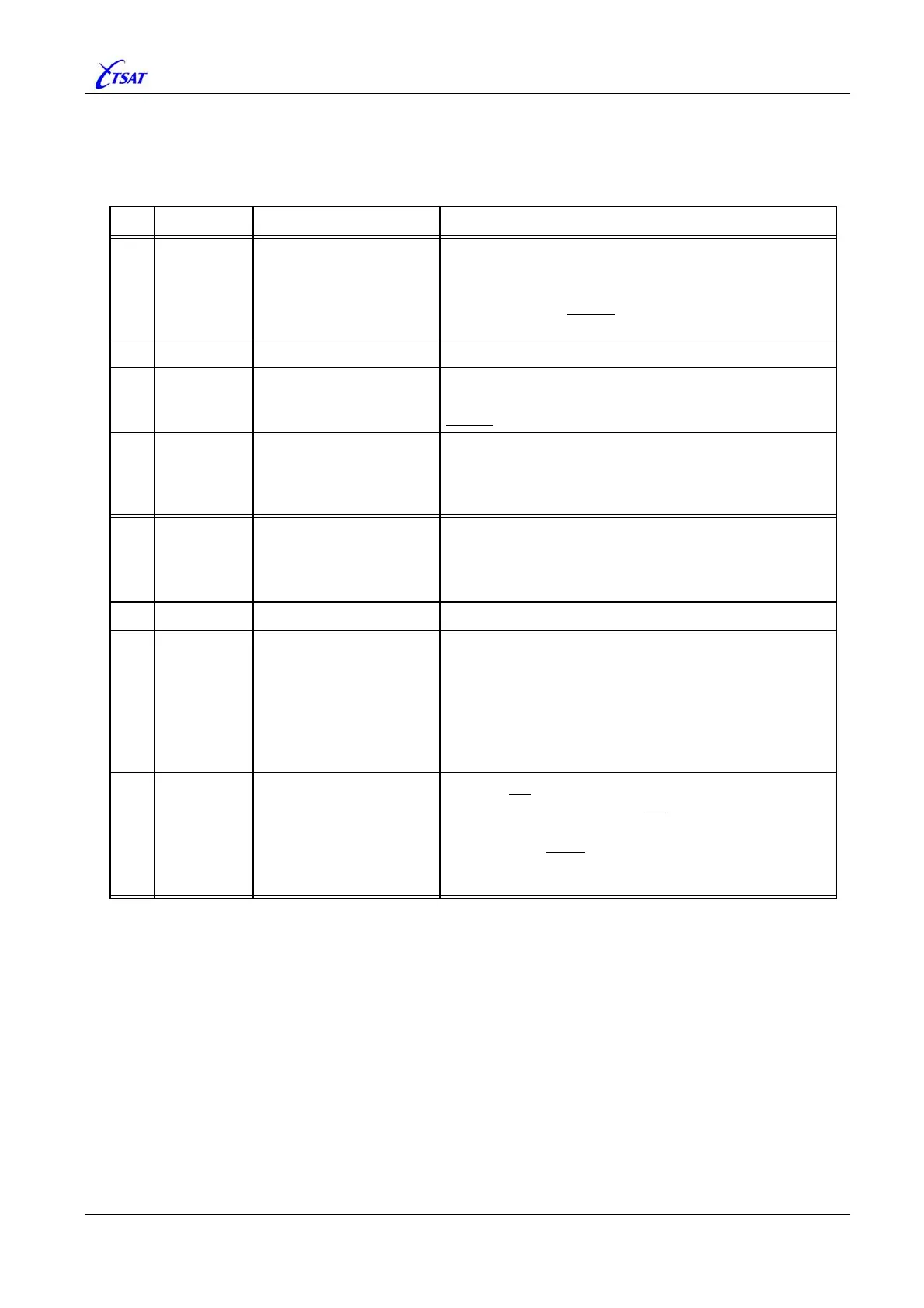
Bit Mask Mnemonic Description
0
0x0001
UTILITY_
ABS_FREQ_CONTROL
RT + HUB ver <= 30.4.1: Enable “Absolute Frequency
Control”, so that RT will send at exact correct
frequency – Adjusting for satellite deviation. This
option should always
be enabled.
HUB Ver == 30.5.0 … 31.8.2: Not Used.
1
0x0002
n/a
2
0x0004
UTILITY_CHANGE_
CURRENT_TO_DSP
Ver >= 30.8.0: Enable restart of DSP 10 sec after
appropriate
CURRENT MIB is changed. This function is
always
enabled in older versions.
3
0x0008
UTILITY_
SLAVE_HUB_SWITCHING
Redundant MIL RT ver >= 30.8.0: Alter the RT’s
switch-over (between Main- and Backup-Hub)
functions.
See
PHL_SWITCH_SLAVE_HUB_TIMEOUT.
4
0x0010
UTILITY_ENABLE_
INFO_ACK_
SLOT_RESERVATION
RT Ver >= 30.1.0: Reserve next Inbound slot to the RT
that receives Secure-Link
USER_DATA and INFO_ACK
packets.
See also MAC_SLOT_MAP_{0 | 1 | 2 | 3}.
5
0x0020
UTILITY_LOG_CRC_ERRORS
WARNING when receive CRC error packets.
6
0x0040
UTILITY_SIMULATE_
DSP_AND_REMOTE
BOOT – Option has effect during startup, only.
When option is enabled, this CCU will simulate a
network with HUB and
NET_NO_OF_RTS RTs. Satellite,
BUC, LNB and DSP are superfluous.
HUB: Option 0x0020 in
UTL_UTILITY_SEARCH_MASK
should also be enabled for proper operation.
Ver >= 30.2.0: Cannot be enabled via satellite link.
7
0x0080
UTILITY_DONT_CHECK_
DSP_ALIVENESS
CCU will not start DSP (i.e. send Configuration-
message to DSP), and it will not
supervise that CCU is
receiving packets from DSP.
Option should never
be enabled, except during
debugging when DSP could be started manually.
Ver >= 30.2.0: Cannot be enabled via satellite link.



 To Next Page