Smart Plus (PHT-35LHS)
Technical Manual
VT-TECH-Smart Plus-001
COPYRIGHT© 2018 VATECH.
1.2. Performing CEPH Sensor Dark Calibration
Follow the procedure below to perform the CEPH sensor dark calibration. Check the median value
for dark calibration before starting.
1) Run the C:\VCaptureSW\Acquisition\CEPH \WideCEPH \Norm(Fast)\VACAP.exe file.
2) Select command and click Send to transfer the command to MCU; Ensure to choose different
commands for norm and fast as the below:
Norm : Send [SPM_CEPH], [SPM_HSON], [SPM_FREQ_0160], [SPM_FOVO],
[SPM_COLM_0005] commands to the Command window, and set the CEPH sensor
and collimator.
Fast : Send [SPM_CEPH], [SPM_HSON], [SPM_FREQ_0313], [SPM_FOVO],
[SPM_COLM_0005] commands to the Command window, and set the CEPH sensor
and collimator.
Commands Description
[SPM_CEPH] CEPH mode
[SPM_HSON] CEPH sensor power on
[SPM_FREQ_0160]
[SPM_FREQ_0313]
HR mode: sensor frequency setting
GR mode: sensor frequency setting
[SPM_FOVO] Colimator open
[SPM_COLM_0005] AL filter open
Table 1. CEPH Sensor Command-List
Ensure to enter [SPM_0313] for the fast folder.
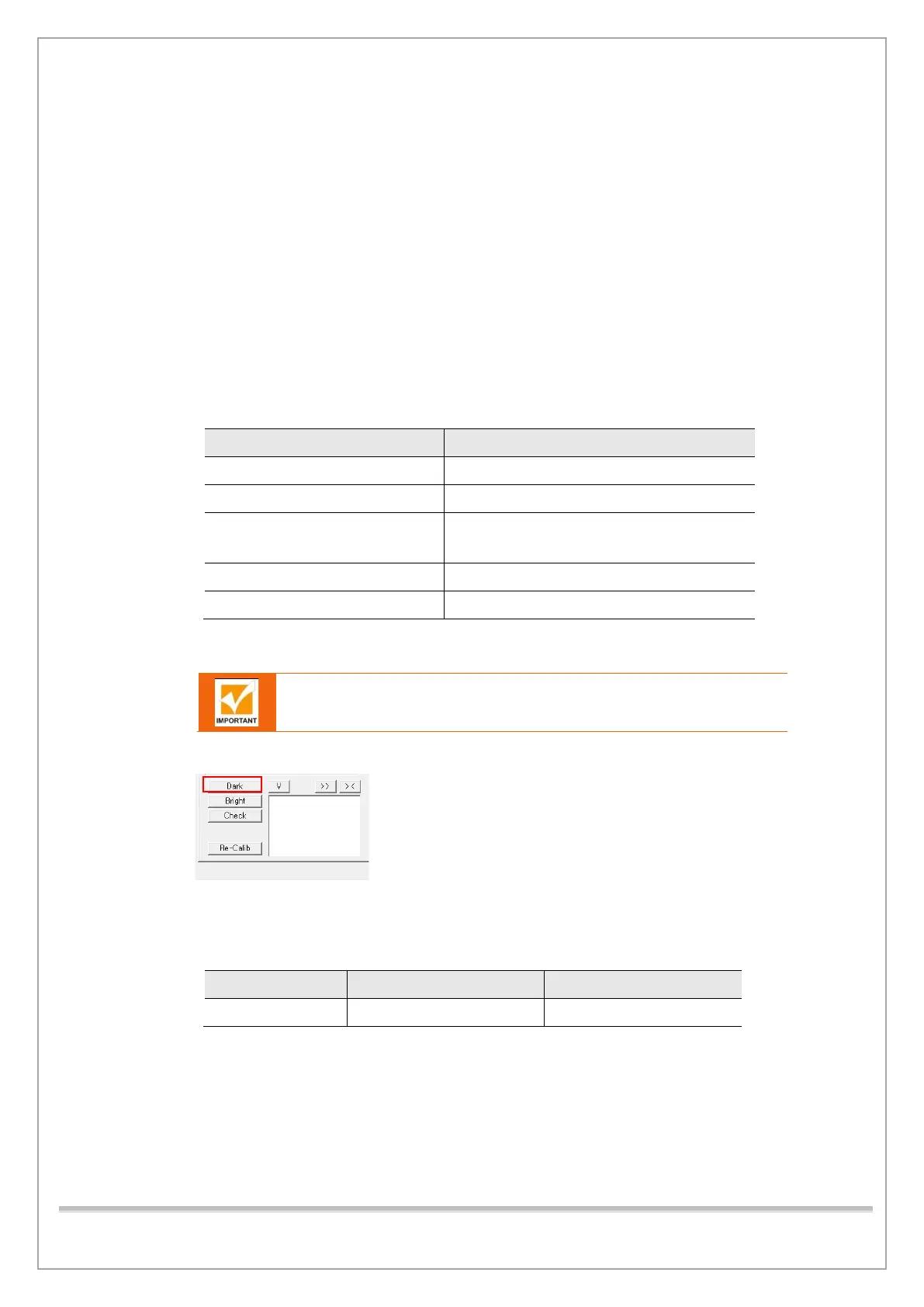
3) Click “Dark” to capture the image.
4) Check whether the captured image satisfies the criteria for a normal dark image.
5) Check the median value after finishing the calibration to see whether it falls within the range of
the standard value. Replace the sensor when the value does not meet the standards.
Category Minimum Maxim
Median Value 1000 3000
Table 2. Dark Calibration Median Value














 To Next Page