Smart Plus (PHT-35LHS)
Technical Manual
VT-TECH-Smart Plus-001
COPYRIGHT© 2018 VATECH.
Chapter 5. Firmware Upgrade Guide
The MCU (Micro Controller Unit) operates the system after you install the firmware program for
Smart Plus. You must update the firmware program when a new function or patch is released to
keep the system up to date.
1. Installing Firmware Upgrade Software
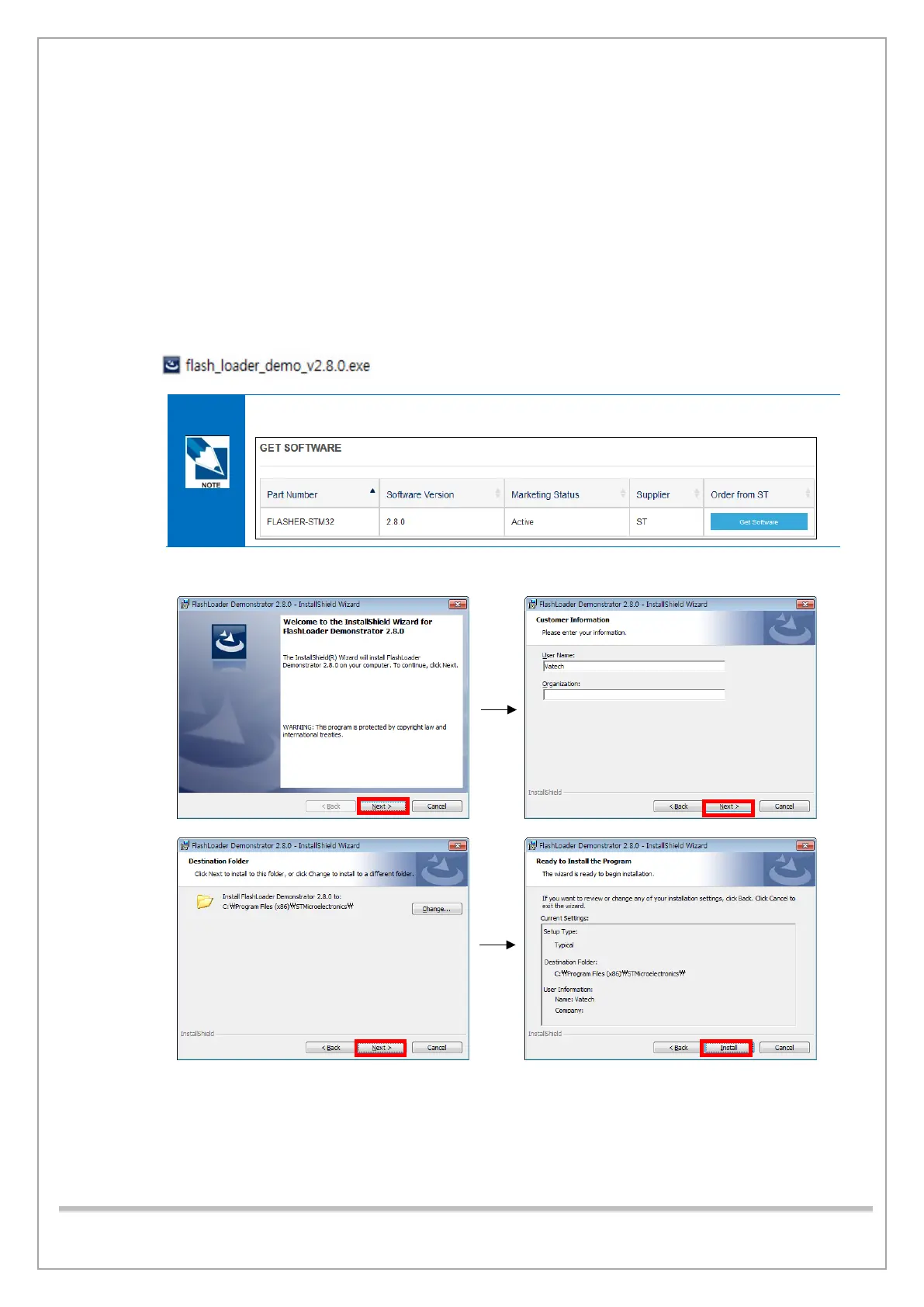
Follow the procedure below to install the firmware upgrade software.
1) Run flash_loader_demo_v2.8.exe.
You can download the software at http://www.st.com/en/development-tools/flasher-
stm32.html.
2) Continue with installation procedures as shown below:














 To Next Page