Smart Plus (PHT-35LHS)
Technical Manual
VT-TECH-Smart Plus-001
COPYRIGHT© 2018 VATECH.
8.4. CT Number Accuracy Inspection
To perform the CT number accuracy check, you need to prepare the CT number
confirmation phantom in advance.
1) Open reconstruction.vxm (VAKCAP.exe -> Settings tab -> Double-click reconstruction.vxm).
2) Make sure that POSTPROCESSING and UseCTNumCal values are as follows:
POSTPROCESSING = -50, UseCTNumCal = 1
If not, change the value, save the file and exit.
CT Number Accuracy inspection will be done by using DICOM files.
To acquire the Phantom image in DICOM format, make sure that
POSTPROCESSING =-
50, UseCTNumCal = 1, UseArcCut = 0 in the
reconstruction.vxm.
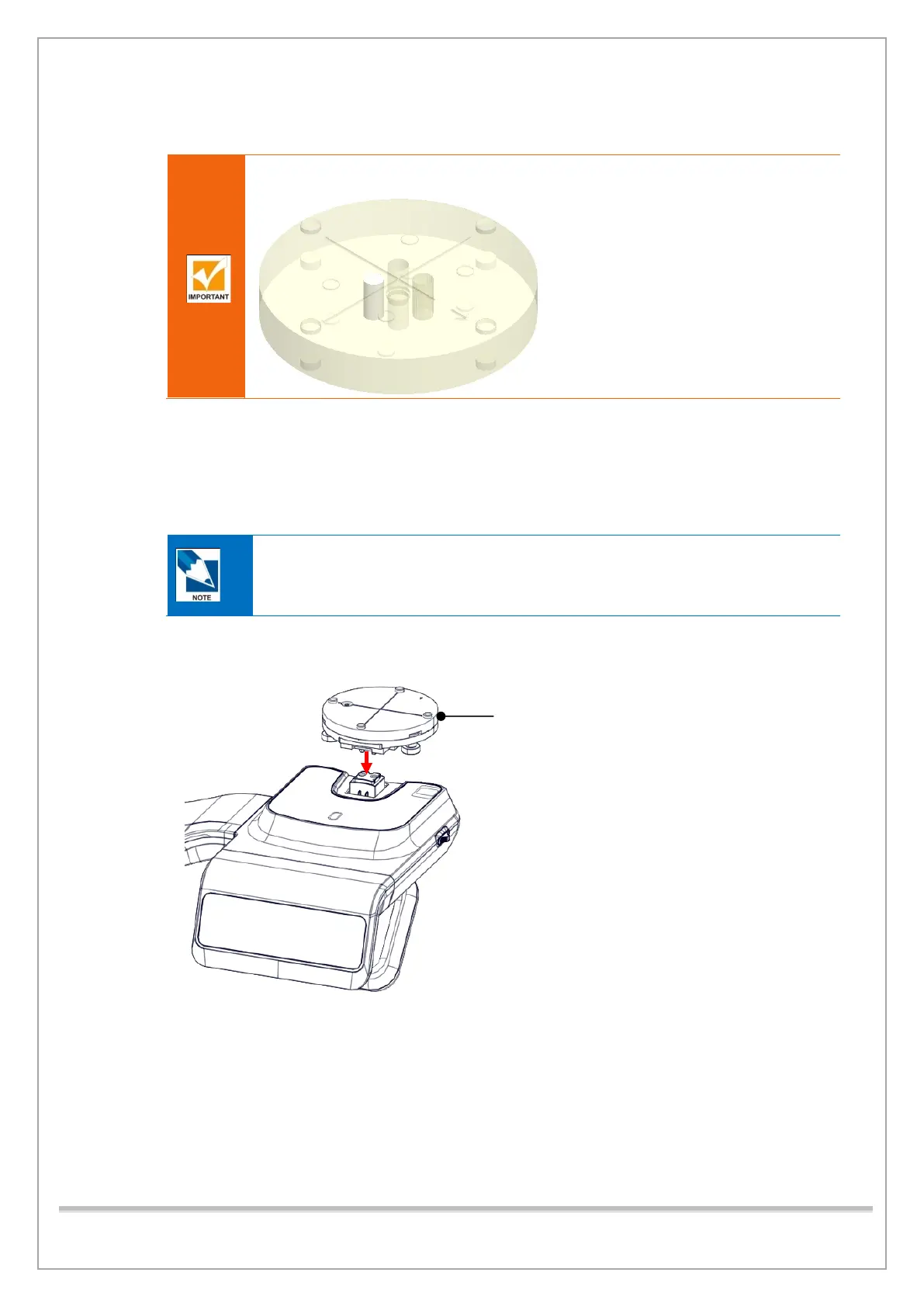
3) Put the PHANTOM JIG ASS’Y on the unit as shown below.














 To Next Page