Smart Plus (PHT-35LHS)
Technical Manual
VT-TECH-Smart Plus-001
COPYRIGHT© 2018 VATECH.
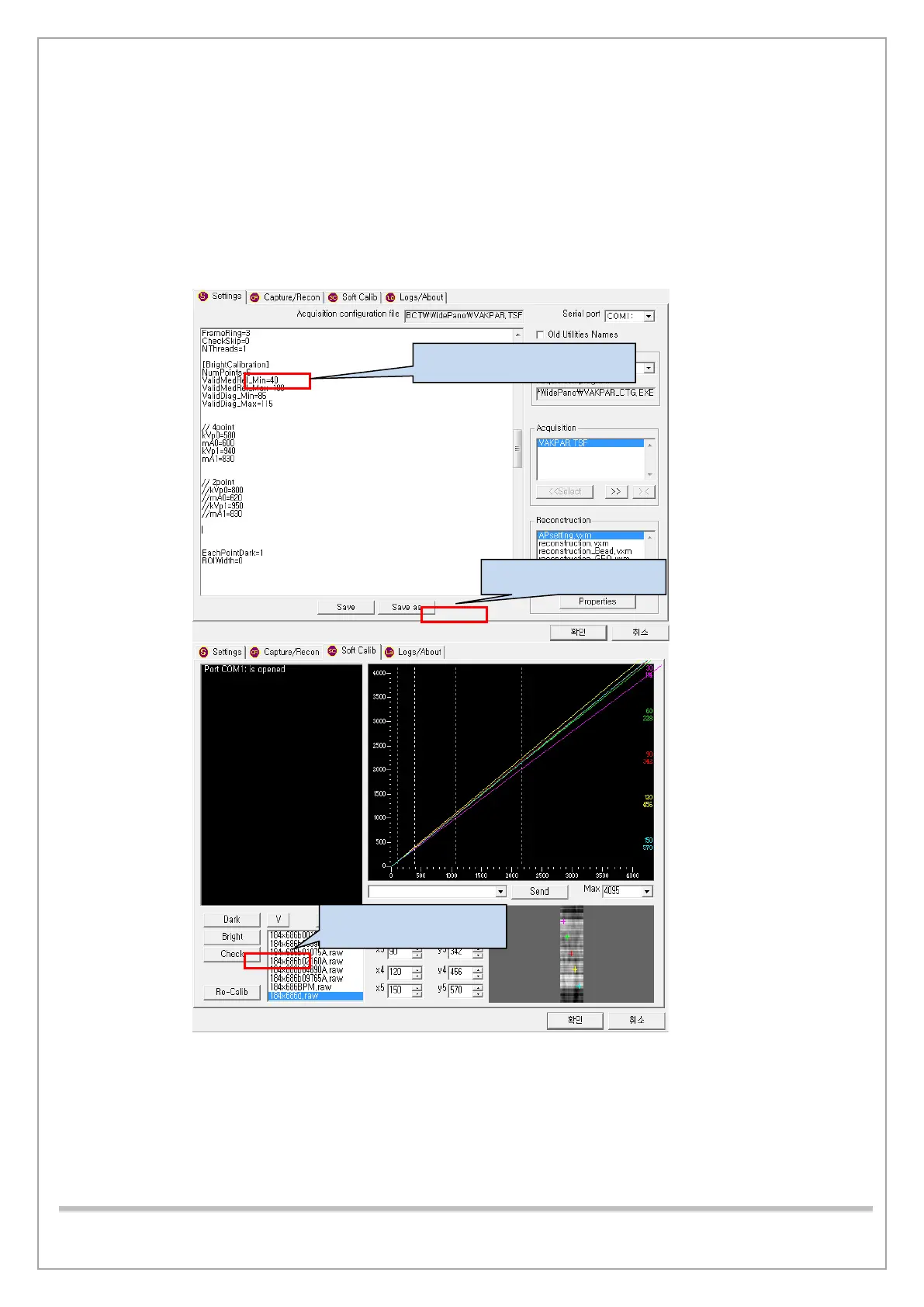
26) If you meet the criteria, save the file to
C:\VCaptureSW\Acquisition\CBCT\WidePano\CAL\Open.
27) Copy all 6 files in C:\VCaptureSW\Acquisition\CBCT\WidePano\CAL\Col to
C:\VCaptureSW\ Acquisition\CBCT\WidePano\CAL folder.
28) Once you have successfully acquired Bright Cal, click the Check button to create an Auto lousy
pixel map.
1. Change to “NumPoints=6”














 To Next Page