Smart Plus (PHT-35LHS)
Technical Manual
VT-TECH-Smart Plus-001
COPYRIGHT© 2018 VATECH.
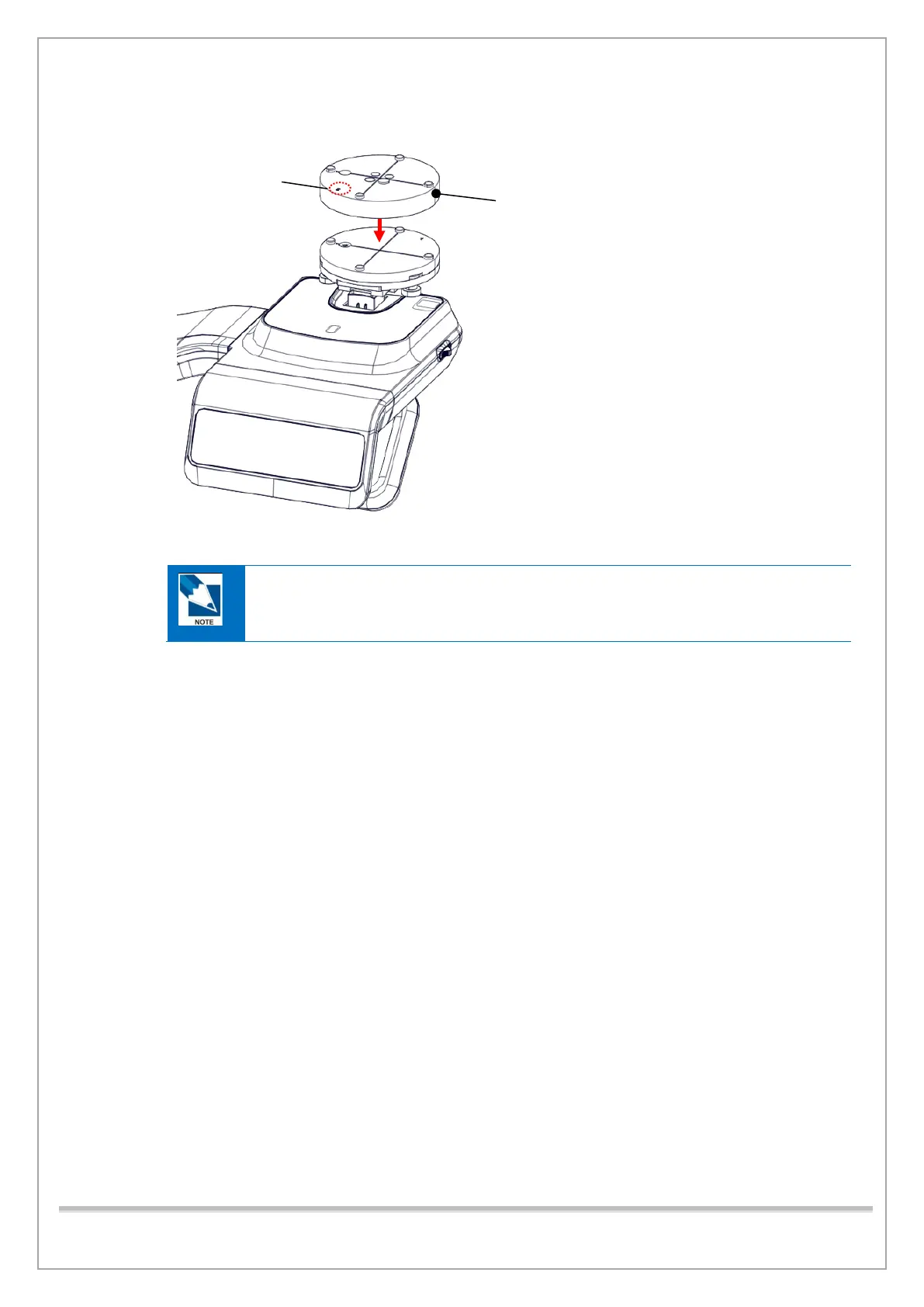
4) Put CT NUMBER CHECK PHANTOM on the PHANTOM JIG ASS’Y.
5) Run VACAP.exe.
VAKCAP.exe Path: C:\VCaptureSW\Acquisition\CBCT\WidePano folder
6) Click the Settings tab and double-click Reconstruction. vxm to open.
7) Change the parameters as shown below and save/exit the file.
• POSTPROCESSING = -50 → POSTPROCESSING = 0
• UserCTNumCal = 1 → UserCTNumCal = 0
• UseArcCut = 1 → UseArcCut = 0














 To Next Page