Initial Operation
VTK-TR-BA-072e-1 - User Manual MDS 358X Series
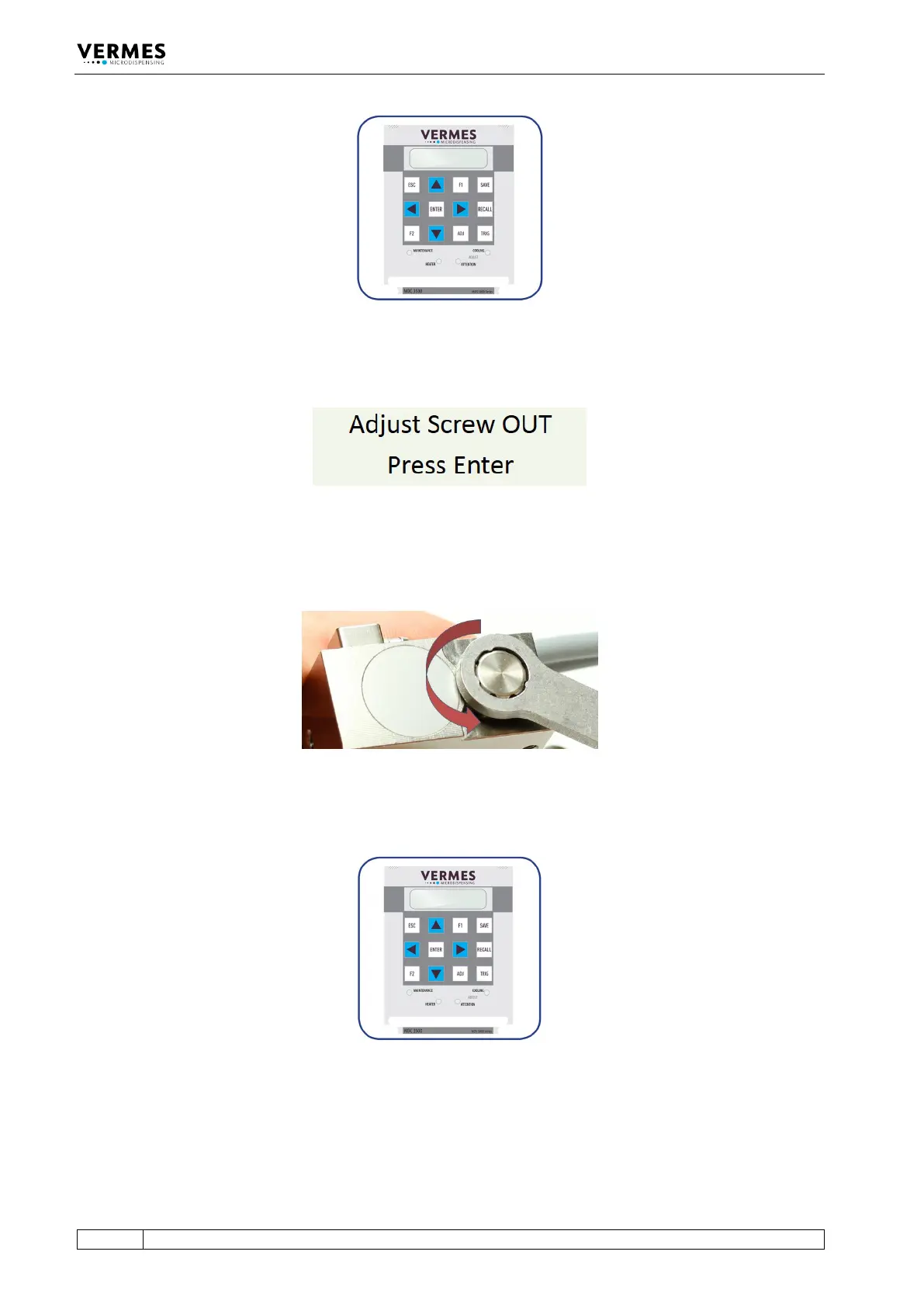
Fig. 36: Adjust – Press [ADJ]
The display shows the following message:
Fig. 37: Message Adjust Screw OUT
– Screw open the adjust screw completely (see Fig. 38; torque for screwing it open approx. 50 –
60 cN.m).
Fig. 38: Screw open adjust screw
– Afterwards press the [ENTER]-key.
Fig. 39: Adjust – Press [ENTER]
The display shows the message “500 Shots – Please Wait”. These shots help to prepare the valve
for the adjust.



 To Next Page