Operation
VTK-TR-BA-072e-1 - User Manual MDS 358X Series
7.13.1 Heater and MDC
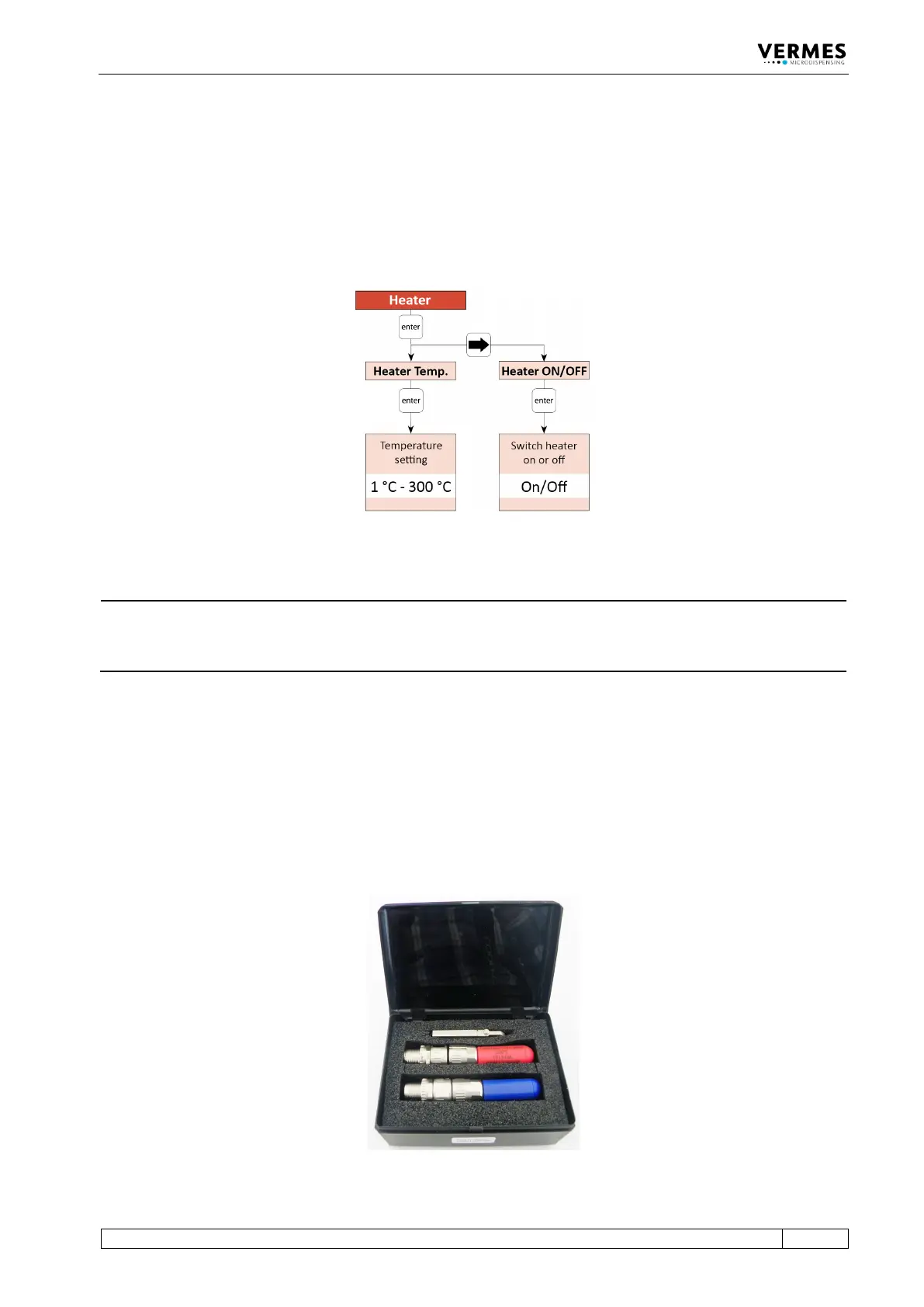
You can activate the heater via the heater submenu in the MDC menu (see picture below). Use
the [enter] and arrow keys to navigate down to the submenu “Heater” in the menu
“Cooler/Heater”. Here you can switch ON the heater (menu item “Heater ON/OFF”) and set the
temperature (menu item “Heater Temp.”). The possible temperature range depends on the
connected heater (e.g. for MDH-48-BY it lies between 10 °C and 180 °C). (Further information
about the menu of the control unit you can find in paragraph 4.5, page 27.)
Fig. 57: Submenu Heater
INFORMATION
Control heater via serial commands
The heater can also be controlled via the serial interface. The relevant commands and
information can be found in paragraph 8.1.2.2, page 88.
7.13.2 Calibration of the Heater
You should calibrate the temperature settings of your heater in regular intervals. We recommend
to do the calibration once a year. VERMES Microdispensing offers a calibrator set (Calibrator set
for MFC 3000, order no. 1015434, see Fig. 58). The set contains two calibrators for different
temperatures:
Calibrator MFC3000 – 20°C (blue, as single product order no. 1015437)
Calibrator MFC3000 – 200°C (red, as single product order no. 1015436)
Fig. 58: Calibrator Set



 To Next Page