Operation
VTK-TR-BA-072e-1 - User Manual MDS 358X Series
In the display, the message “Heater not calibrated” appears. The
display then switches between this message and the message “Press
enter”.
then
Step 5 (Second calibration is running)
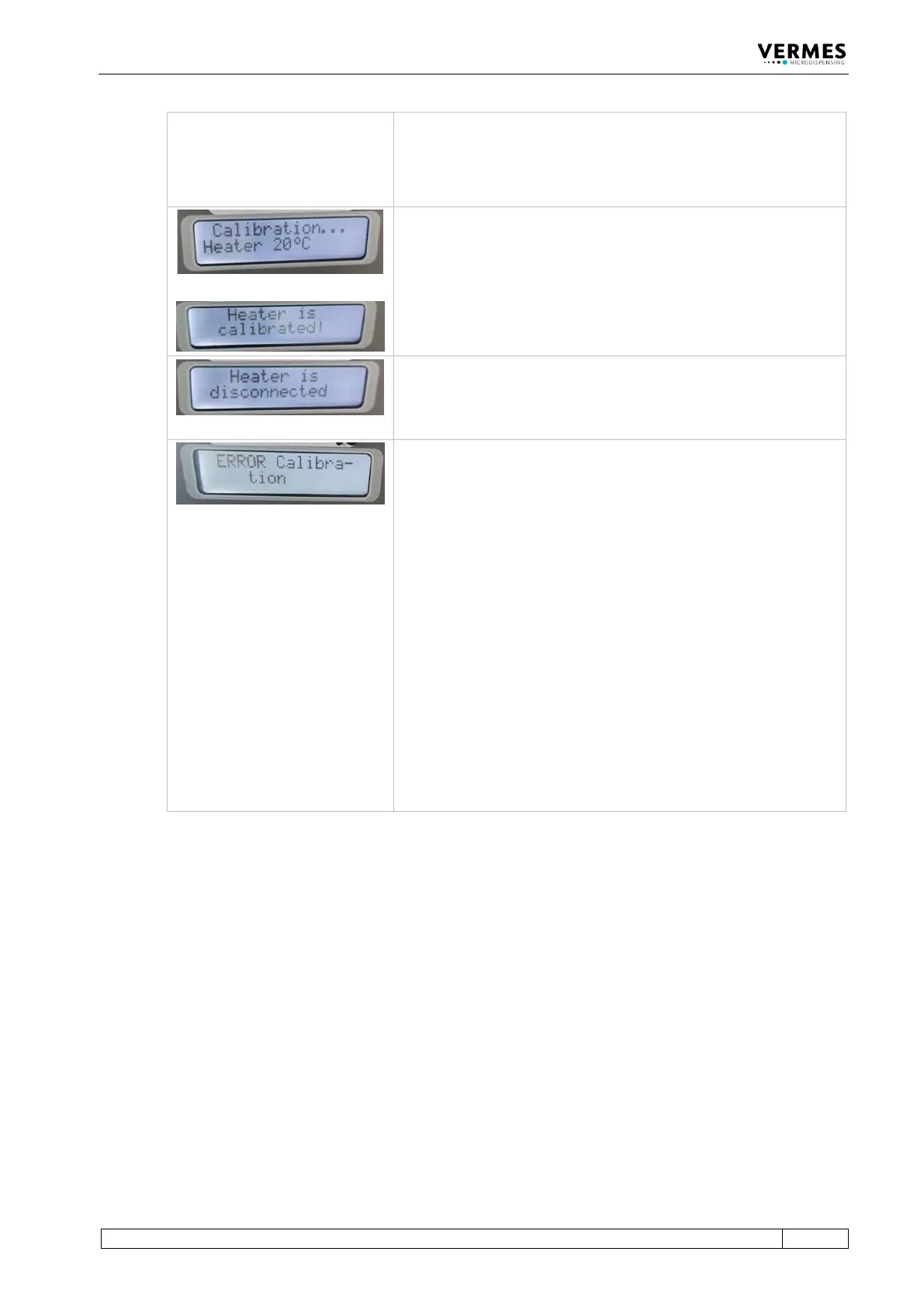
After several seconds, in the display appears the message
“Calibration … Heater 20°C”.
Wait until a new message appears: Heater is calibrated. The
calibration has been completed.
Step 6 (Calibration completed, second calibrator screwed off)
The calibration has been completed successfully. Screw off the
calibrator. In the display, you get the message “Heater is
Error during calibration
In case an error happens during the calibration, in the display
appears the message “Error Calibration” for approx. 2 s.
There can be different causes for an error, e.g.
• calibration stopped too early
• communication was interrupted
• calibrator not correctly connected
• you used the same calibrator twice
• defect at the MDC
Once you have solved the problem, you have to repeat the
complete calibration, starting at step 1.
Information!
In case of an error during the calibration, the values are set
back to the default values. You will be able to work with these
values, but the results will not be as precise as with a correctly
calibrated heater.
Tab. 26: Calibration of the heater
Once the full calibration is completed, you can proceed with the normal work at your application.



 To Next Page