Operation
VTK-TR-BA-072e-1 - User Manual MDS 358X Series
7.14 Dispensing with a Cooling Valve
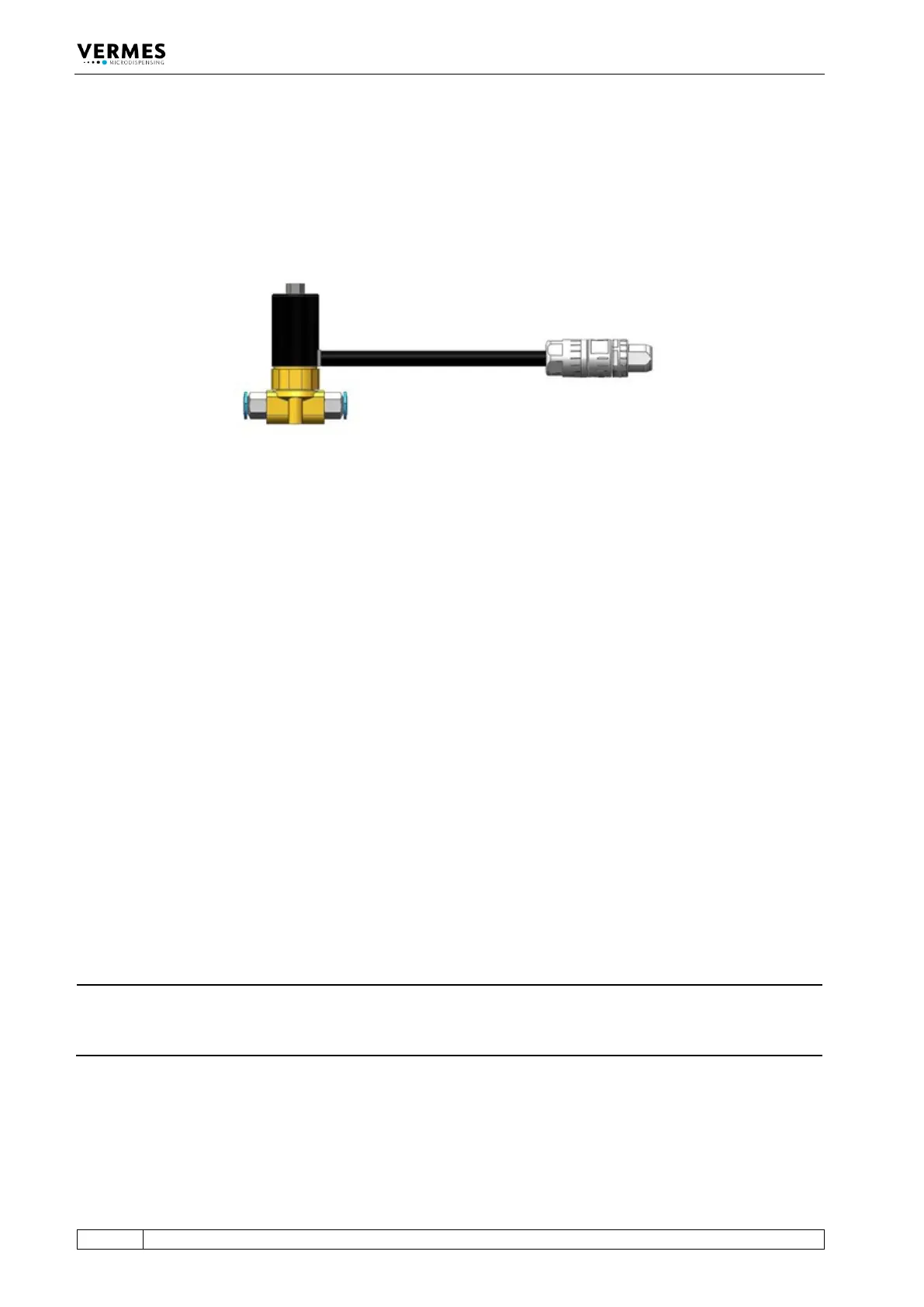
The Microdispensing System MDS 3580 can optionally be equipped with a flow control valve as a
cooling valve (meaning: to cool the microdispensing valve). One option is the FCV-AC 6.0 M12
(see Fig. 59). More detailed information about the menu, while using a cooling valve, you can
find in paragraph 4.5.3.1, page 31 and paragraph 7.14.1, page 80.
Fig. 59: FCV-AC 6.0 M12
A VERMES Microdispensing Valve works best, if the temperature inside the valves stays below a
certain limit. E.g. for the MDV 3580 this limit is at 80 °C for the actuator system and 39 °C at the
outside of the valve body. For this reason, microdispensing valves can be fitted with an air
cooling adapter (see Fig. 34, page 56).
With the MDC 3500, it is possible to control the airflow according to the temperature inside the
valve. This improves the dispensing accuracy and allows you to save compressed air costs.
To regulate the compressed air flow, the MDC controls a flow control valve, e.g. the FCV-AC 6.0
M12 (see Fig. 59). It regulates the air flow between your compressed air supply and the
microdispensing valve you want to cool.
At the same time, the MDC is connected with the sensor module of the microdispensing valve
and receives the temperature values from inside the valve. This grants the MDC the information
needed to keep the target temperature in the correct range by increasing or decreasing the
cooling airflow as necessary. You can also set a cooler offset, which creates a minimum airflow,
independent of the regulation (menu item “Cooler Offset”, see paragraph 7.14.2, page 81).
The compressed air connectors of the VERMES flow control valves are marked on one side, “1” is
“IN” and “F” is “out. These connectors have 6 mm diameter. If you want to connect the valve with
a microdispensing valve with 3 mm connectors, you need a 6 mm to 3 mm adapter.
How to mount a flow control valve for cooling the MDV, you can find in paragraph 6.3, page 49.
With the Connection Cable for FCV-AC/HF M12 to MDC, you connect the flow control valve to the
MDC (see paragraph 6.3.3.5, page 54). Information on how to connect the compressed air supply
onto the MDV and for the necessary minimum quality of the compressed air you can find in
paragraph 6.4, page 56.
INFORMATION
Cooling deactivated during the adjust
If you perform an adjust while the cooling is activated, the cooling is deactivated automatically.
After you have performed the adjust, the cooling will be automatically switched ON again.
7.14.1 Cooling and MDC
You can activate the cooling via the cooler submenu in the MDC menu (see picture below). Use
the [enter] and arrow keys to navigate down to the submenu “Cooler” in the menu
“Cooler/Heater”. Here you can switch ON the cooling (menu item “Cooler ON/OFF”), set a cooler



 To Next Page