Operation
VTK-TR-BA-072e-1 - User Manual MDS 358X Series
7.10 Factory Settings
By recalling the factory settings (implemented by the manufacturer), you return to a predefined
starting position. This is useful to start the input of a new parameter set.
These are the values contained in the factory settings:
RI = 0.50 ms, FA = 0.20 ms, OT = 2.0 ms, NL = 80 %, DL = 10.0 ms and NP = 1.
– Step 1: Press [recall].
– Step 2: [↓] immediately opens this parameter set.
– Step 3: Confirm the selection with [enter].
INFORMATION
Aborting the process
The working configuration (setup 0) is changed to the factory settings. Press [esc] to abort at any
time.
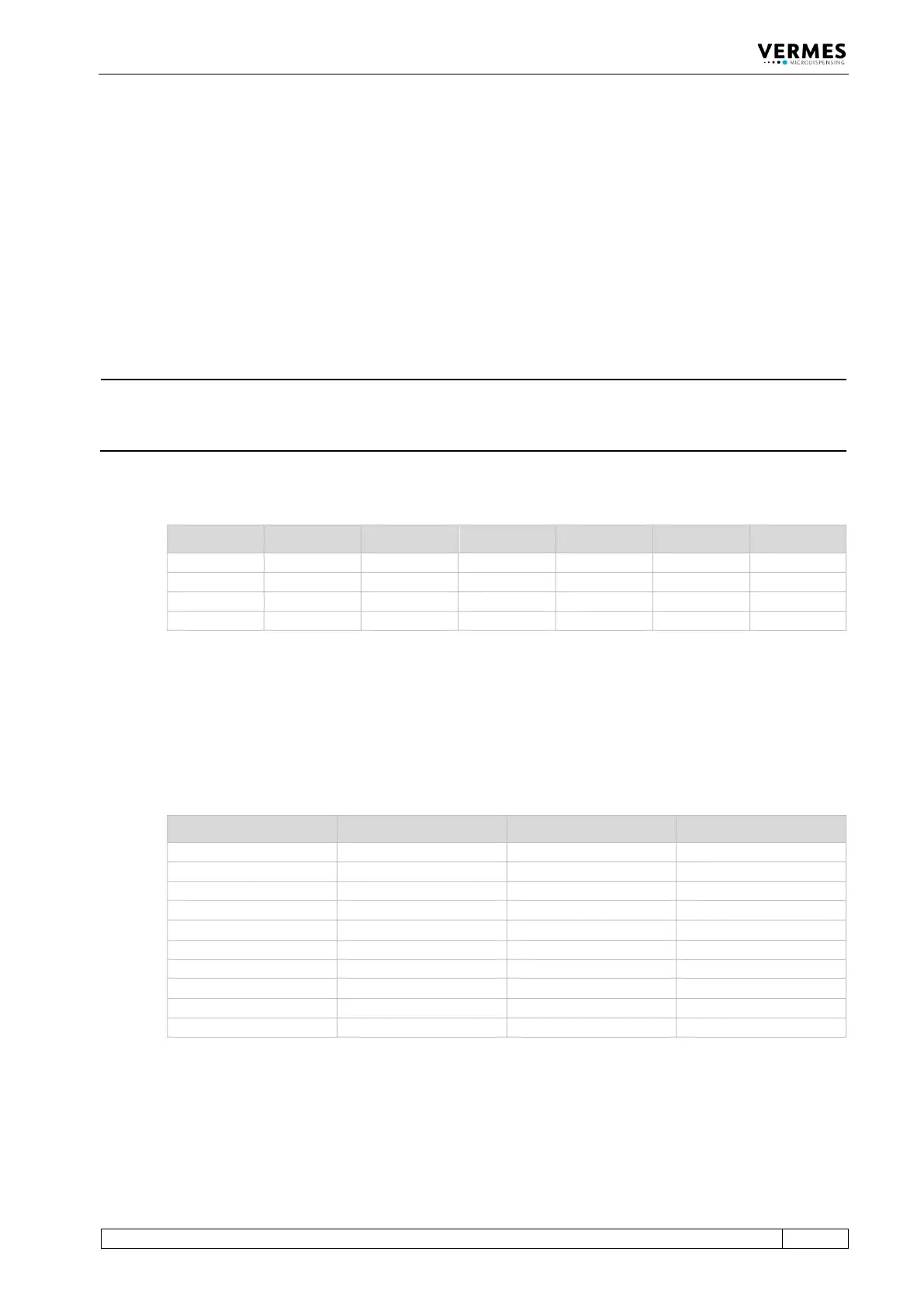
The following table lists the factory settings of the setups.
RI [ms] OT [ms] FA [ms] NL [%] NP DL [ms]
Tab. 24: Factory settings of the setups
With Setup ALL (see paragraph 4.5.6 "Submenu “Service-Option”", page 37) Setup 4 – 10 get the
same values as setup 0 (working configuration).
The factory settings for all four scenarios are the same. The PLCStop is “OFF”, the other
parameters are shown in the following table.
Sc.-Segment Setup used ScNP Sc.-Delay
Tab. 25: Factory settings of the scenarios
You can use the menu to reset changed parameters to their factory settings. Go to the submenu
“Service-Option” and press [enter] at “Service Code“. You can enter the four-digit service code
1000. Confirm it with [enter]. Now you can use the keys [←] or [→] to choose between four
options. You can either reset the setups 0 – 3, all setups, all scenarios or every parameter (“Reset



 To Next Page