Operating the iVent201 – Setting Modes and Parameters
88
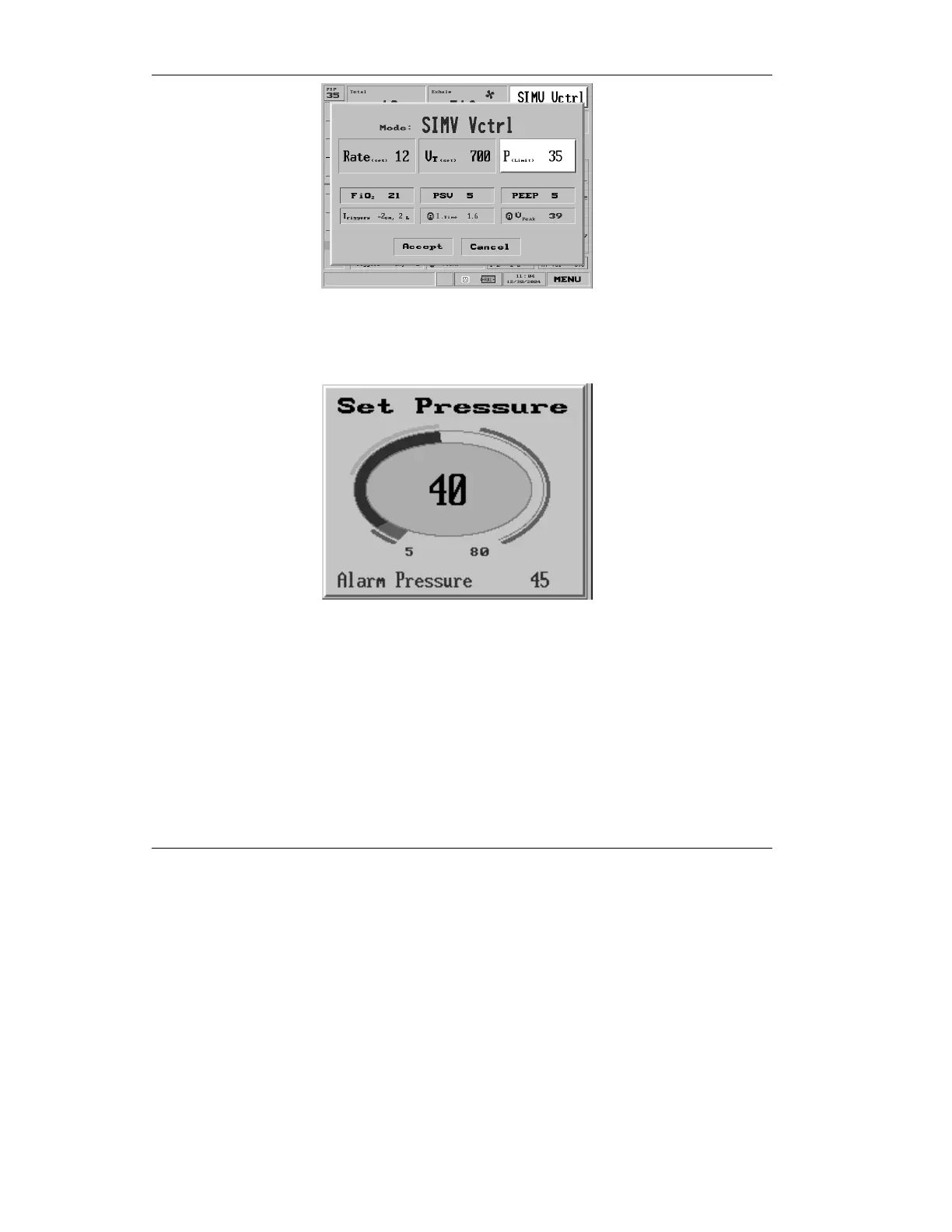
Figure 3.19 Pressure Limit shown selected on the Mode Parameters
screen
to bring up the Set Pressure pop-up.
Figure 3.20 the Set Pressure pop-up
The Set Pressure dial will allow you to change the pressure
threshold. Turn the control knob to choose the desired numeric
pressure value. The high pressure alarm is adjusted
automatically to the value P
Limit
+ 5 cmH
2
O. (It can also be set
to any desired value using the Alarm menu: see section 4.2.1.3,
page 109.)



 To Next Page