iVent201 Operator's Manual
89
Press the control knob to confirm and enter your selection. You
will be immediately returned to the previous screen, either the
Main screen or the Mode Parameters screen, with your
selection chosen.
3.3.4 Adjusting FiO
2
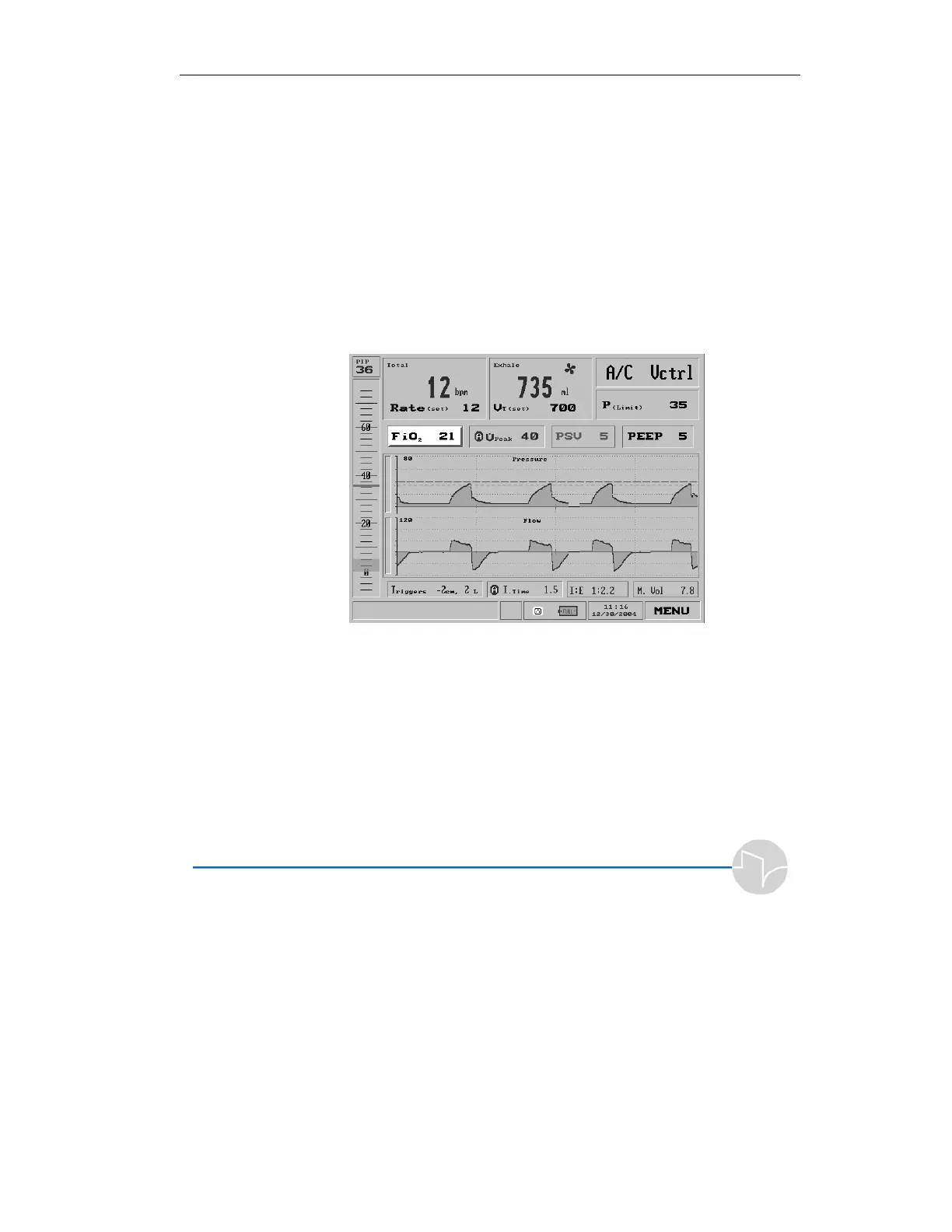
Selecting the FiO
2
setting from the top left portion of the Mai+n
screen:
Figure 3.21 FiO
2
shown selected on the Main screen
or any of the Mode Parameter screens:



 To Next Page