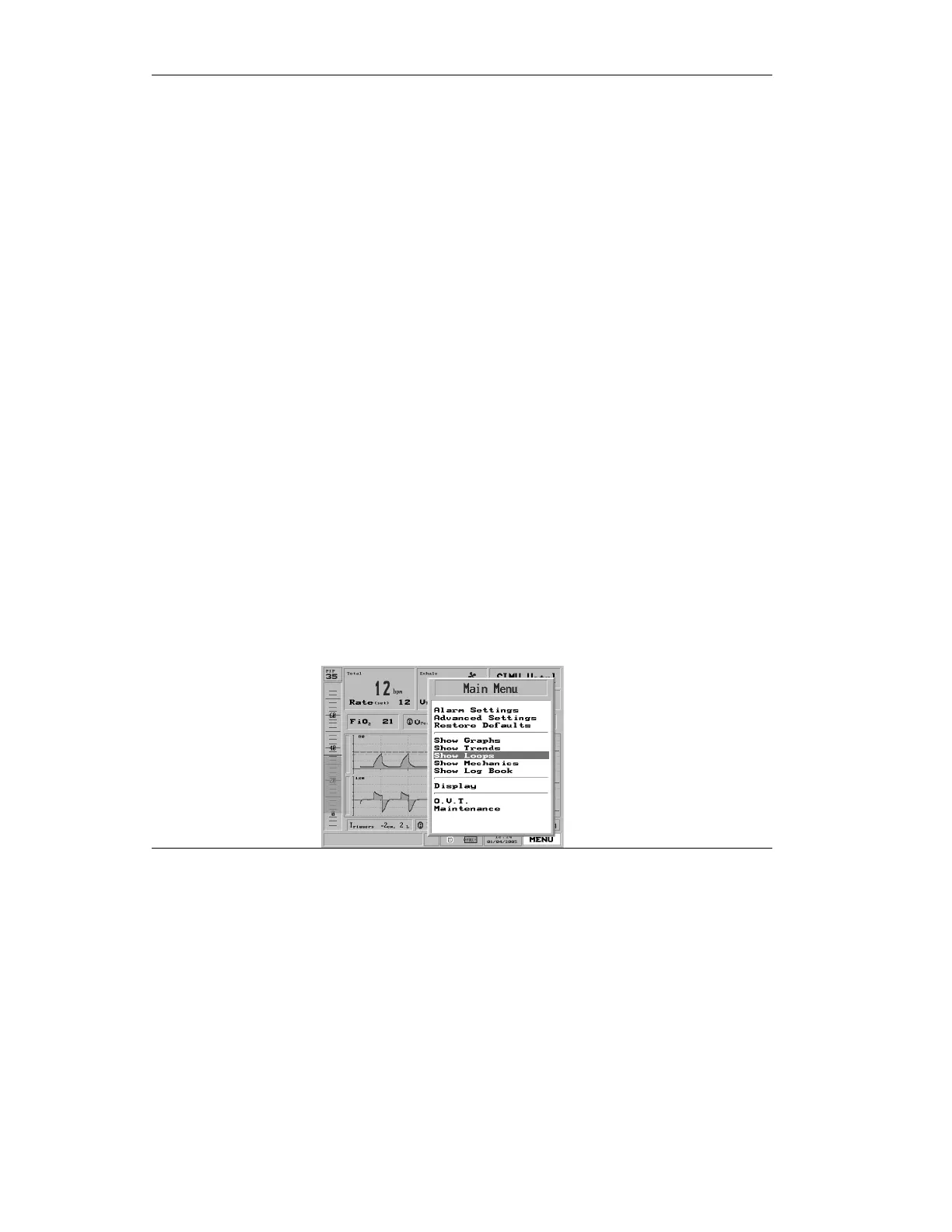
The Main Menu
170
The Zoom popup appears. Turning
the control knob will adjust the scale
of the time shown, to enable viewing
of larger or smaller-scale trends over
time.
⇒ To switch back to the default Pressure/Flow graph view
and rid the view of Trends, select Show Graphs from the
Main Menu.
4.7 Show Loops
You can view Loops four ways:
• Volume/Flow
• Pressure/Flow
• Pressure/Volume
• All three
You may select one Loop to display, or show all three Loops at
once.
To display Loops
1. Highlight the Menu box.
2. Select Show Loops



 To Next Page