iVent201 Operator's Manual
169
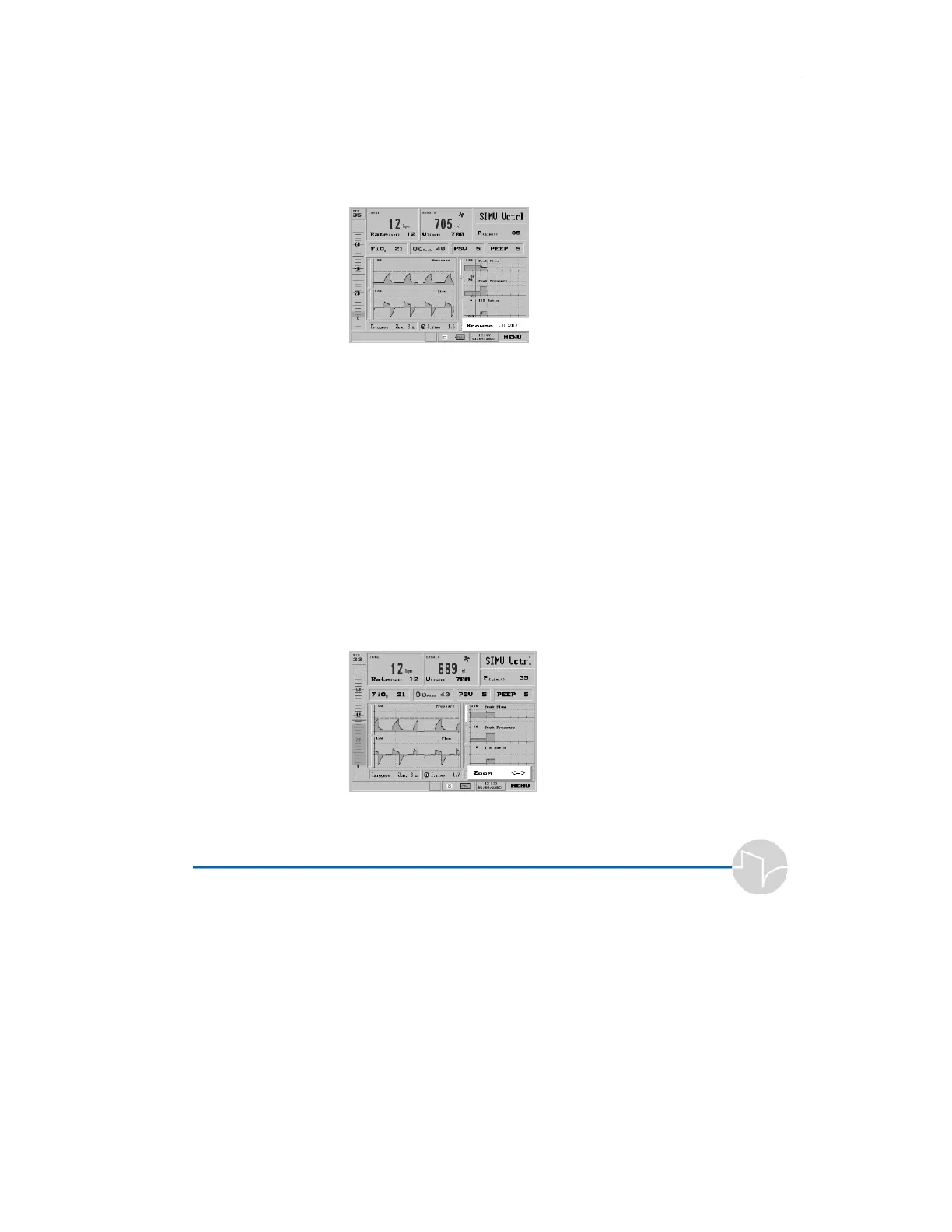
2. A small blue highlighted
window marked Browse
appears, with the time and
graph's cursor in center of the
viewable data.
Figure 4.61 The Browse Trends pop-up
Rotating the dial clockwise will move
the time cursor indicator forward;
rotating counterclockwise will move
the indicator backward along the
timeline.
3. You can change the scale of the
time coordinate on which the
Trends display. Select any of
the graphs and press the control
knob to call up the Trends
Choice bar. Select Zoom.
Figure 4.62 The Trends Choice bar, with Zoom selected



 To Next Page