iVent201 Operator's Manual
153
4.4 Restore Default Settings
To clear ALL settings and return the iVent
201
to its default
startup state, use Restore Defaults. The factory startup default
state is based on a patient weight of 70+kg, SIMV Volume
Control mode.
Warning: Restoring Defaults resets all parameters and
settings to their default.
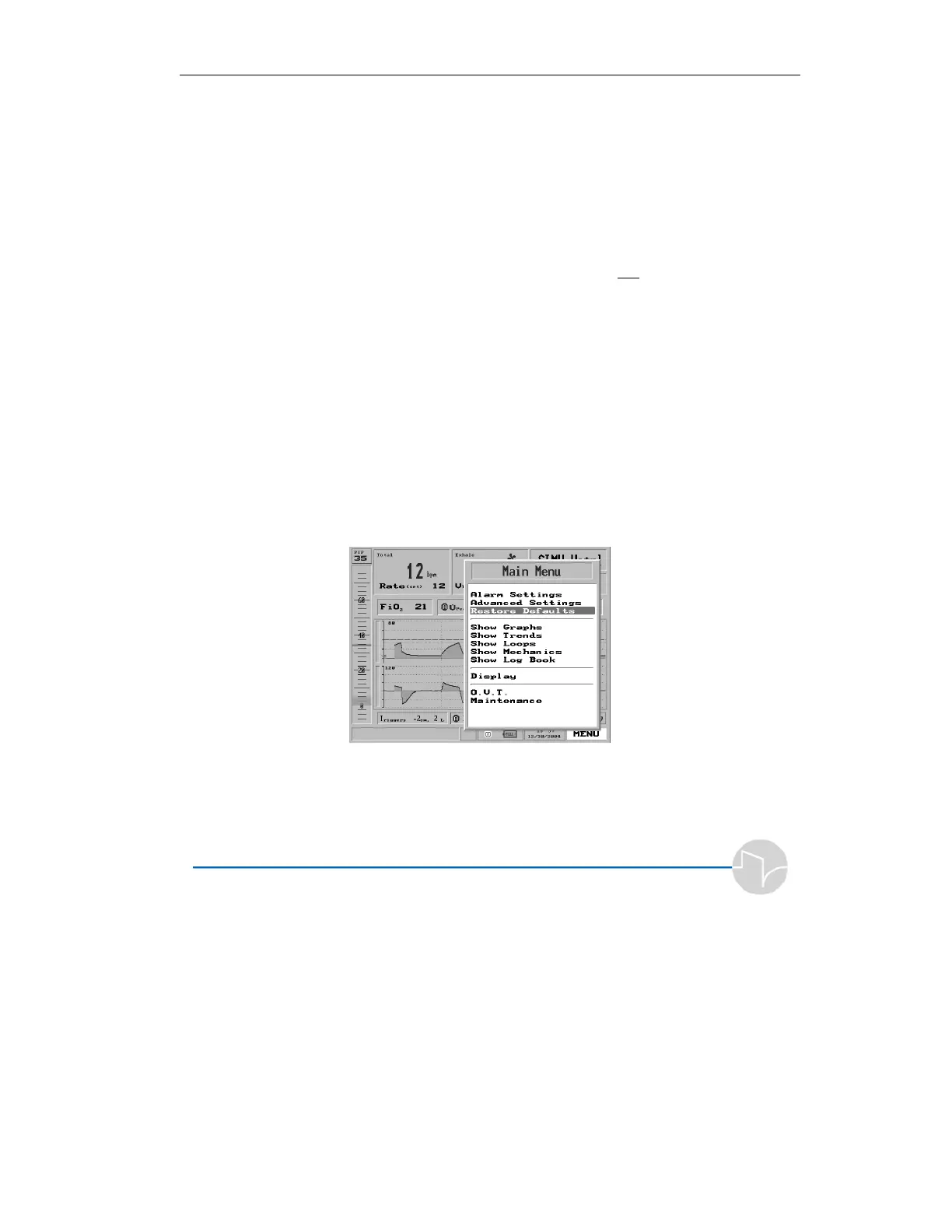
4.4.1 To Restore Defaults:
1. Click the Menu box on the Main
Screen to get the Main Menu.
2. Highlight the third item on the
Main Menu list, Restore
Defaults.
Figure 4.45 Restore Defaults highlighted on the Menu pop-up
3. Press the control knob. A large
red Warning pop-up appears:



 To Next Page