Setting Up
28
2.1 Power Connection
2.1.1 External power
The iVent
201
can use either external alternating current (AC) or
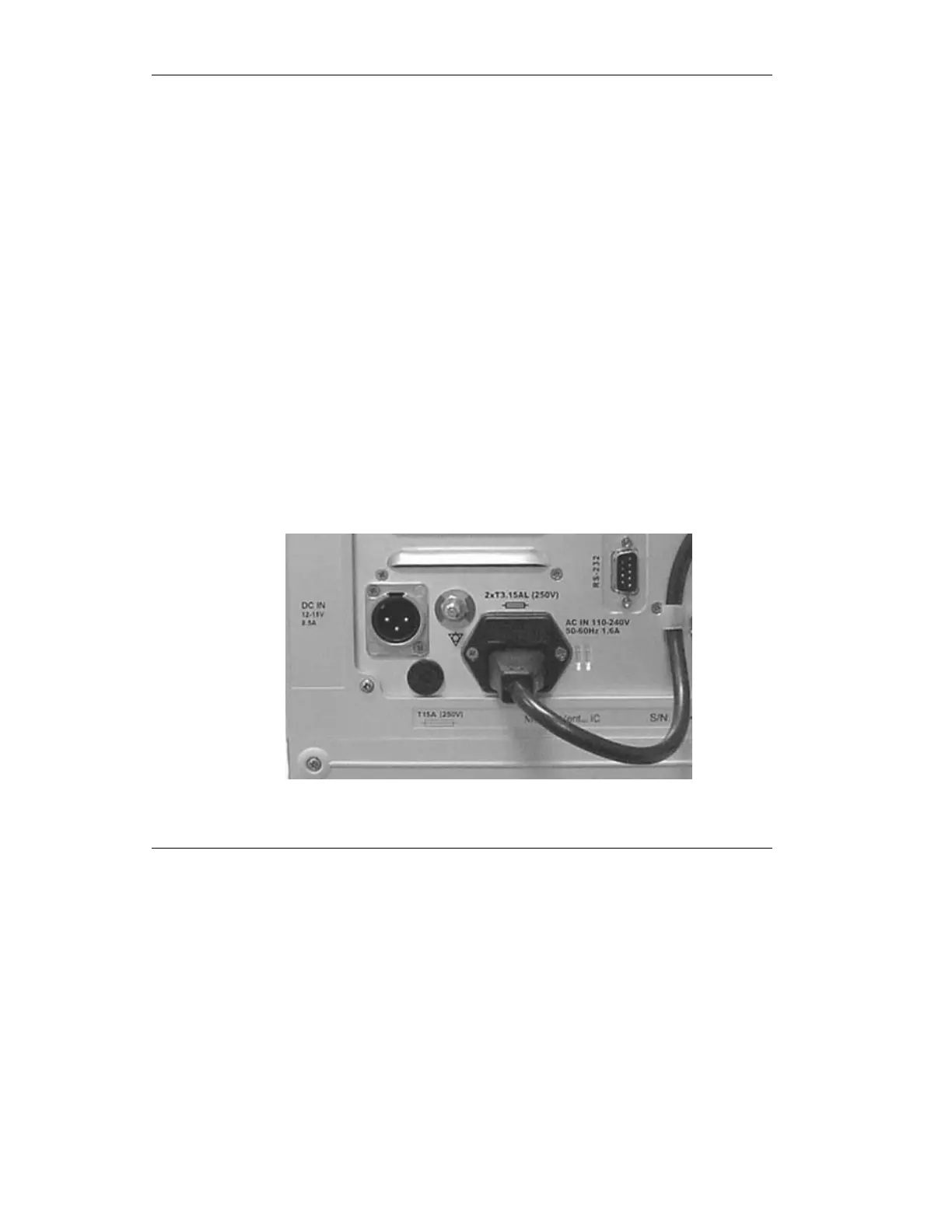
direct current (DC) power. Both AC and DC inputs are located
on the back panel of the ventilator (see Figure 2.1). A hospital
grade AC power cord is supplied.
CAUTION: Before connecting the ventilator to an AC or
DC outlet, verify that the external power supply is the
correct voltage and frequency.
NOTE: when connecting to external battery please use
VersaMed cable P/N 507A2019
Connect one end of the AC or DC cord to the ventilator and the
other to the power outlet.
WARNING: To prevent electrical shock hazards,
connect the power cord to a properly grounded power
outlet.
Figure 2.1 External AC and DC power supply sockets. The AC power
cord is connected to the power inlet and fastened with the clip.



 To Next Page