iVent201 Operator's Manual
55
2.9 Controls and Powering Up
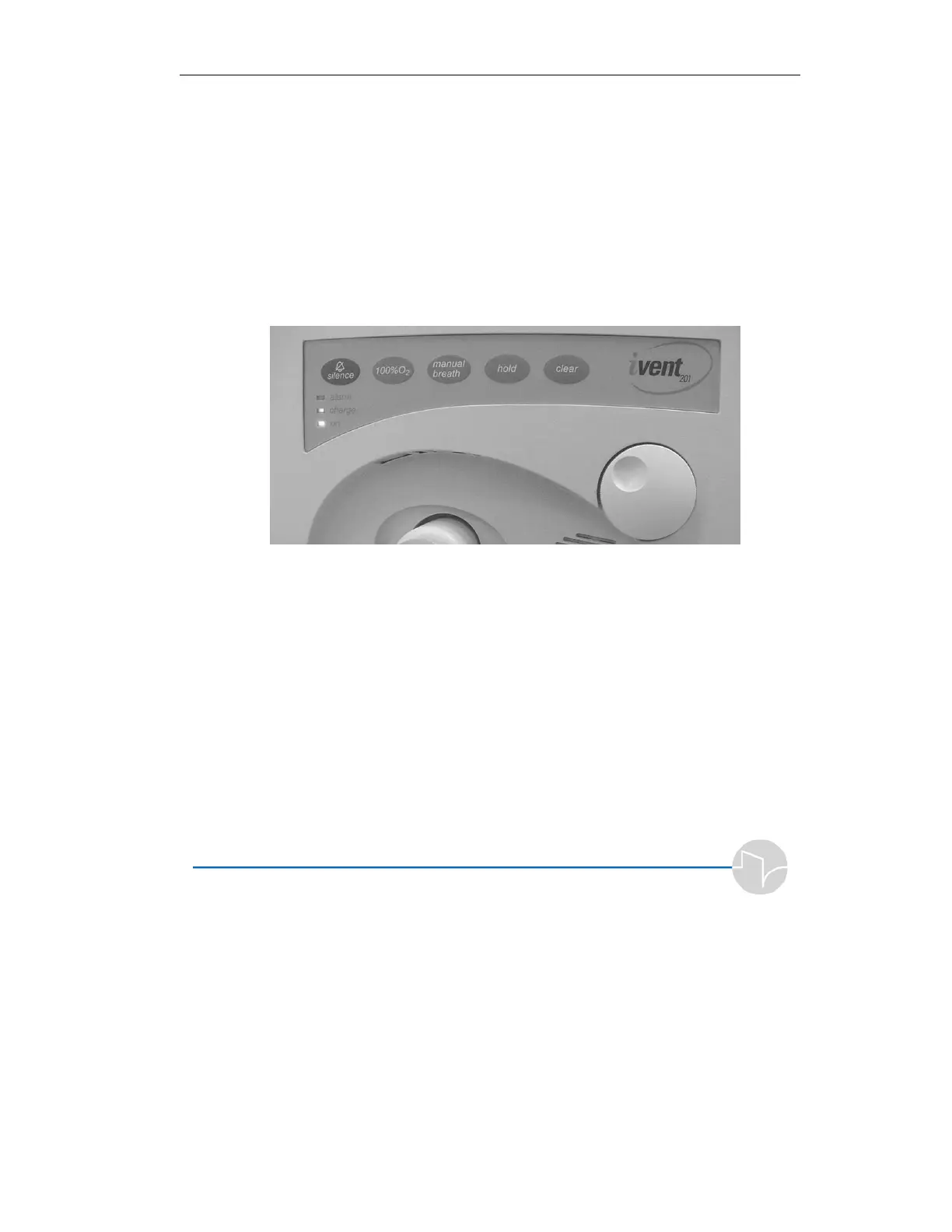
2.9.1 The Front Panel
Located above and to the right of the ventilator outlet, the
rotational control knob allows control of and access to all the
ventilator functions via the LCD screen. Turning the knob will
change a value, or move through a menu screen or through a
roster of choices. Press the knob and the iVent
201
will respond
Figure 2.20 The iVent
201
front panel
with a tactile click and audible feedback – to select or confirm a
choice, or to access another menu. Where a numeric value is
required, selection is as simple as rotating the dial to move a
virtual slider bar, spin button, or counter, in increments
calibrated precisely along the full range of values. In some
settings menus, one press of the knob is enough to instantly
select or confirm a value, then immediately return you to the
previous screen.
Five dedicated keys are positioned below the LCD:



 To Next Page