iVent201 Operator's Manual
283
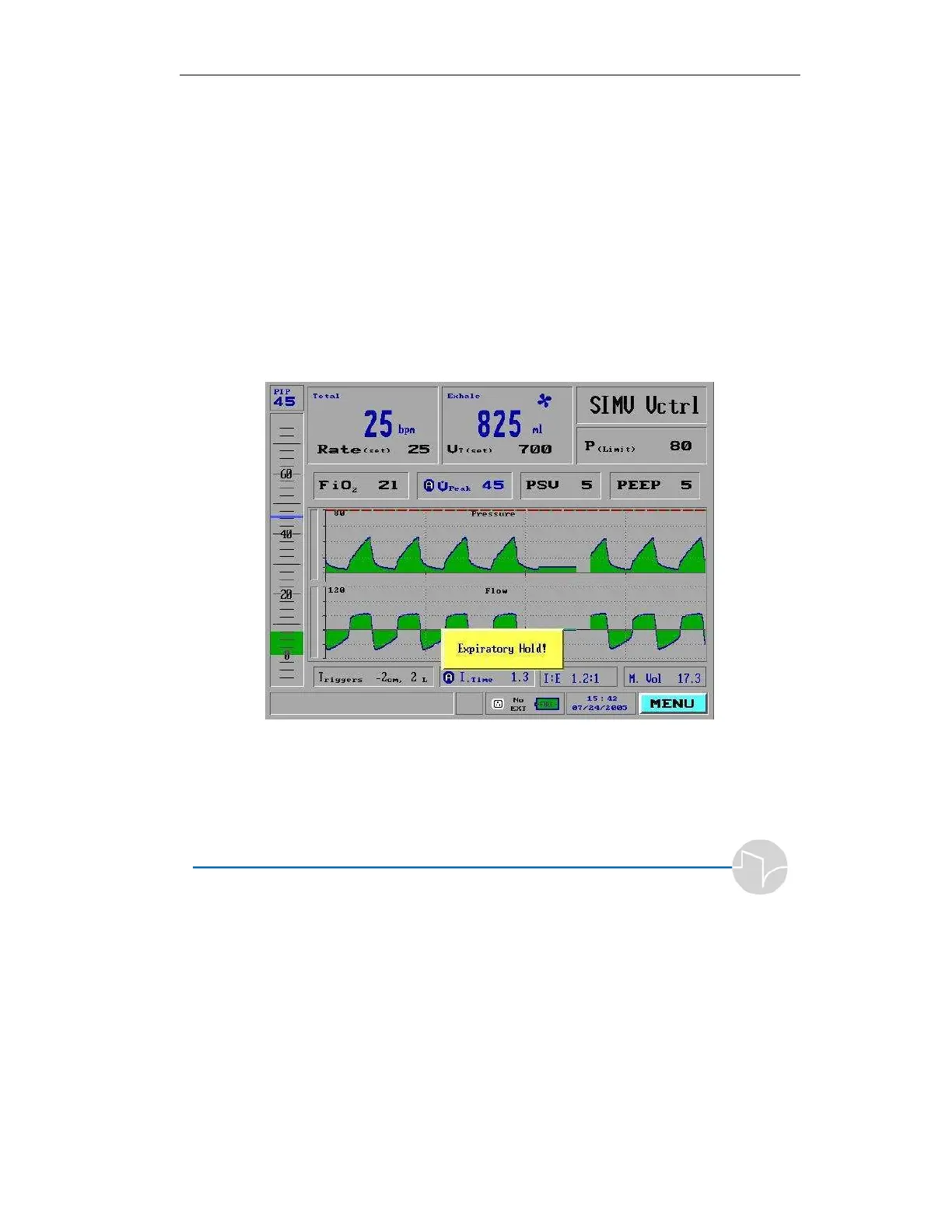
F.3.1 Performing and End Expiratory Hold
Maneuver
To initiate an end expiratory hold maneuver, press the “hold” button on
the front panel twice in succession. After the next breath the expiratory
phase will be prolonged and an intrinsic (Auto) PEEP measurement will
be made. If the hold button is pressed again or or Clear is pressed at any
point in the breath or while the hold maneuver is taking place, the end-
expiratory hold is suspended.



 To Next Page