iVent201 Operator's Manual
87
Periodically, the iVent
201
will send a
puff of high-pressure air through the
sensor lines to clean them. You can
set the purging interval through the
Advanced Menu (see section 4.3.6,
page 141). This icon indicates that the
sensor lines have just been purged.
3.3.3 Adjusting Pressure Limits in Volume
Control Ventilation Modes
When the iVent
201
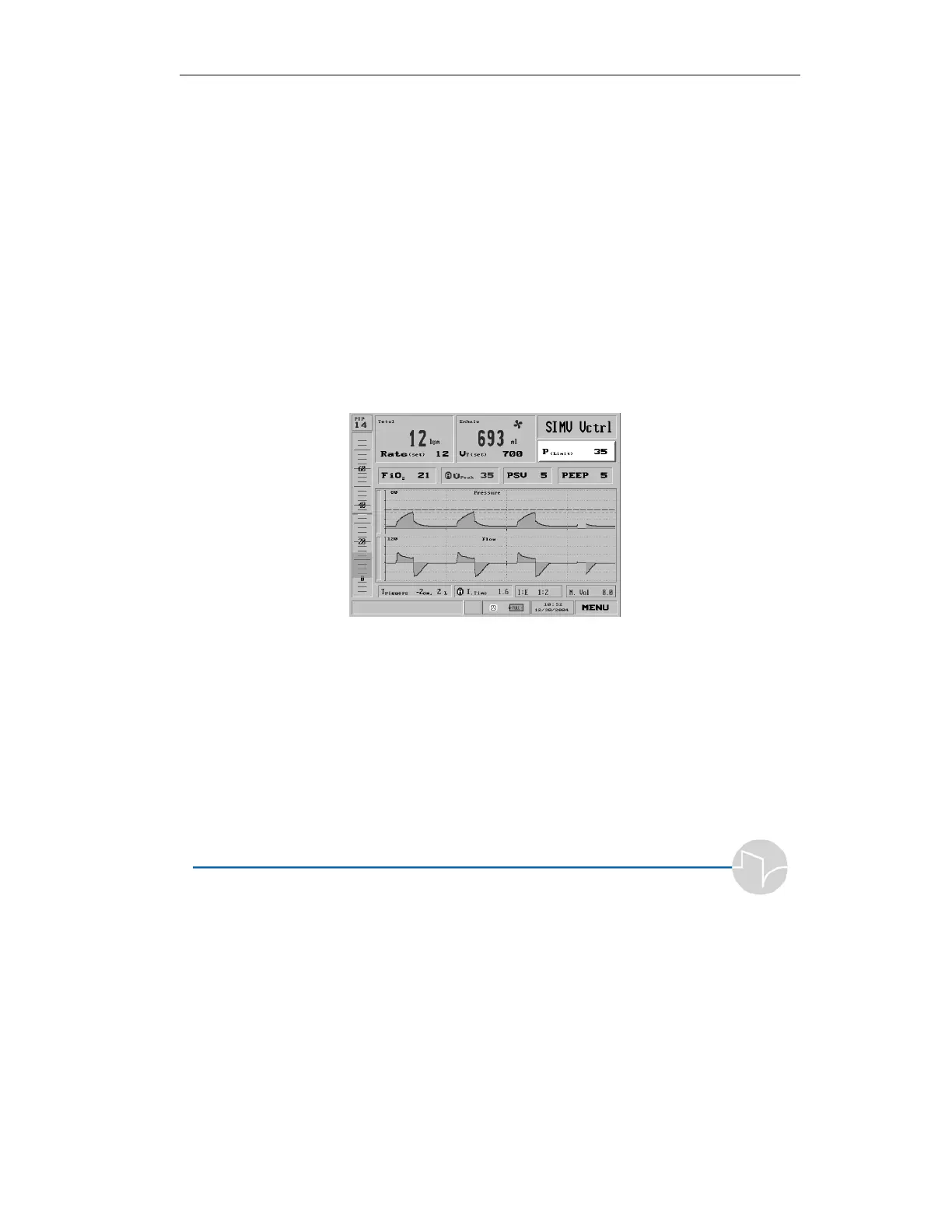
is in a Volume Control ventilation mode, to adjust the
cutoff pressure or P(Limit), select the box in the top right corner of the
Main screen, below the Mode Selection (in Pressure control modes the box
becomes P
(insp)
):
Figure 3.18 Pressure Limit shown selected on the Main screen
or the Mode Parameters screen:



 To Next Page