The Main Menu
174
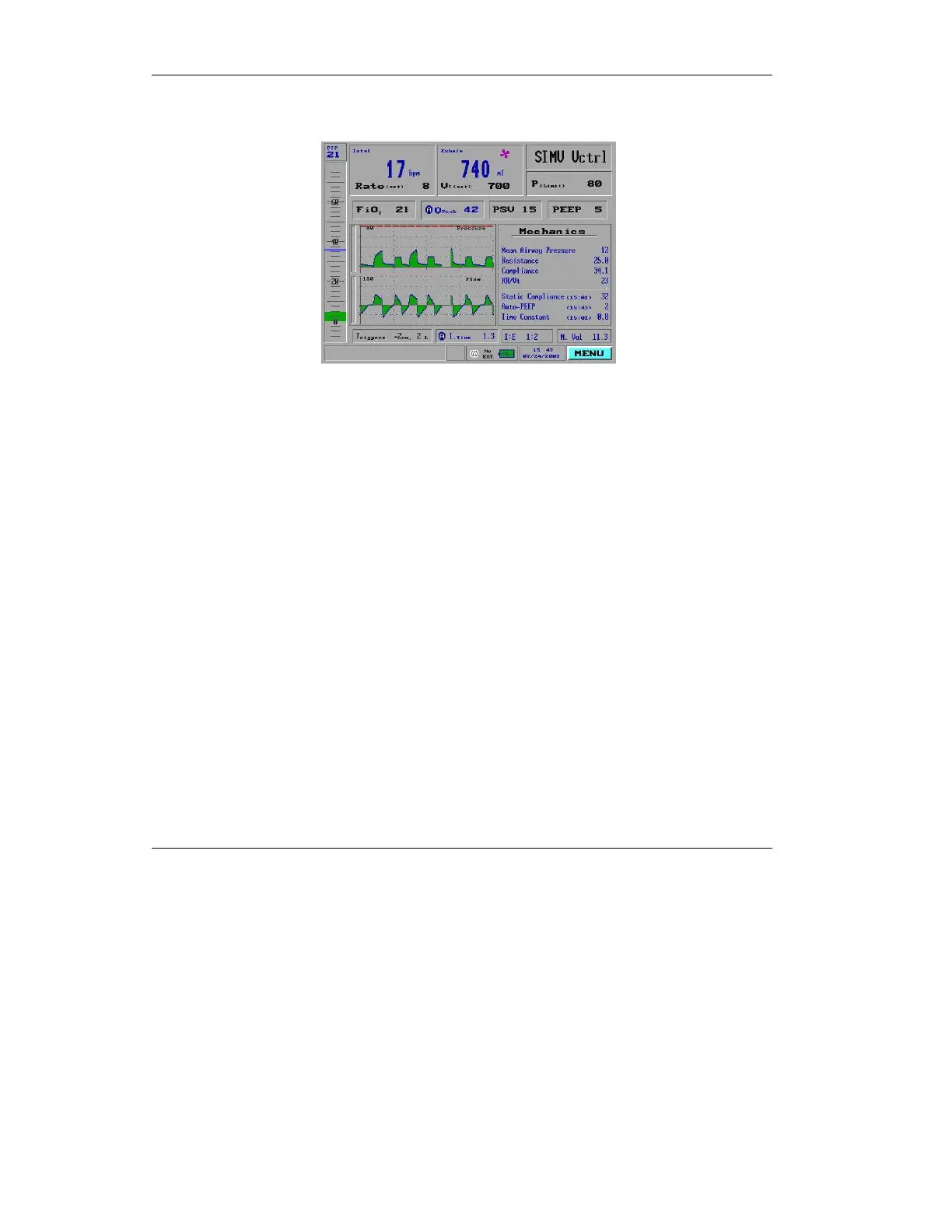
Press the knob. The right section of the screen will show the
seven numeric values:
Figure 4.68 The Mechanics window
4.9 Show Log Book
Beginning each time it is powered up, every time the ventilator
enables a setting, sounds an alarm, or an operator makes an
adjustment to the iVent
201
,
an entry is noted in the Log Book.
The iVent
201
retains up to 1500 events in its memory, of which
up to 300 may be accessed from the Log Book function of the
Main menu.
To call up the Log Book:
1. Highlight the Main menu
selection box in the bottom right
corner of the screen and press.
2. Turn the control knob to select
Show Log Book from the Main
menu. Press the knob to bring
up the Log Book.



 To Next Page